Templates · Form and input screens
Music app form and input screens
32 form screens from 18 music app templates, each in its own design language. Music apps are led by artwork: covers, waveforms and a player that stays in reach while you browse.
The examples
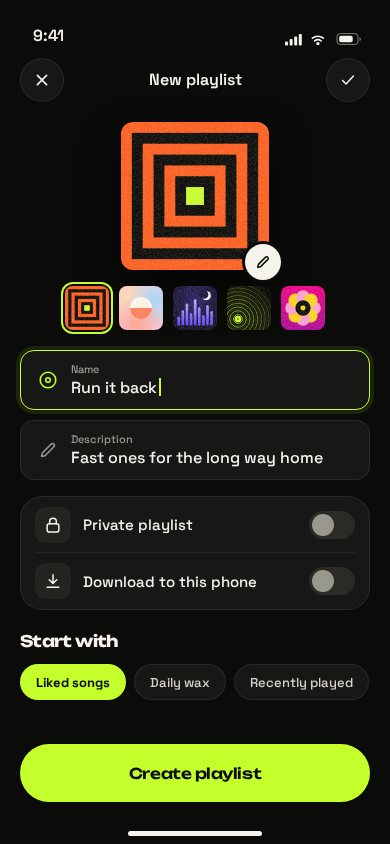 Wax New playlist: Music streaming, Dark-first, dark
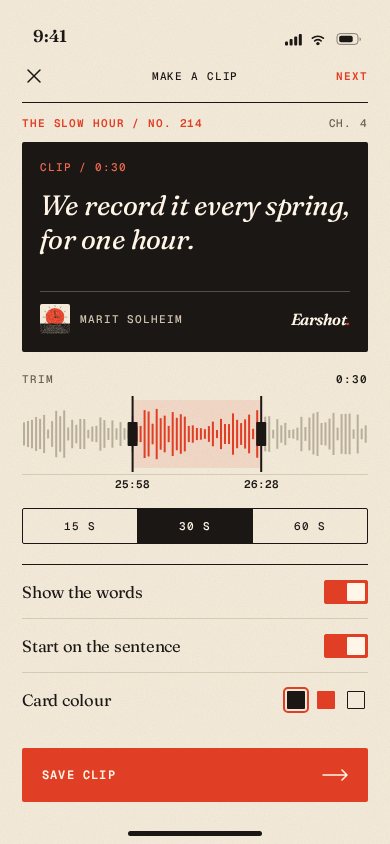 Earshot Make a clip: Podcast player, Minimal
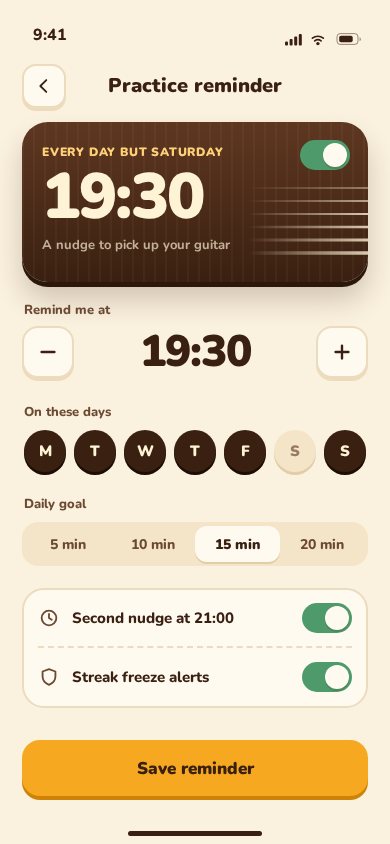 Strum Practice reminder: Learn guitar, one chord at a time, Playful
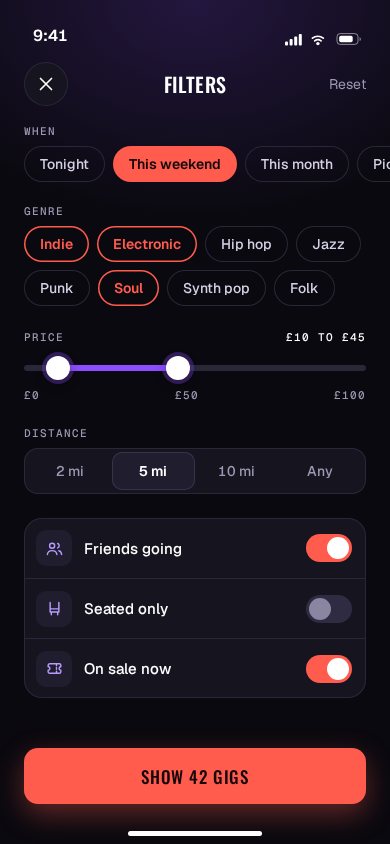 Gigly Filters: Gig and festival tickets, Gen Z, dark
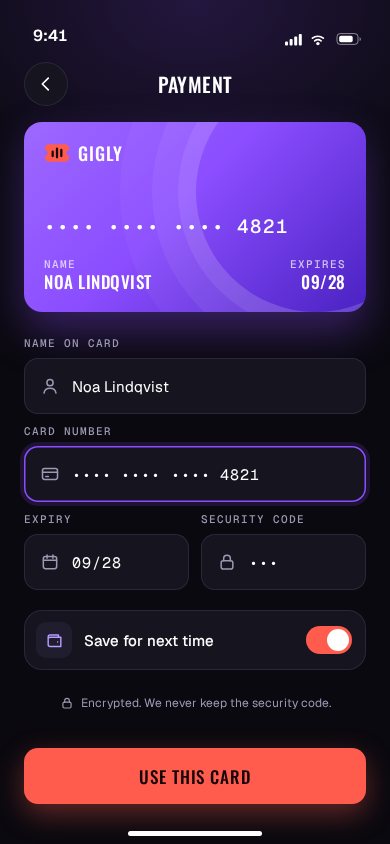 Gigly Payment: Gig and festival tickets, Gen Z, dark
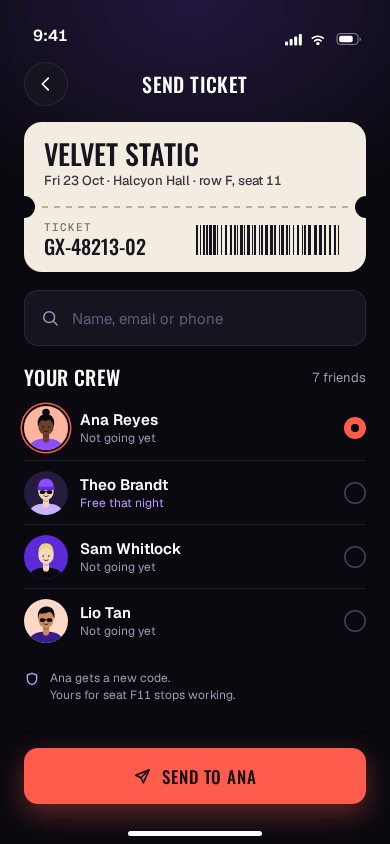 Gigly Send ticket: Gig and festival tickets, Gen Z, dark
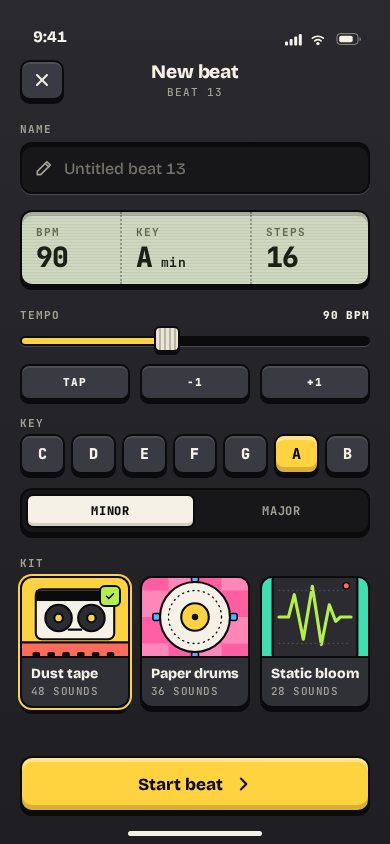 Padd New beat: Beat maker, Neubrutalism, dark
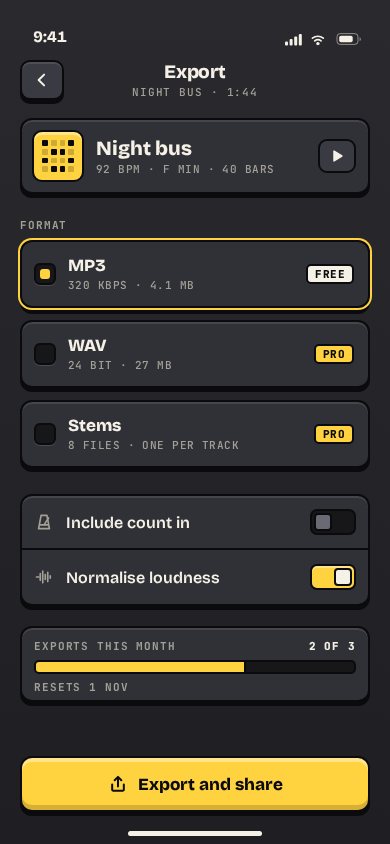 Padd Export: Beat maker, Neubrutalism, dark
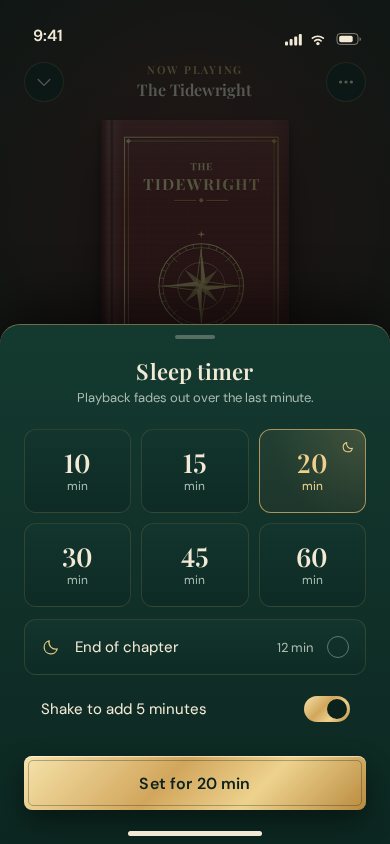 Aria Sleep timer: Audiobook library, Luxury, dark
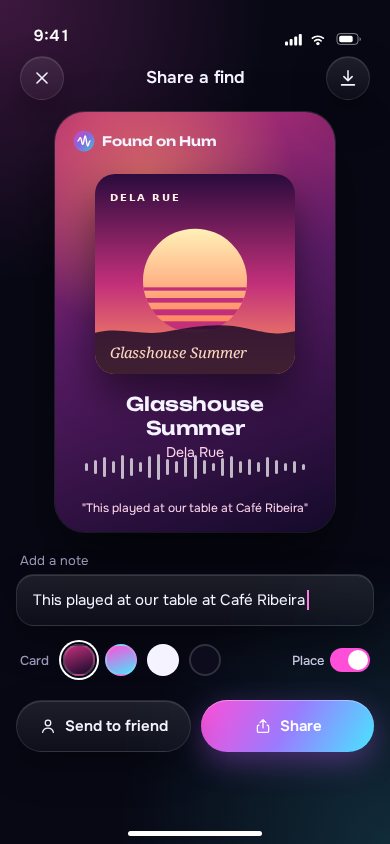 Hum Share: Song recognition, Glass, dark
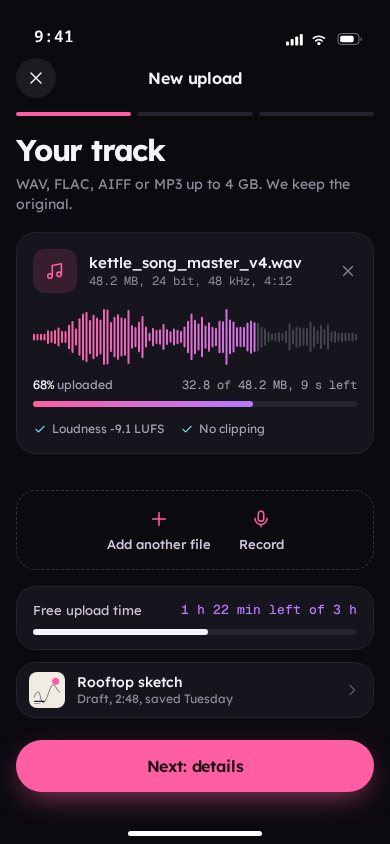 Riff Upload: Upload and discover new tracks, Dark-first, dark
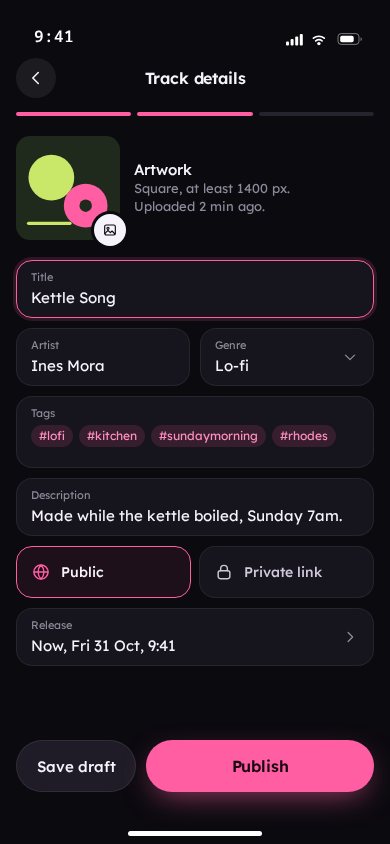 Riff Track details: Upload and discover new tracks, Dark-first, dark
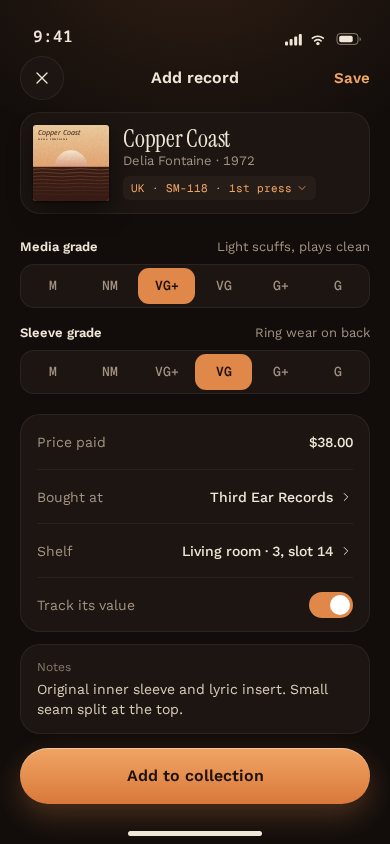 Groove Add record: Vinyl collection and crate digging, Luxury, dark
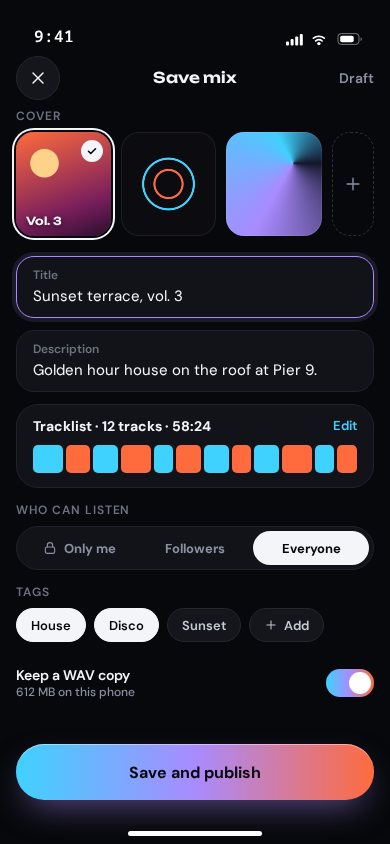 Crossfade Save mix: DJ mixing on the go, Dark-first, dark
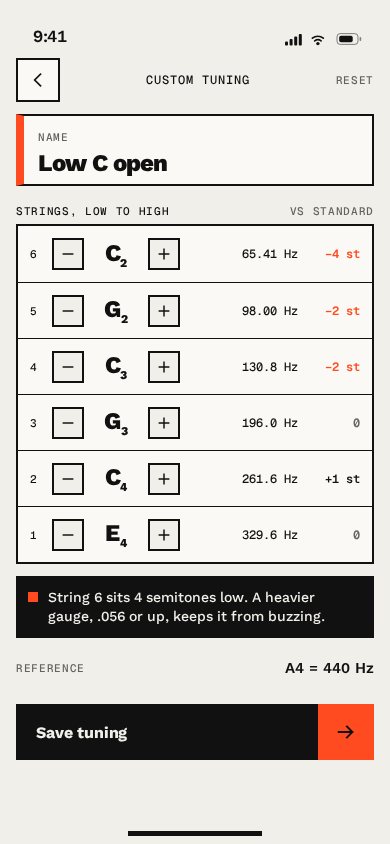 Fork Custom tuning: Tuner and metronome, Brutalist
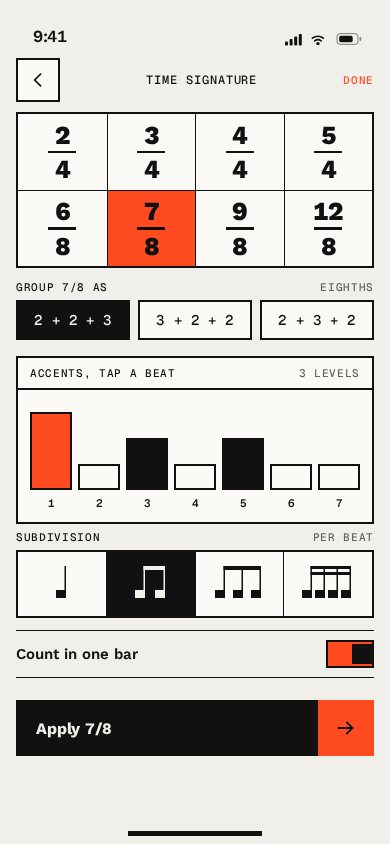 Fork Time signature: Tuner and metronome, Brutalist
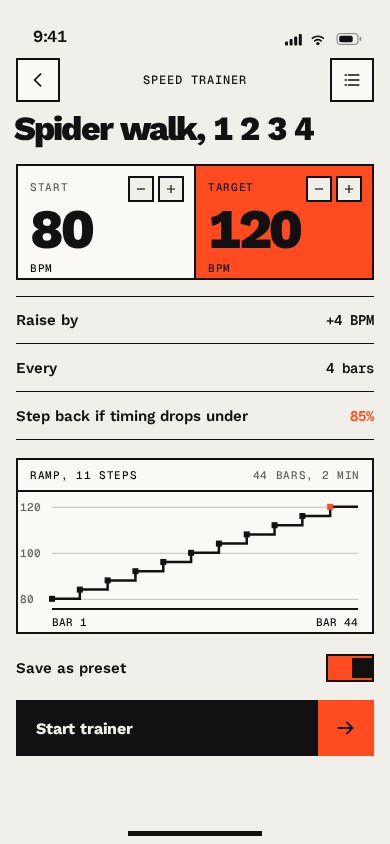 Fork Speed trainer: Tuner and metronome, Brutalist
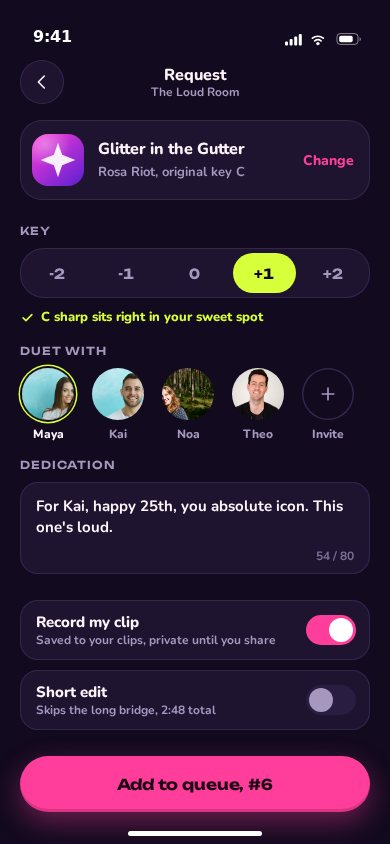 Belt Request: Karaoke nights, Gen Z, dark
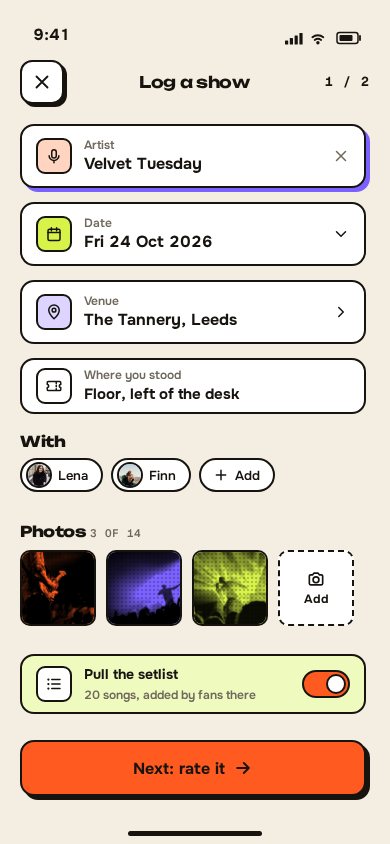 Crowd Log a show: Concert diary and setlists, Neubrutalism
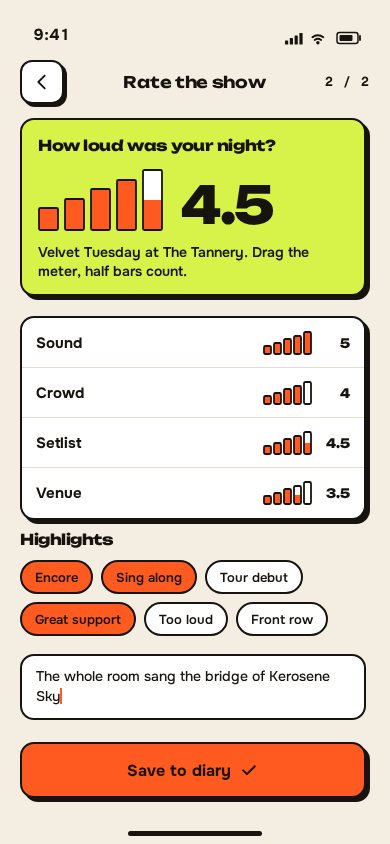 Crowd Rate the show: Concert diary and setlists, Neubrutalism
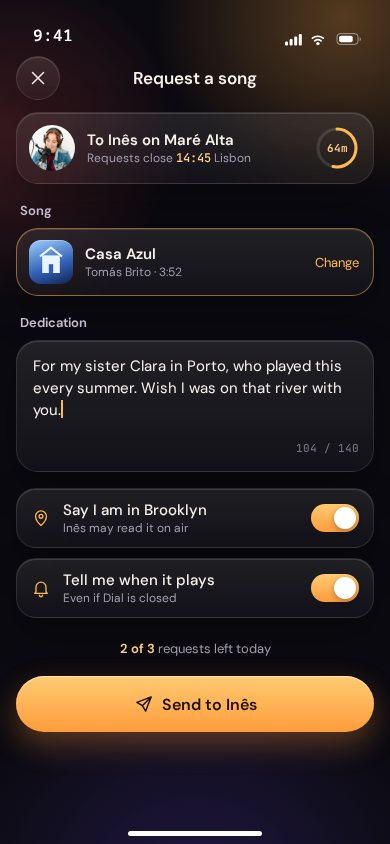 Dial Request: Internet radio from everywhere, Glass, dark
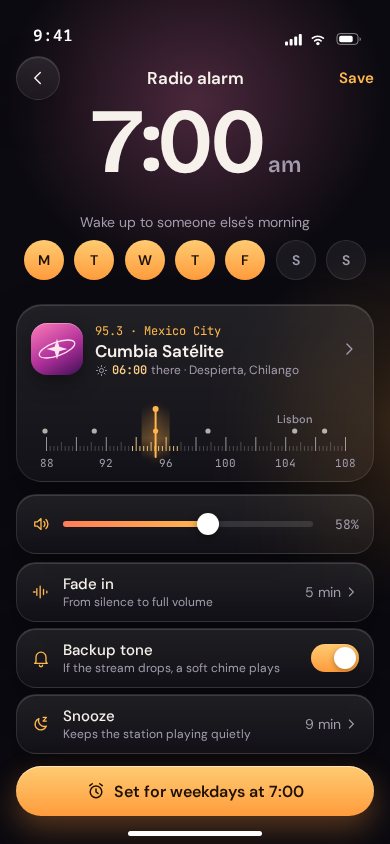 Dial Radio alarm: Internet radio from everywhere, Glass, dark
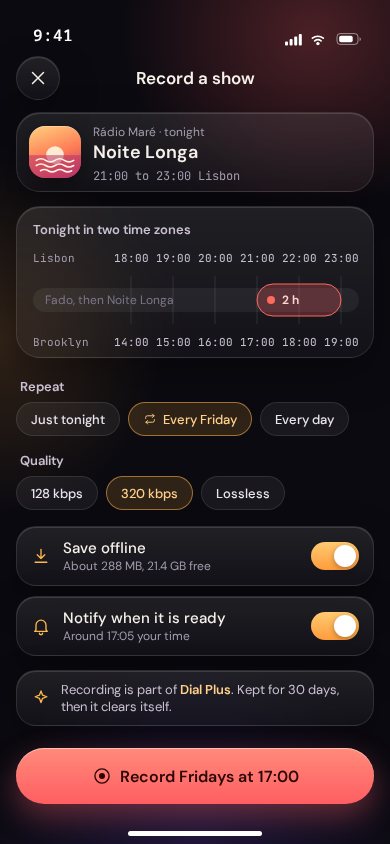 Dial Record: Internet radio from everywhere, Glass, dark
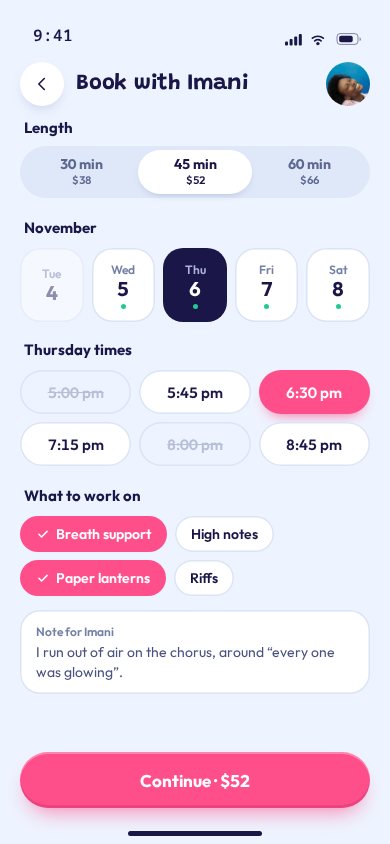 Chorus Book a session: Singing lessons and pitch training, Playful
- Verse Write: Songwriting notebook, Minimal
- Verse Chords: Songwriting notebook, Minimal
- Verse Capture: Songwriting notebook, Minimal
- Verse Co-write: Songwriting notebook, Minimal
- Masters Withdraw: Royalties and streams for artists, Enterprise
- Masters New release: Royalties and streams for artists, Enterprise
- Sonata Build a series: Concert hall season and tickets, Clinical
- Sonata Exchange: Concert hall season and tickets, Clinical
What makes a good music app form screen
- Ask only what you need. Every field is a reason to stop. Remove optional fields or move them to later.
- Labels above fields. Visible labels stay readable while people type; placeholder-only labels disappear.
- Use the right keyboard and input. Number pads for amounts, email keyboards for email, pickers for dates and autofill for addresses and codes.
- Validate as people go. Show problems next to the field when people leave it, in words that say how to fix them.
- Keep the main button reachable. Above the keyboard or fixed at the bottom, with a label that says what happens.
- Save progress. Keep what people typed if they leave the screen, get a call or the app closes, especially on long forms and messages.
The full form screen guide: layouts, mistakes and questions
Form and input screens in other kinds of app
- Productivity app form and input screens (175)
- Lifestyle app form and input screens (140)
- Finance app form and input screens (118)
- Social app form and input screens (87)
- Travel app form and input screens (81)
- Food app form and input screens (74)
- Fitness app form and input screens (66)
- Education app form and input screens (53)
- Smart home app form and input screens (50)
- Sports app form and input screens (41)
Other music app screens
- Music app onboarding screens
- Music app sign in and sign up screens
- Music app home screens
- Music app search and explore screens
- Music app list and feed screens
- Music app detail screens
- Music app booking and checkout screens
- Music app paywall screens
- Music app success and confirmation screens
- Music app profile screens
- Music app settings screens
- Music app dashboard and stats screens
- Music app player, camera and editor screens
- Music app live tracking screens