Templates · Live tracking screens
Music app live tracking screens
10 live tracking screens from 9 music app templates, each in its own design language. Music apps are led by artwork: covers, waveforms and a player that stays in reach while you browse.
The examples
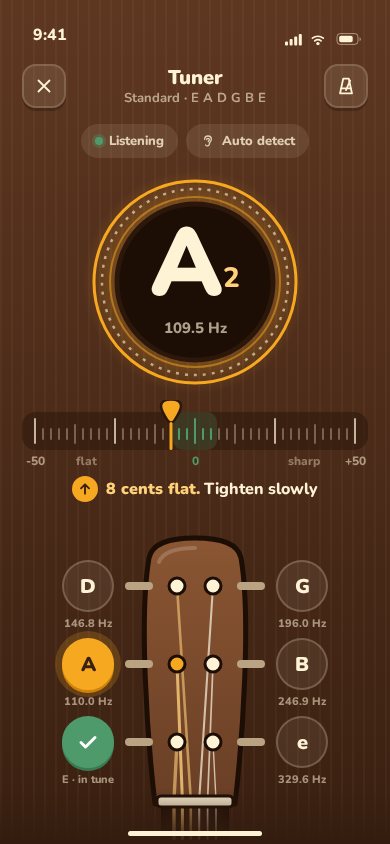 Strum Tuner: Learn guitar, one chord at a time, Playful
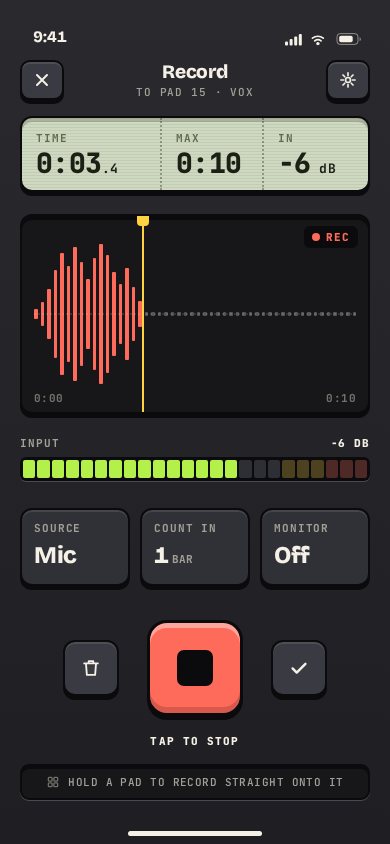 Padd Record: Beat maker, Neubrutalism, dark
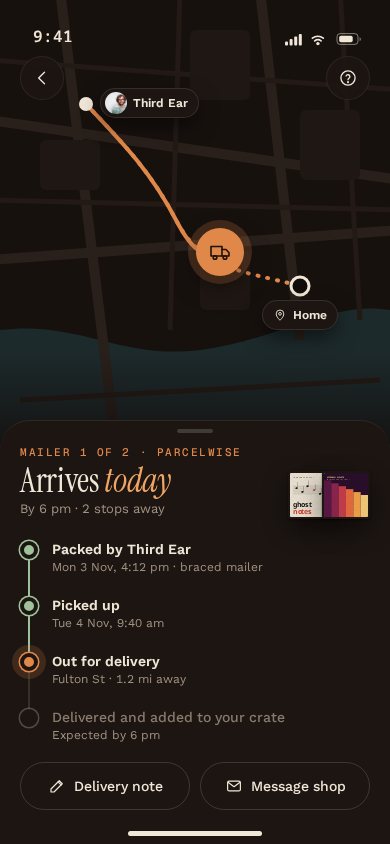 Groove Shipment: Vinyl collection and crate digging, Luxury, dark
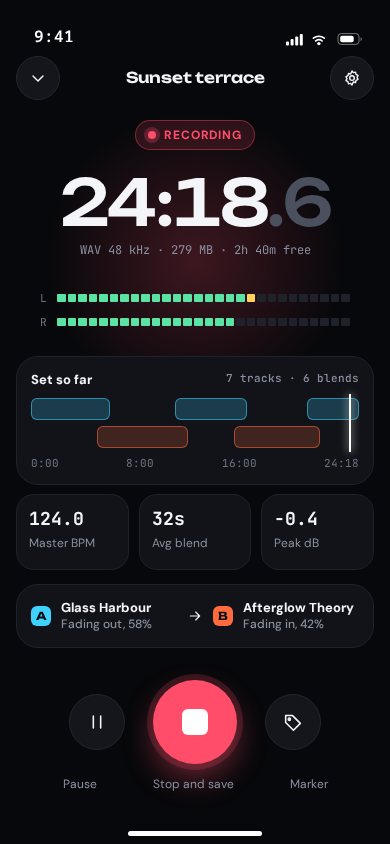 Crossfade Recording: DJ mixing on the go, Dark-first, dark
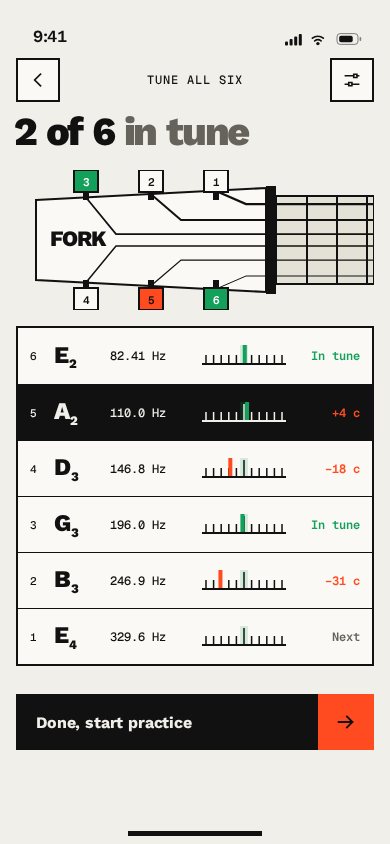 Fork Strings: Tuner and metronome, Brutalist
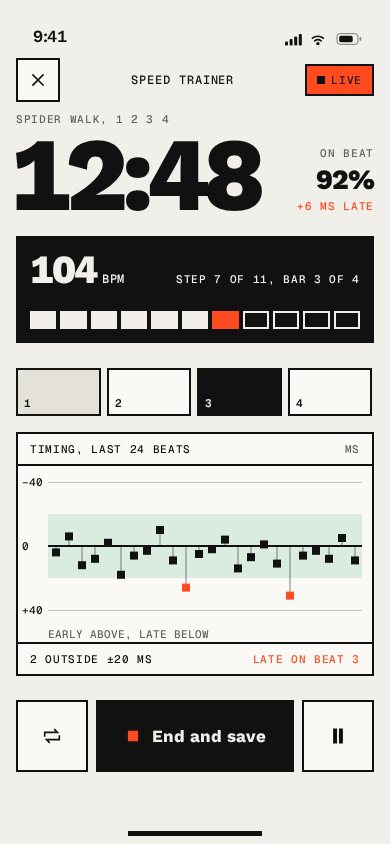 Fork Practice: Tuner and metronome, Brutalist
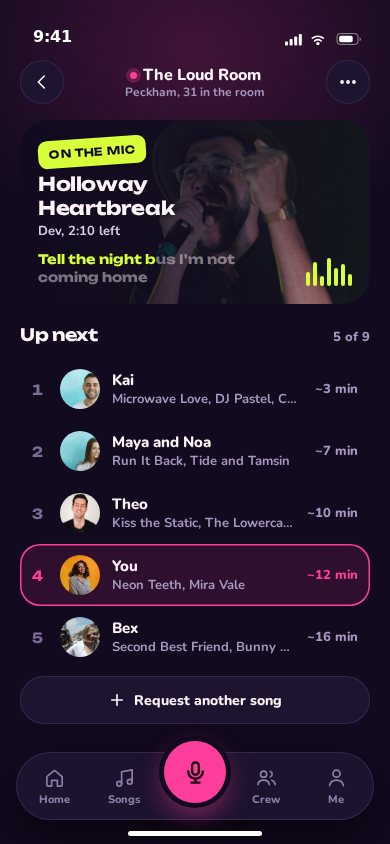 Belt Queue: Karaoke nights, Gen Z, dark
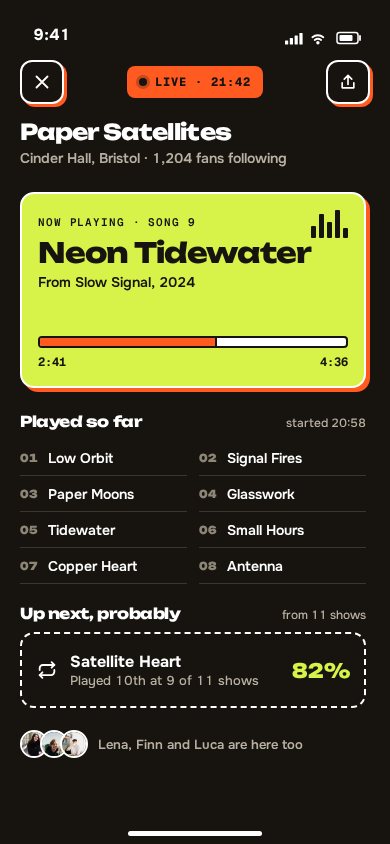 Crowd Live setlist: Concert diary and setlists, Neubrutalism
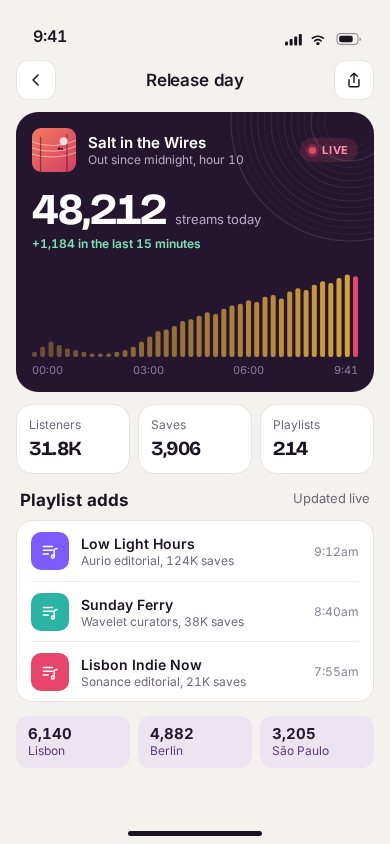 Masters Release day: Royalties and streams for artists, Enterprise
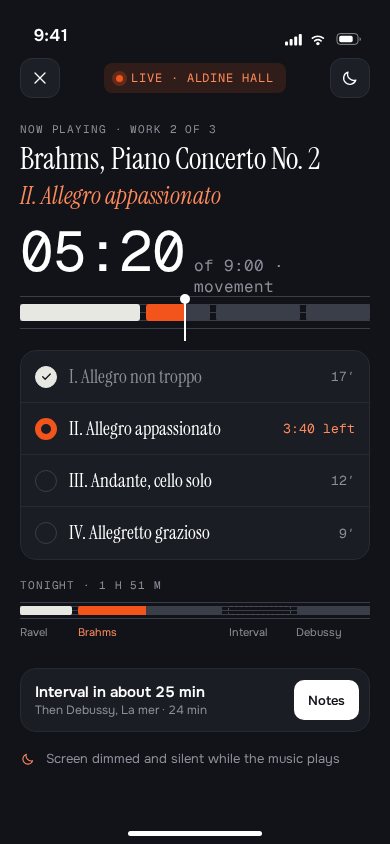 Sonata Live programme: Concert hall season and tickets, Clinical
What makes a good music app live tracking screen
- The live number is the hero. Arrival time, pace, distance or time left, in large type at the top or centre.
- Show status in words. "Driver is 3 minutes away" or "Halfway there" alongside the map or chart.
- Make it readable while moving. Large numbers, high contrast and big buttons for pause, stop or call.
- Keep updates calm. Smooth movement on the map and steady numbers; jumpy updates feel broken.
- Extend beyond the app. Lock screen and notification updates, like iOS Live Activities, so people need not keep the app open.
- Plan for lost signal. Show when data was last updated and keep recording offline where possible, so a tunnel or a weak connection does not lose a run or confuse a customer.
The full live tracking screen guide: layouts, mistakes and questions
Live tracking screens in other kinds of app
- Lifestyle app live tracking screens (55)
- Travel app live tracking screens (51)
- Fitness app live tracking screens (47)
- Productivity app live tracking screens (44)
- Food app live tracking screens (37)
- Sports app live tracking screens (23)
- Smart home app live tracking screens (22)
- Social app live tracking screens (18)
- Finance app live tracking screens (17)
- Education app live tracking screens (16)
Other music app screens
- Music app onboarding screens
- Music app sign in and sign up screens
- Music app home screens
- Music app search and explore screens
- Music app list and feed screens
- Music app detail screens
- Music app booking and checkout screens
- Music app paywall screens
- Music app success and confirmation screens
- Music app profile screens
- Music app settings screens
- Music app dashboard and stats screens
- Music app player, camera and editor screens
- Music app form and input screens