Templates · Success and confirmation screens
Social app success and confirmation screens
52 confirmation screens from 42 social app templates, each in its own design language. Social apps are about people: faces, names and conversations first, with the tools to post or reply never far away.
The examples
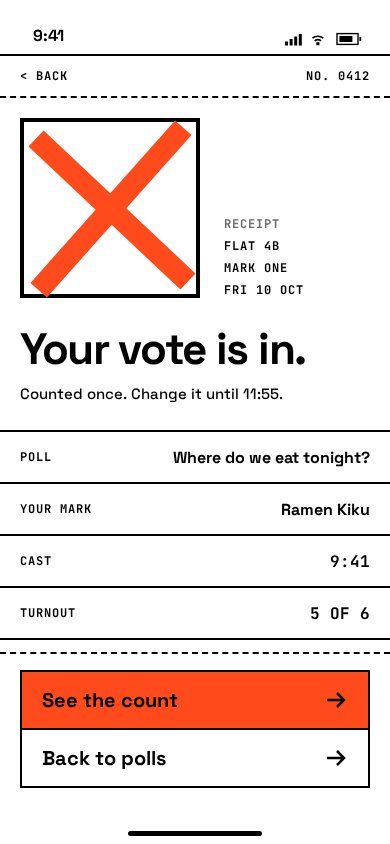 Ballot Vote cast: Settle it on paper, Brutalist
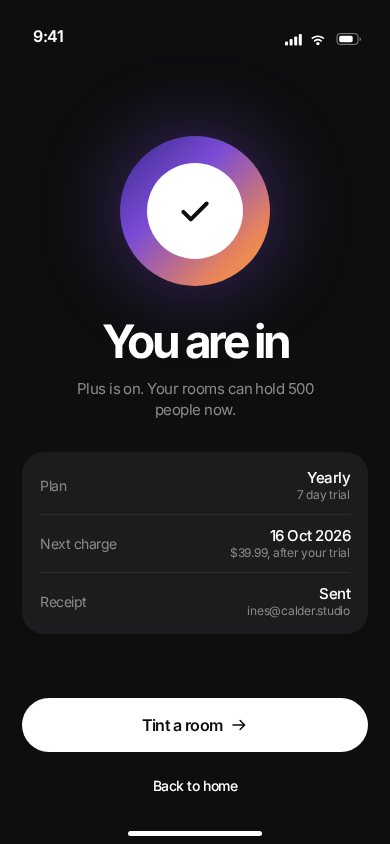 Murmur Welcome to Plus: Chat rooms for art lovers, Dark-first, dark
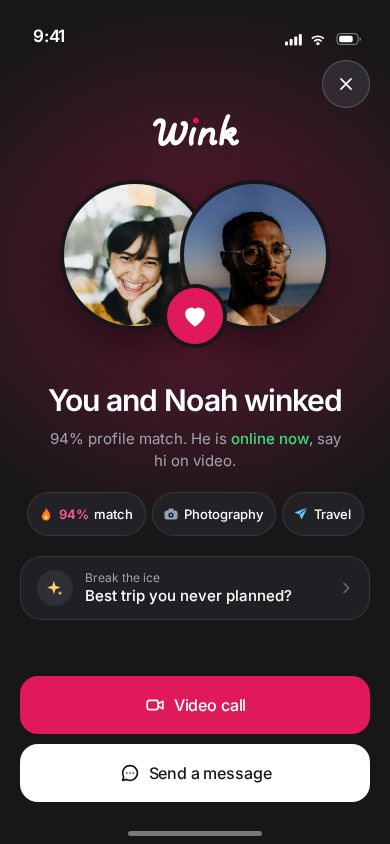 Wink Match: Video first dating, Dark-first, dark
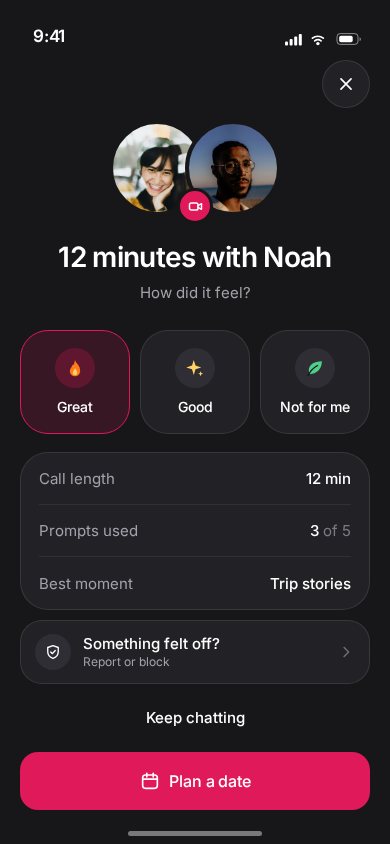 Wink After the call: Video first dating, Dark-first, dark
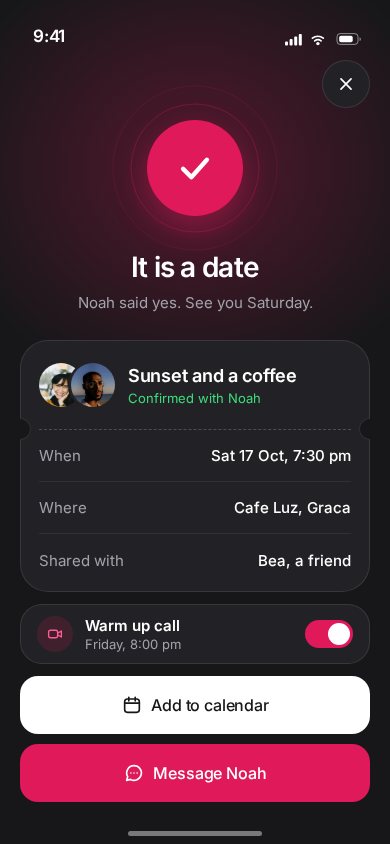 Wink Date set: Video first dating, Dark-first, dark
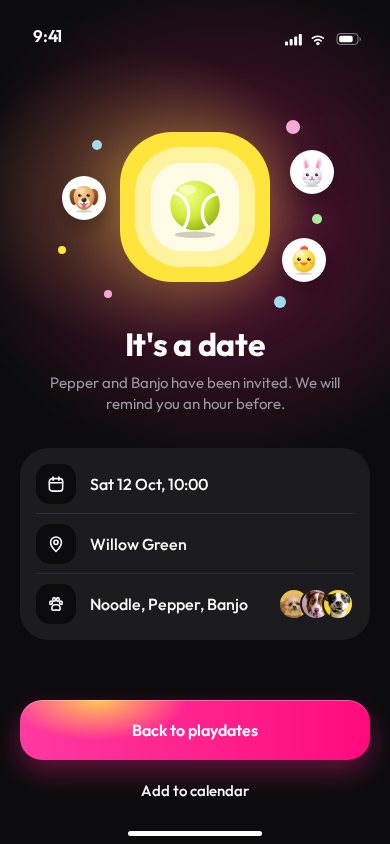 Snoot Playdate set: Social app for pets, Dark-first, dark
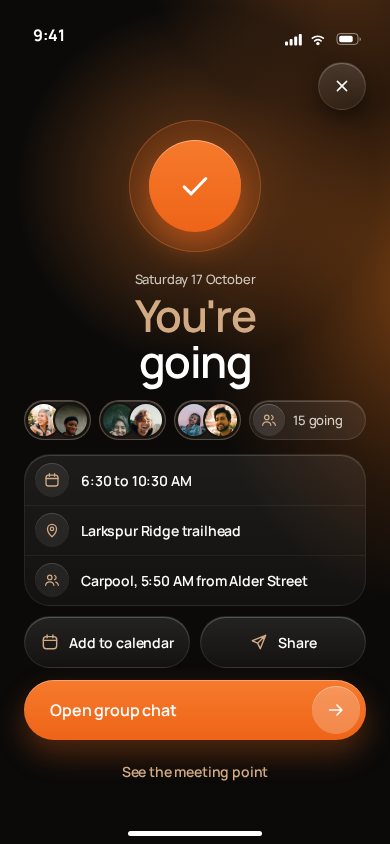 Huddle You are going: Interest groups and meetups, Dark-first, dark
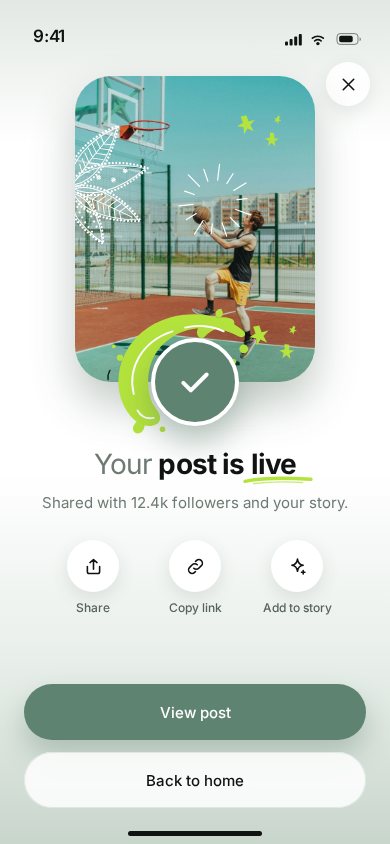 Glade Posted: Photo and clip social network, Glass
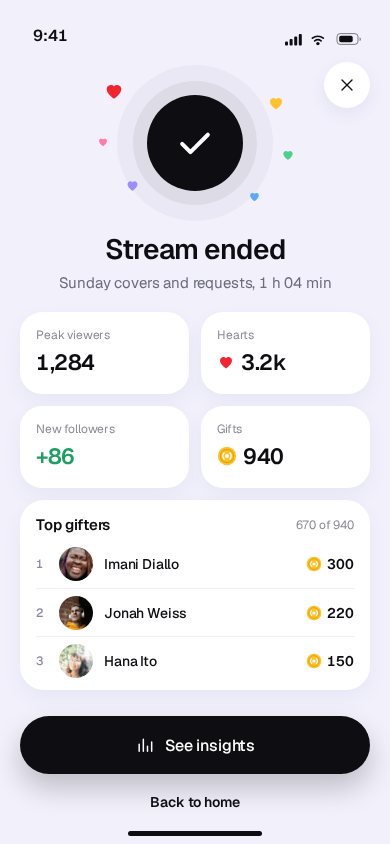 Onair Stream ended: Live streaming, Glass
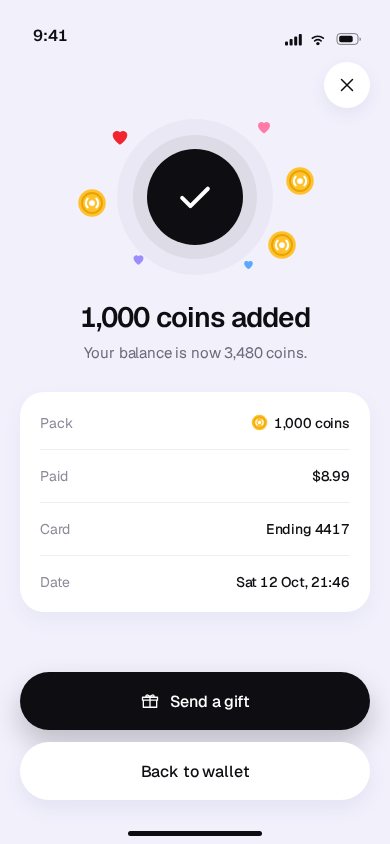 Onair Coins added: Live streaming, Glass
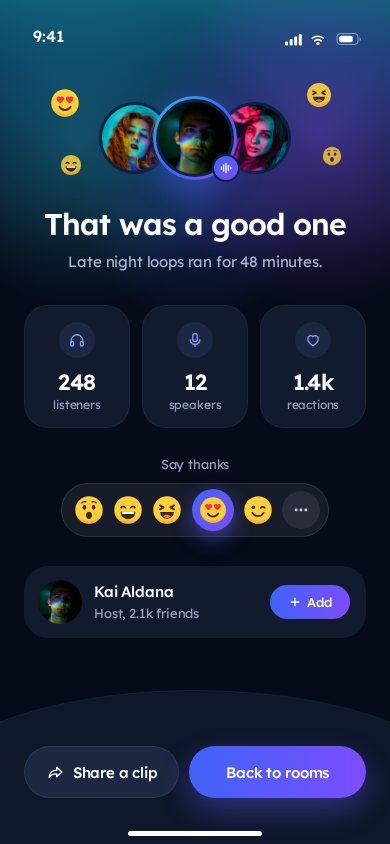 Drift Room ended: Reels and voice rooms, Dark-first, dark
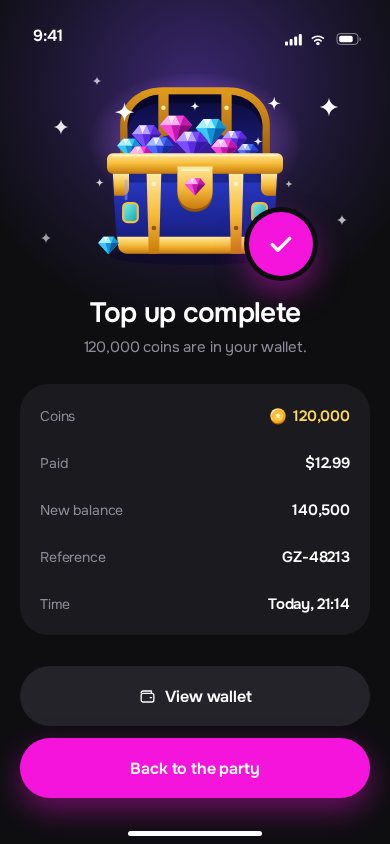 Glitz Top up complete: Party live streaming, Dark-first, dark
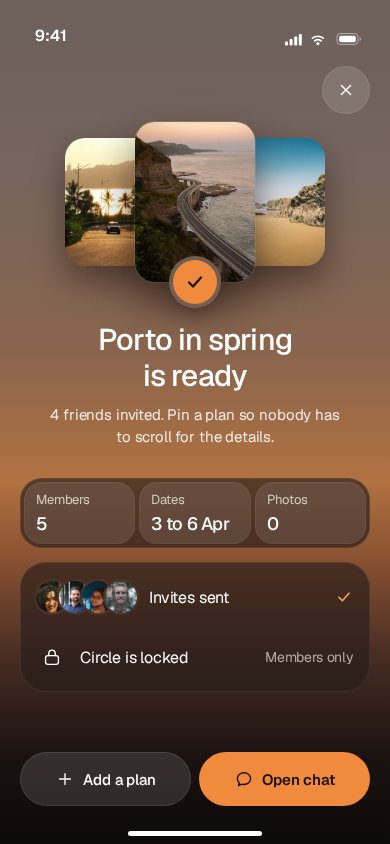 Hearth Circle ready: Messenger for trips and circles, Glass, dark
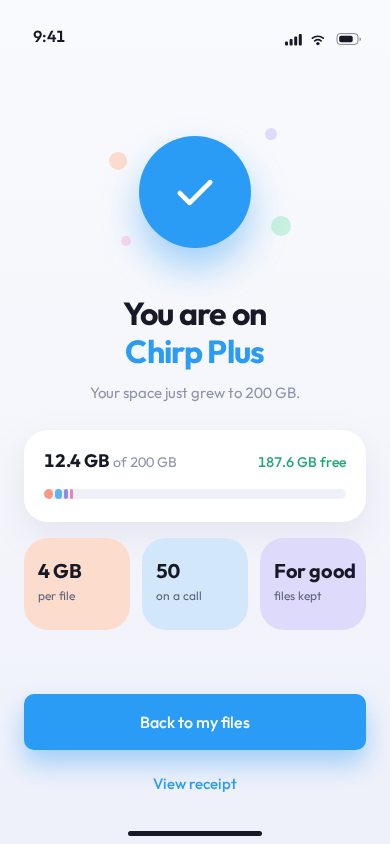 Chirp Upgraded: Messenger with file sharing, Playful
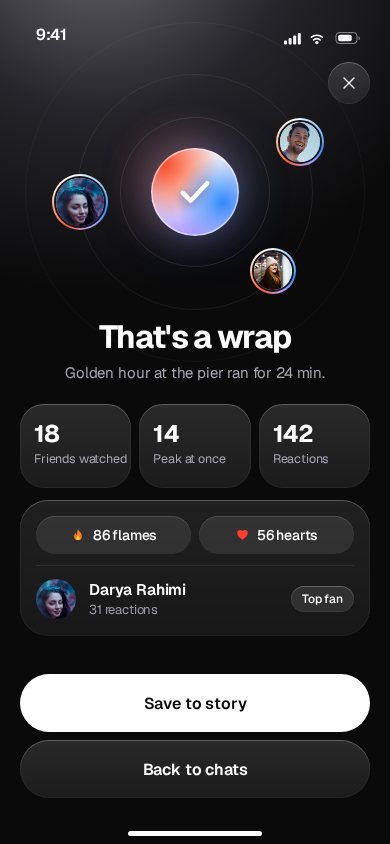 Banter Live ended: Live messenger, Dark-first, dark
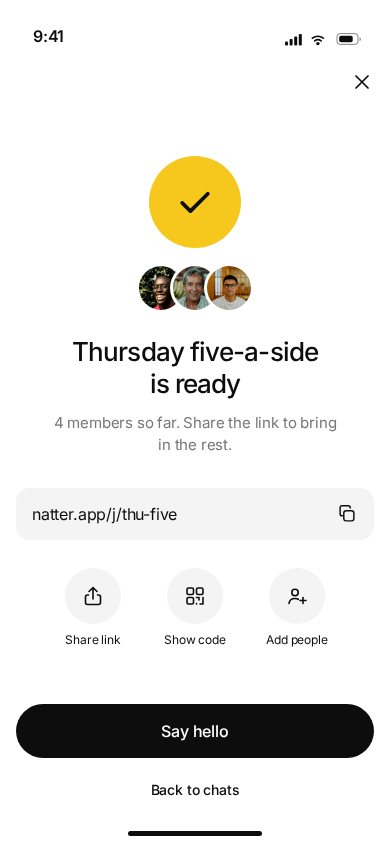 Natter Community ready: Minimal messenger, Minimal
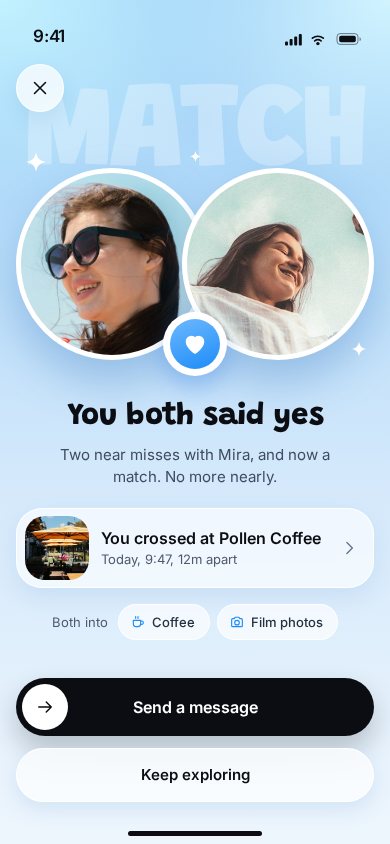 Nearly Match: Dating by crossed paths, Glass
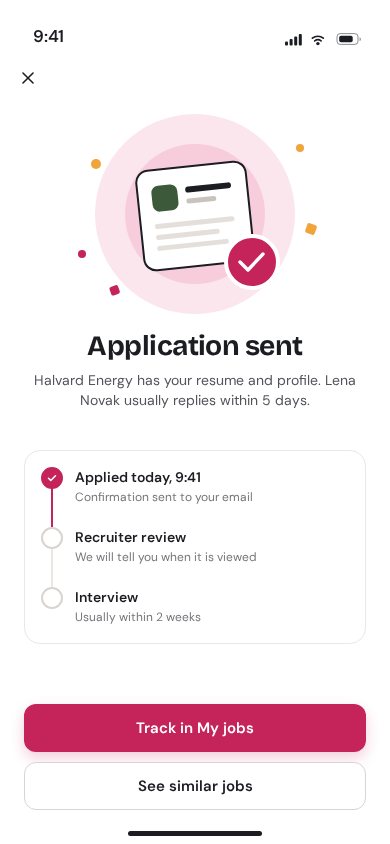 Linkup Applied: Professional network and jobs, Enterprise
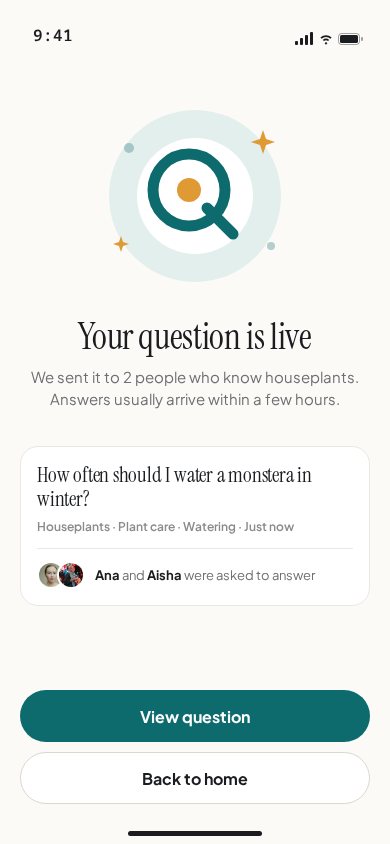 Quorum Question posted: Questions and expert answers, Minimal
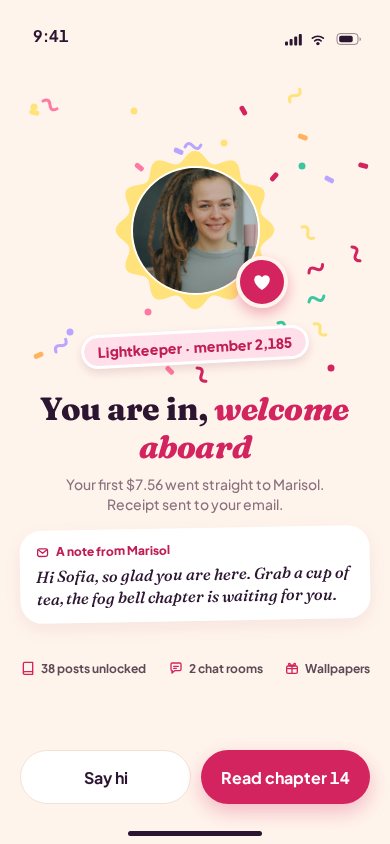 Backer Joined: Support creators with memberships, Playful
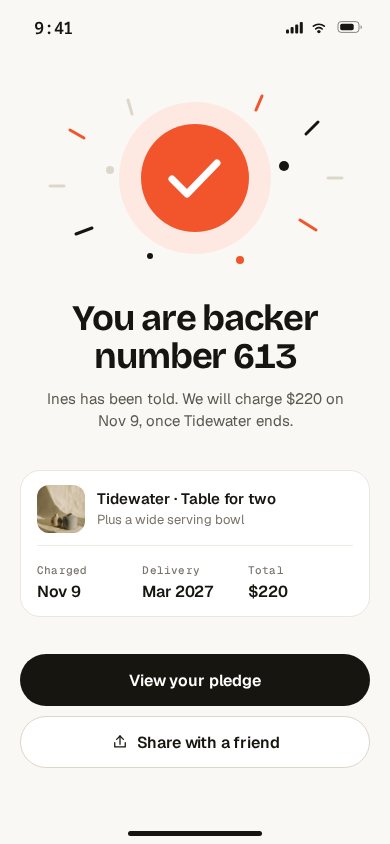 Pledged: Back creative projects, Minimal
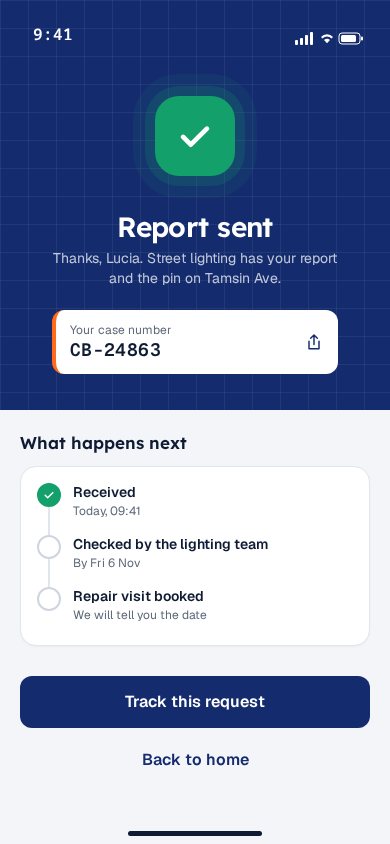 Civic Report sent: Report issues and city services, Enterprise
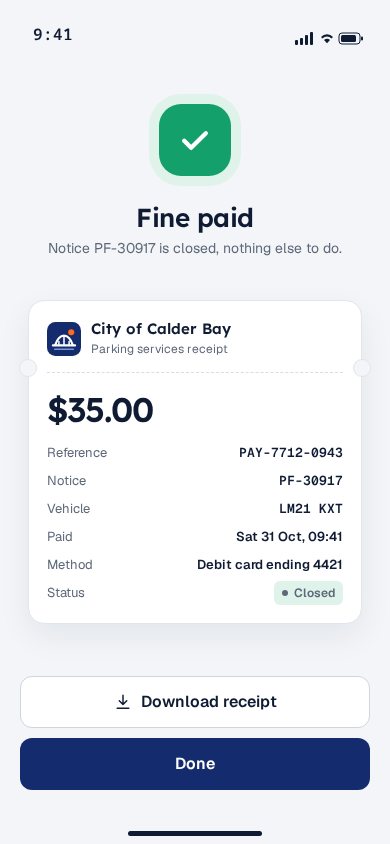 Civic Fine paid: Report issues and city services, Enterprise
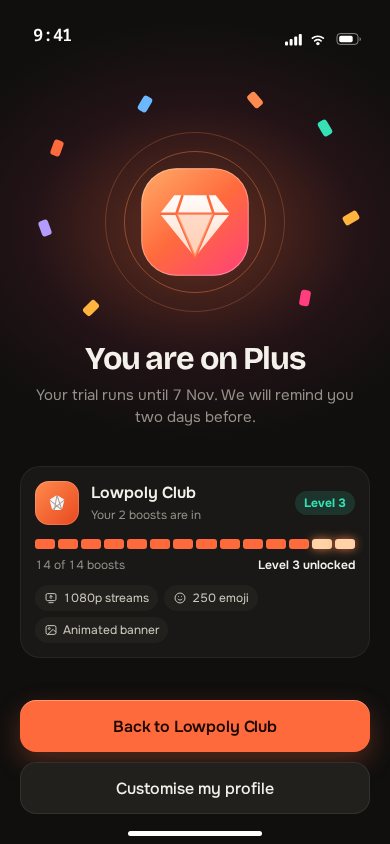 Guild Plus active: Community servers with voice and text chat, Dark-first, dark
- Parrot Payment sent: Private messaging, groups and calls, Minimal
- Carrier Post scheduled: Cloud messaging with channels, Glass
- Vista Shared: Photos, stories and reels, Minimal
- Flick Posted: Short video feed, Dark-first, dark
- Squawk You are Plus: Short posts and live conversation, Minimal
- Agora Posted: Communities, threads and votes, Playful
- Agora Award sent: Communities, threads and votes, Playful
- Spark Match: Swipe dating, Playful
- Spark Date set: Swipe dating, Playful
- Candid Posted: One real photo a day, Gen Z, dark
- Blink Sent: Camera chat and stories, Gen Z
- Cipher Verified: Encrypted private messenger, Dark-first, dark
- Commons Going: Friends, groups and events, Minimal
- Tether Help sent: Family location and safety, Minimal
- Facet Link ready: Video calls with family and friends, Glass, dark
- Facet Call ended: Video calls with family and friends, Glass, dark
- Stoop Claimed: Neighbourhood noticeboard, Neubrutalism
- Aura Dropped: Moods with close friends, Gen Z, dark
- Kindly Booked: Volunteering near you, Playful
- Kindly Shift done: Volunteering near you, Playful
- Cohort Intro sent: Alumni and mentor network, Enterprise
- Cohort Session booked: Alumni and mentor network, Enterprise
- Kin Book ordered: Private family circle, Minimal
- Confetti RSVP sent: Party invites and RSVPs, Glass
- Confetti Invites sent: Party invites and RSVPs, Glass
- Ripple Posted: Voice notes social, Dark-first, dark
- Duo Date booked: An app for two, Luxury
- Soapbox On the box: Weekly debates and polls, Brutalist
What makes a good social app confirmation screen
- Confirm in the headline. "Payment sent", "Table booked for Friday at 8" or "Lesson complete" in plain words, with a clear success colour or icon.
- Repeat the key details. Amount, date, reference number or score, so people do not need to check elsewhere that the right thing happened.
- Say what happens next. When the order arrives, when the money lands, when the next lesson unlocks.
- Offer the next step. Track the order, add to calendar, share, or start the next lesson. One primary action and a way back home.
- Match the emotion to the moment. A streak or a finished course can celebrate; a bank transfer should feel calm and certain.
- Make the receipt easy to keep. Offer share, save as image or email receipt for payments and bookings, and keep the same details findable later in the app's history.
The full confirmation screen guide: layouts, mistakes and questions
Success and confirmation screens in other kinds of app
- Lifestyle app success and confirmation screens (77)
- Productivity app success and confirmation screens (66)
- Travel app success and confirmation screens (50)
- Finance app success and confirmation screens (50)
- Education app success and confirmation screens (44)
- Fitness app success and confirmation screens (41)
- Food app success and confirmation screens (39)
- Smart home app success and confirmation screens (28)
- Music app success and confirmation screens (24)
- Sports app success and confirmation screens (23)
Other social app screens
- Social app onboarding screens
- Social app sign in and sign up screens
- Social app home screens
- Social app search and explore screens
- Social app list and feed screens
- Social app detail screens
- Social app booking and checkout screens
- Social app paywall screens
- Social app profile screens
- Social app settings screens
- Social app dashboard and stats screens
- Social app player, camera and editor screens
- Social app live tracking screens
- Social app form and input screens