Templates · Success and confirmation screens
Music app success and confirmation screens
24 confirmation screens from 19 music app templates, each in its own design language. Music apps are led by artwork: covers, waveforms and a player that stays in reach while you browse.
The examples
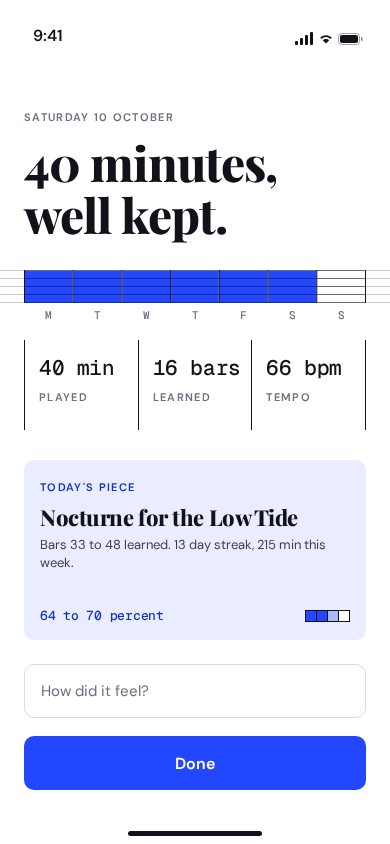 Quire Session complete: Sheet music and practice, Minimal
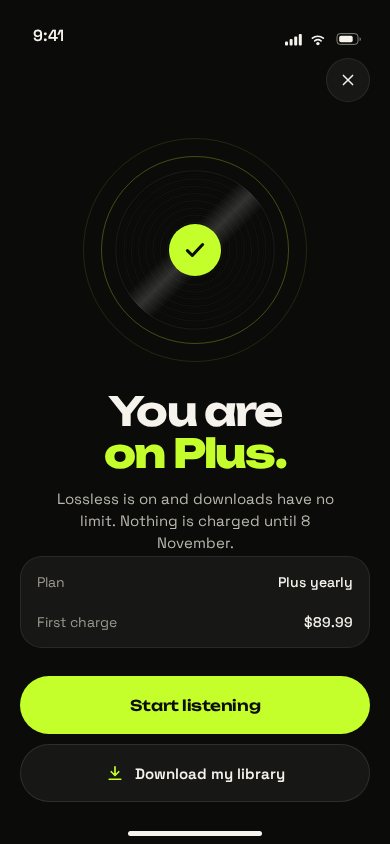 Wax Plan active: Music streaming, Dark-first, dark
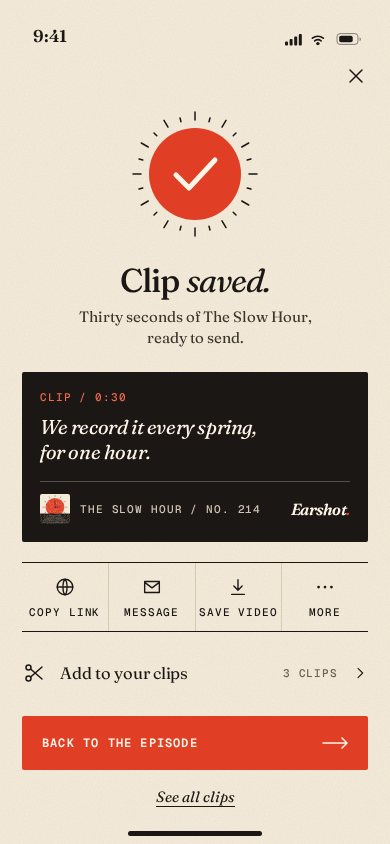 Earshot Clip saved: Podcast player, Minimal
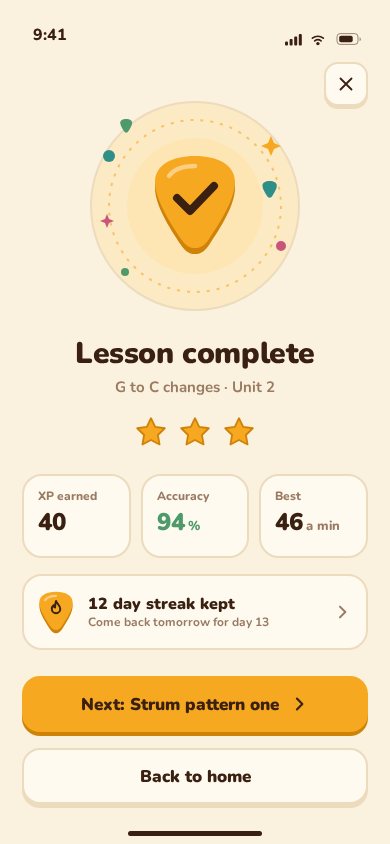 Strum Lesson complete: Learn guitar, one chord at a time, Playful
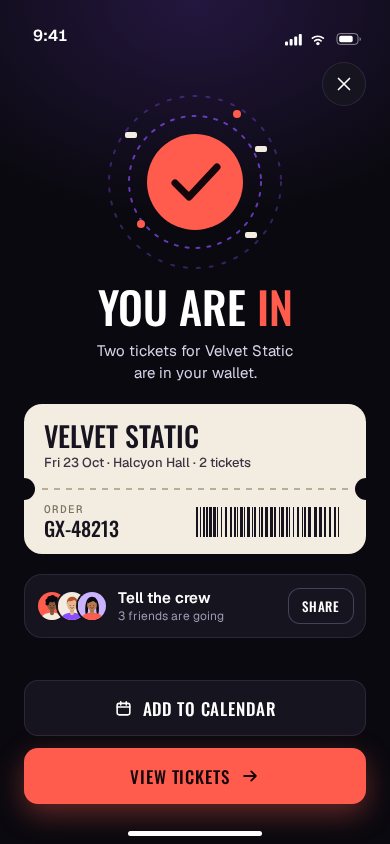 Gigly Booked: Gig and festival tickets, Gen Z, dark
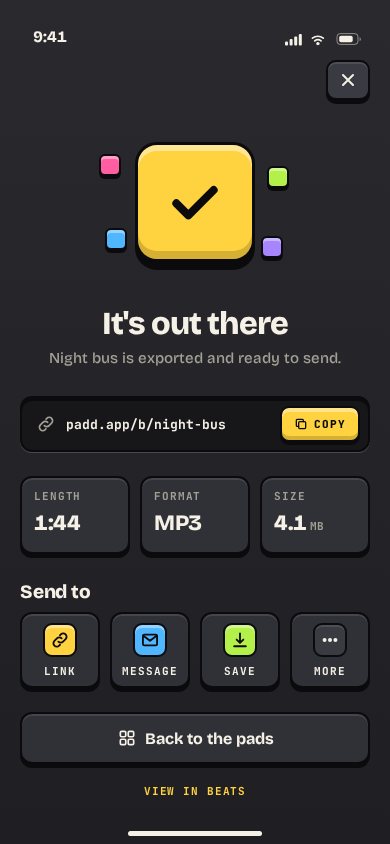 Padd Beat shared: Beat maker, Neubrutalism, dark
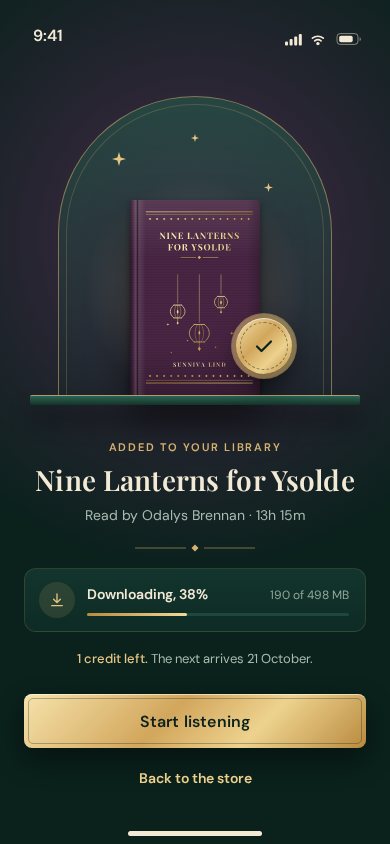 Aria Added to library: Audiobook library, Luxury, dark
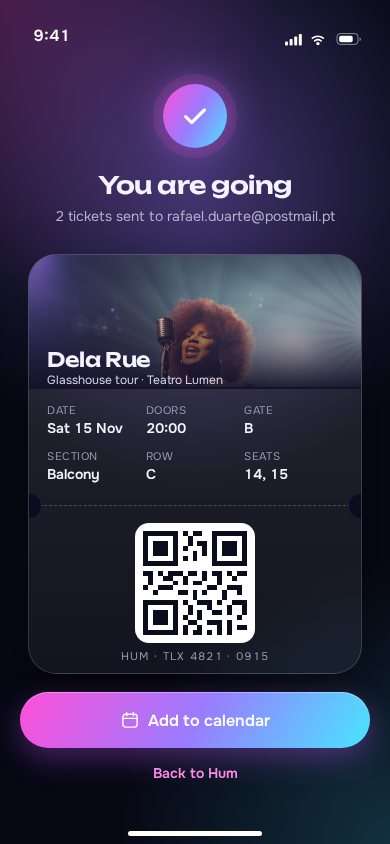 Hum Booked: Song recognition, Glass, dark
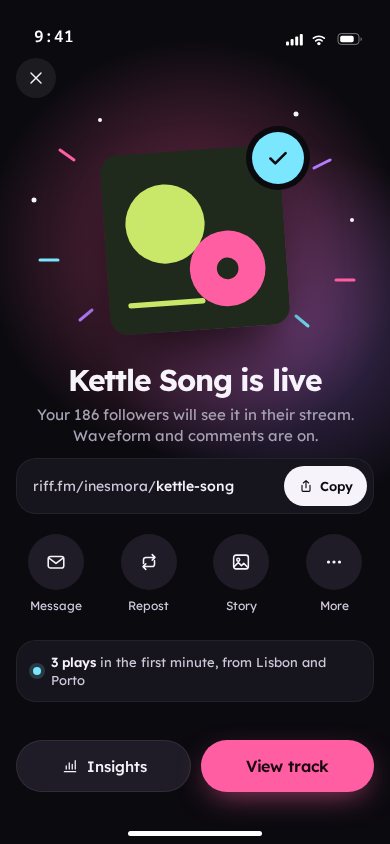 Riff Published: Upload and discover new tracks, Dark-first, dark
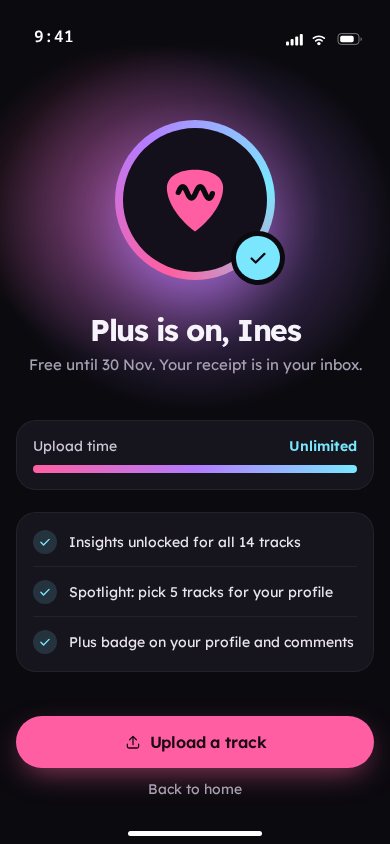 Riff Plus active: Upload and discover new tracks, Dark-first, dark
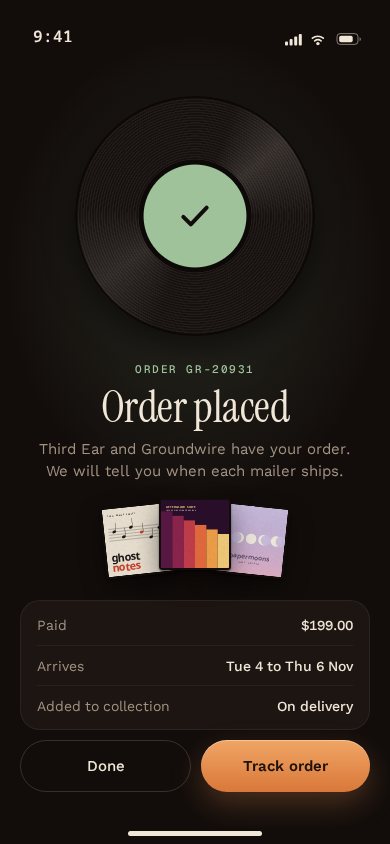 Groove Order placed: Vinyl collection and crate digging, Luxury, dark
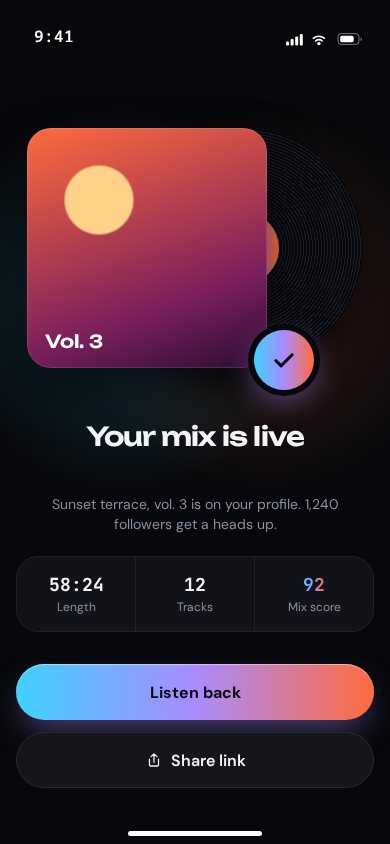 Crossfade Mix saved: DJ mixing on the go, Dark-first, dark
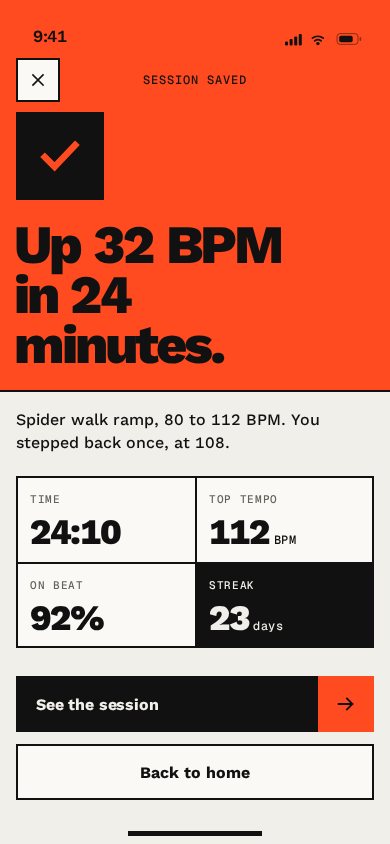 Fork Session saved: Tuner and metronome, Brutalist
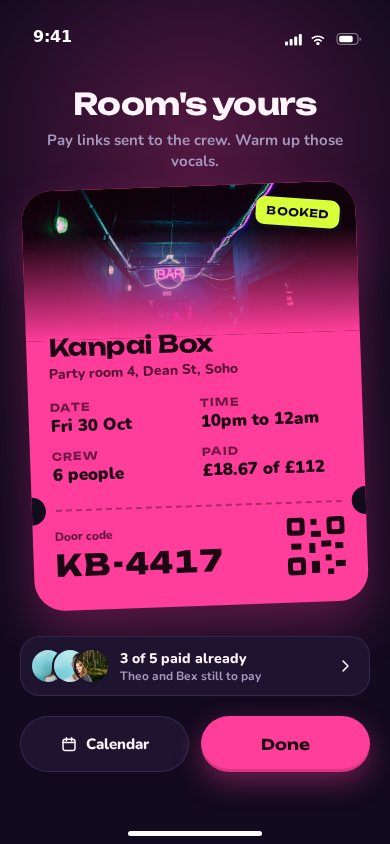 Belt Booked: Karaoke nights, Gen Z, dark
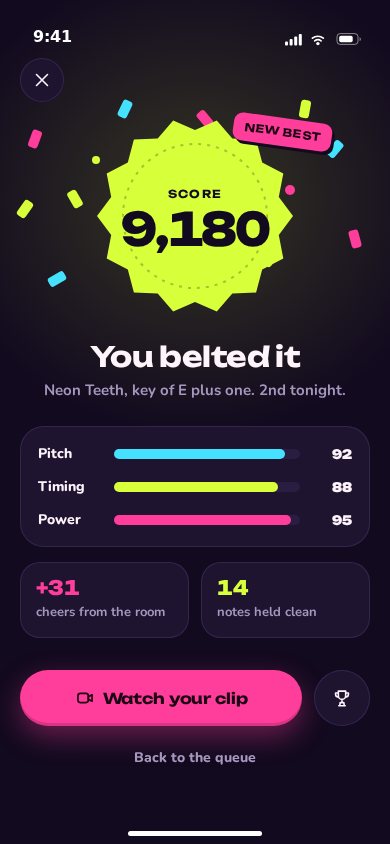 Belt Score: Karaoke nights, Gen Z, dark
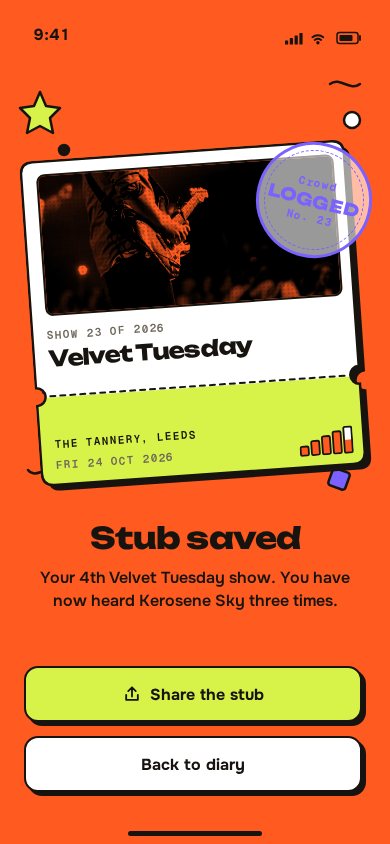 Crowd Logged: Concert diary and setlists, Neubrutalism
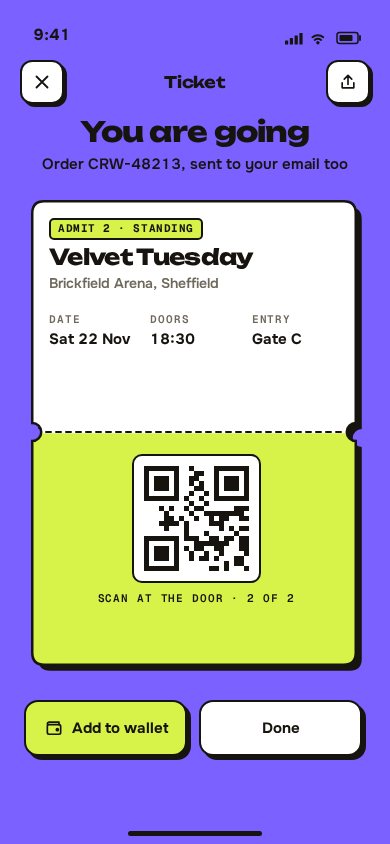 Crowd Ticket: Concert diary and setlists, Neubrutalism
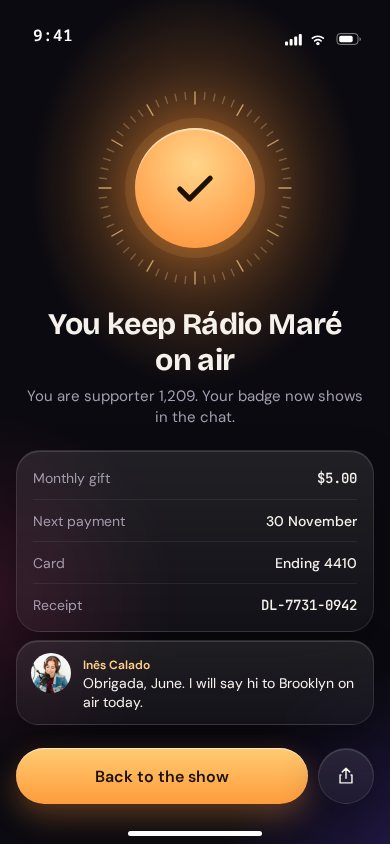 Dial Supported: Internet radio from everywhere, Glass, dark
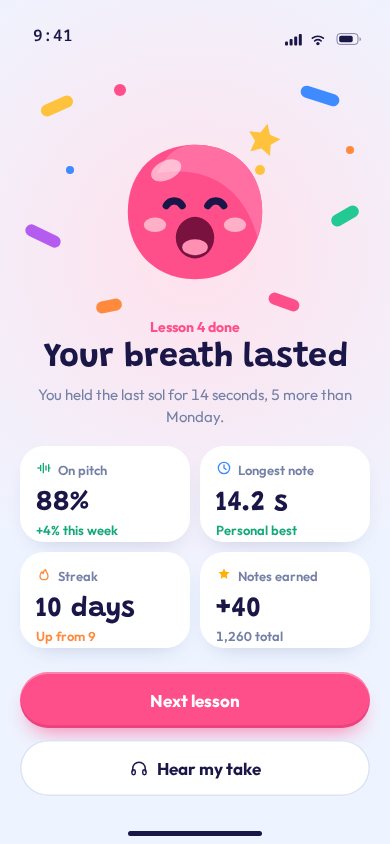 Chorus Lesson done: Singing lessons and pitch training, Playful
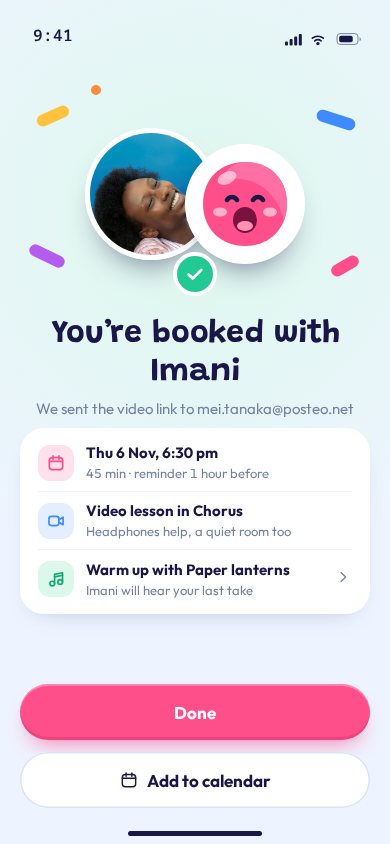 Chorus Booked: Singing lessons and pitch training, Playful
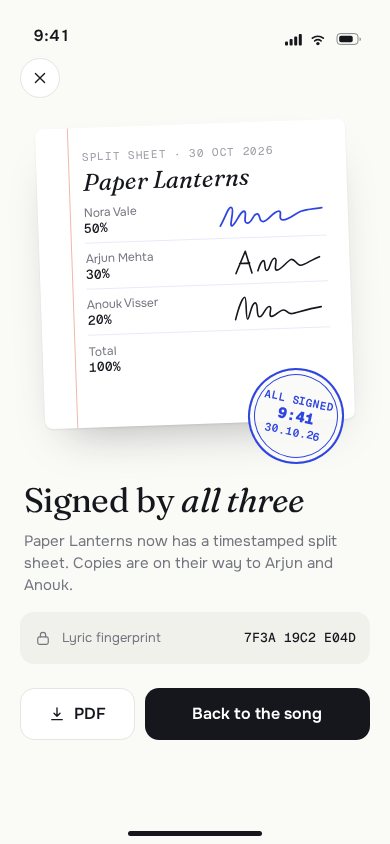 Verse Signed: Songwriting notebook, Minimal
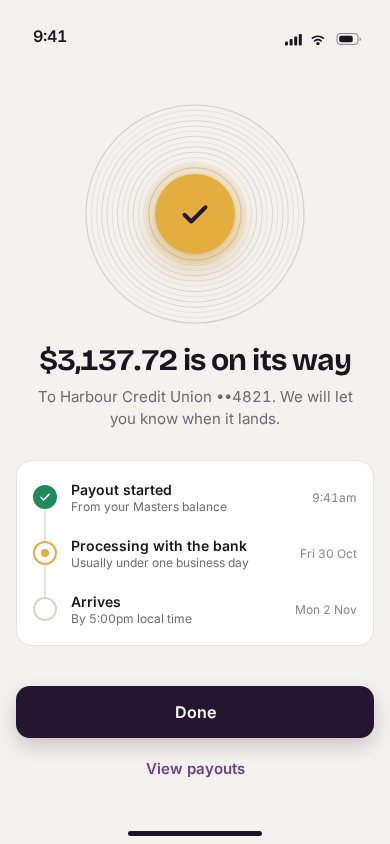 Masters Payout sent: Royalties and streams for artists, Enterprise
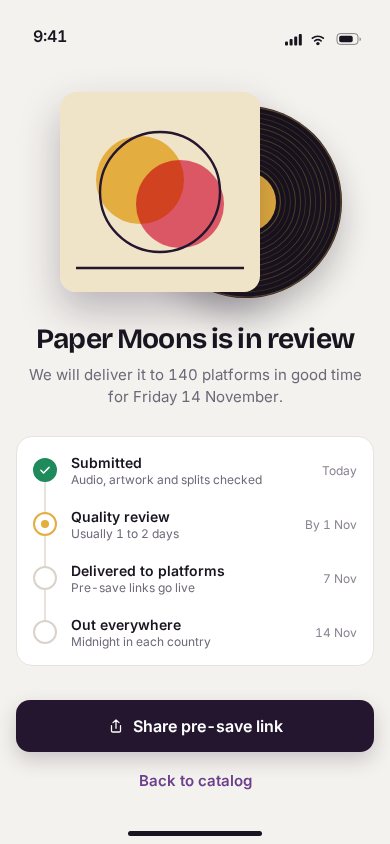 Masters Release submitted: Royalties and streams for artists, Enterprise
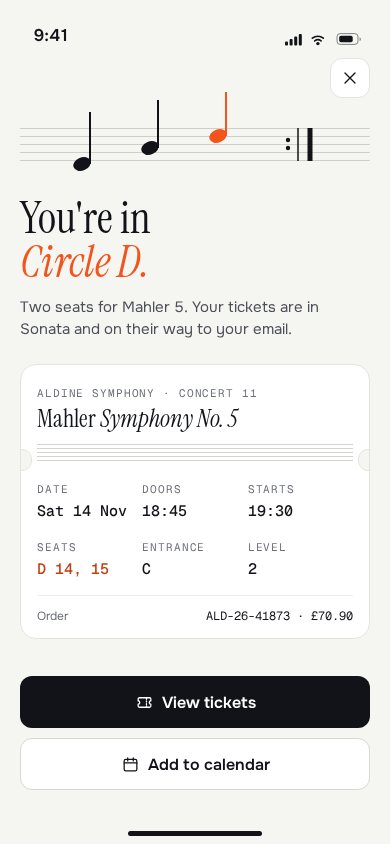 Sonata Booked: Concert hall season and tickets, Clinical
What makes a good music app confirmation screen
- Confirm in the headline. "Payment sent", "Table booked for Friday at 8" or "Lesson complete" in plain words, with a clear success colour or icon.
- Repeat the key details. Amount, date, reference number or score, so people do not need to check elsewhere that the right thing happened.
- Say what happens next. When the order arrives, when the money lands, when the next lesson unlocks.
- Offer the next step. Track the order, add to calendar, share, or start the next lesson. One primary action and a way back home.
- Match the emotion to the moment. A streak or a finished course can celebrate; a bank transfer should feel calm and certain.
- Make the receipt easy to keep. Offer share, save as image or email receipt for payments and bookings, and keep the same details findable later in the app's history.
The full confirmation screen guide: layouts, mistakes and questions
Success and confirmation screens in other kinds of app
- Lifestyle app success and confirmation screens (77)
- Productivity app success and confirmation screens (66)
- Social app success and confirmation screens (52)
- Travel app success and confirmation screens (50)
- Finance app success and confirmation screens (50)
- Education app success and confirmation screens (44)
- Fitness app success and confirmation screens (41)
- Food app success and confirmation screens (39)
- Smart home app success and confirmation screens (28)
- Sports app success and confirmation screens (23)
Other music app screens
- Music app onboarding screens
- Music app sign in and sign up screens
- Music app home screens
- Music app search and explore screens
- Music app list and feed screens
- Music app detail screens
- Music app booking and checkout screens
- Music app paywall screens
- Music app profile screens
- Music app settings screens
- Music app dashboard and stats screens
- Music app player, camera and editor screens
- Music app live tracking screens
- Music app form and input screens