Templates · Sign in and sign up screens
Music app sign in and sign up screens
28 login screens from 19 music app templates, each in its own design language. Music apps are led by artwork: covers, waveforms and a player that stays in reach while you browse.
The examples
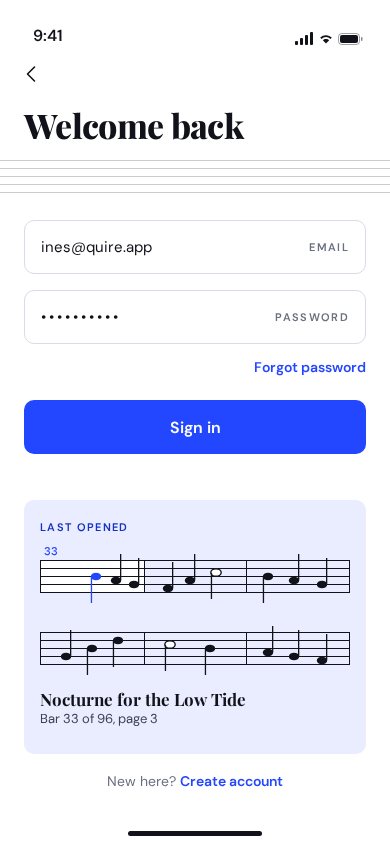 Quire Sign in: Sheet music and practice, Minimal
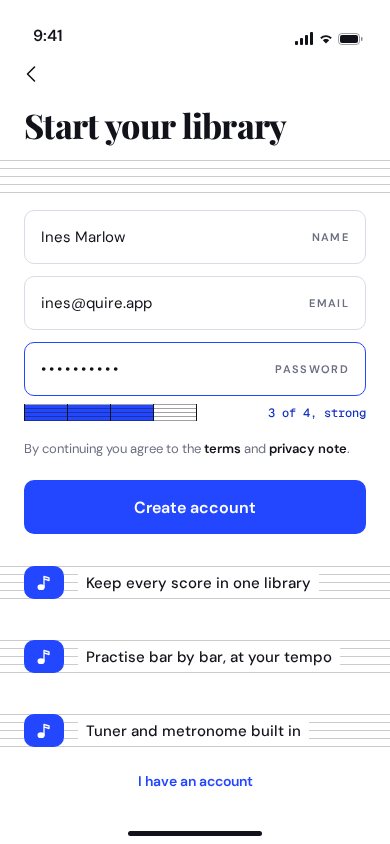 Quire Create account: Sheet music and practice, Minimal
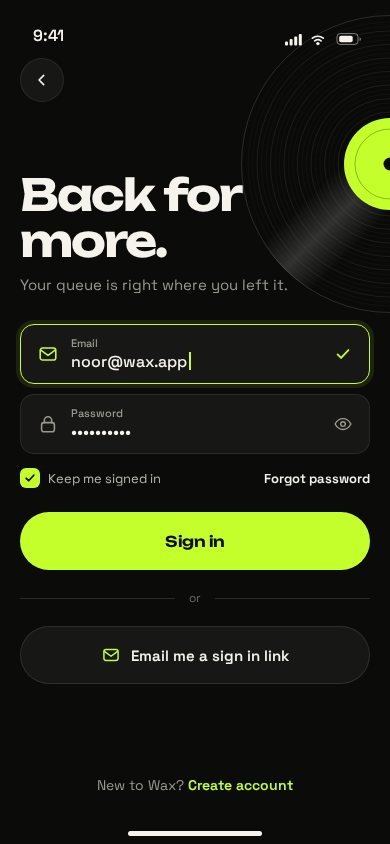 Wax Sign in: Music streaming, Dark-first, dark
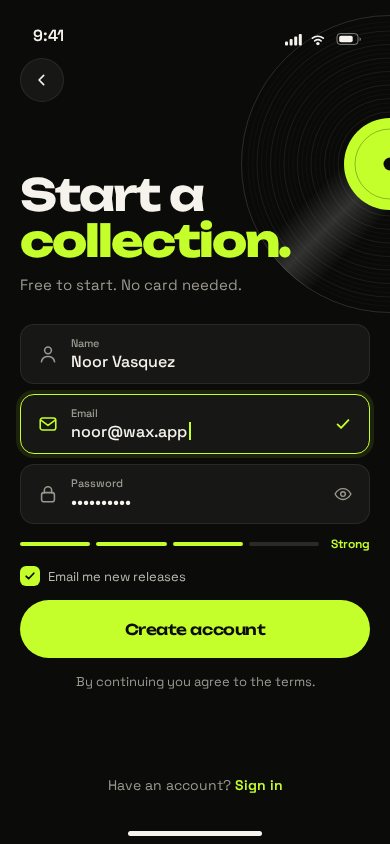 Wax Create account: Music streaming, Dark-first, dark
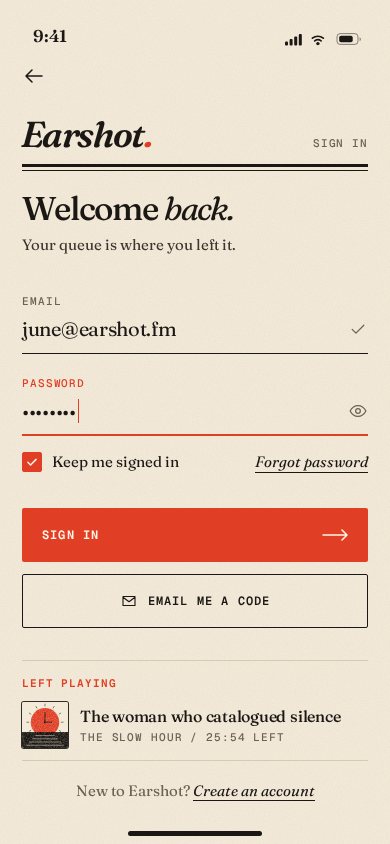 Earshot Sign in: Podcast player, Minimal
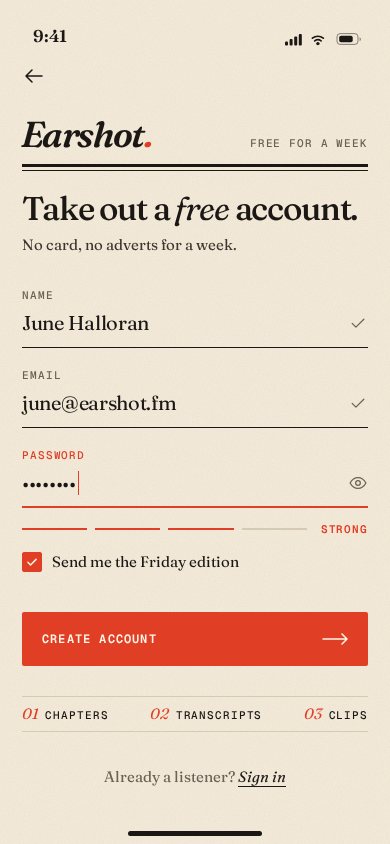 Earshot Create account: Podcast player, Minimal
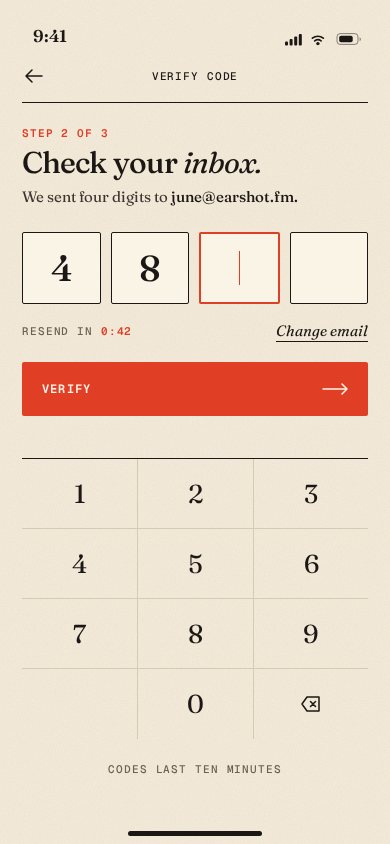 Earshot Verify code: Podcast player, Minimal
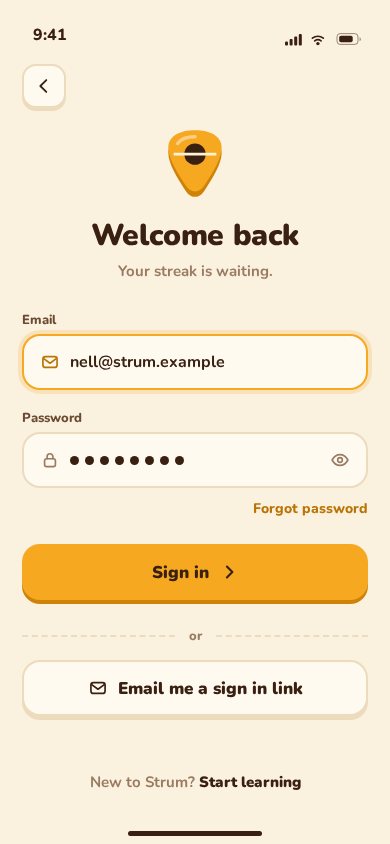 Strum Sign in: Learn guitar, one chord at a time, Playful
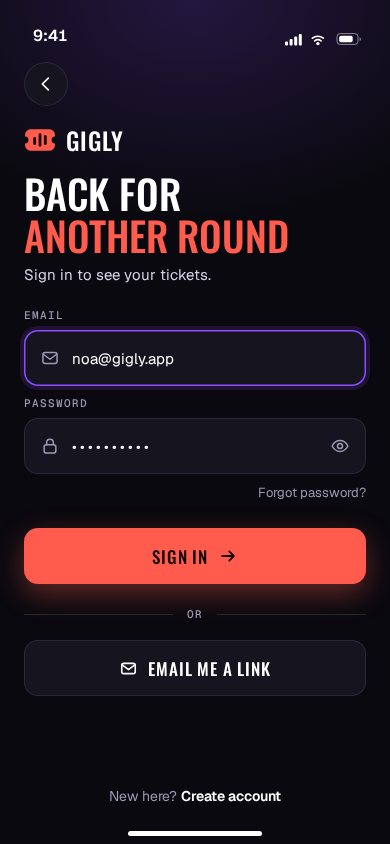 Gigly Sign in: Gig and festival tickets, Gen Z, dark
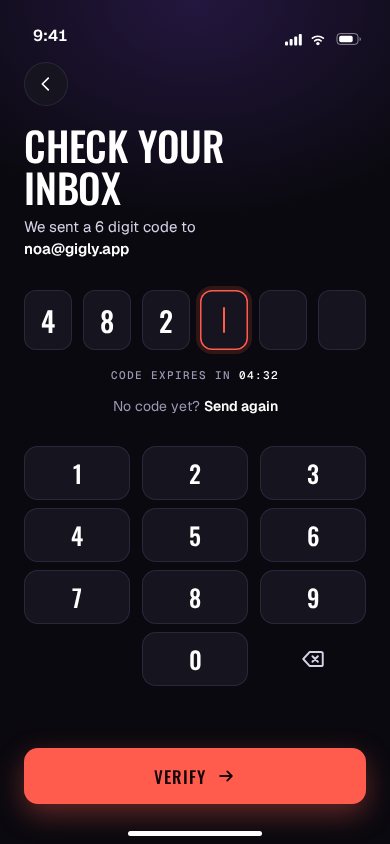 Gigly Verify code: Gig and festival tickets, Gen Z, dark
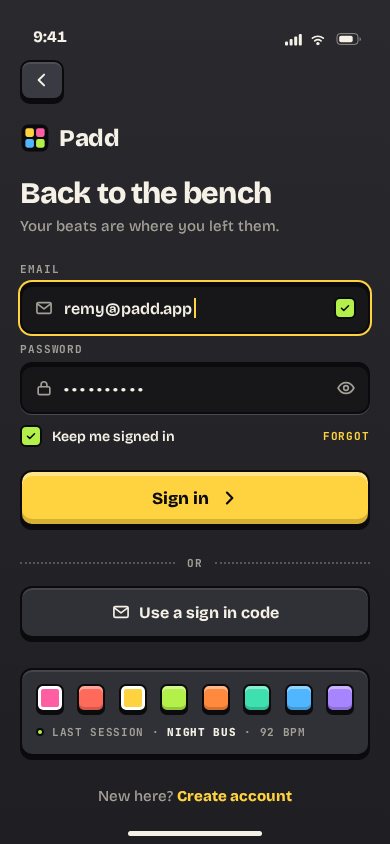 Padd Sign in: Beat maker, Neubrutalism, dark
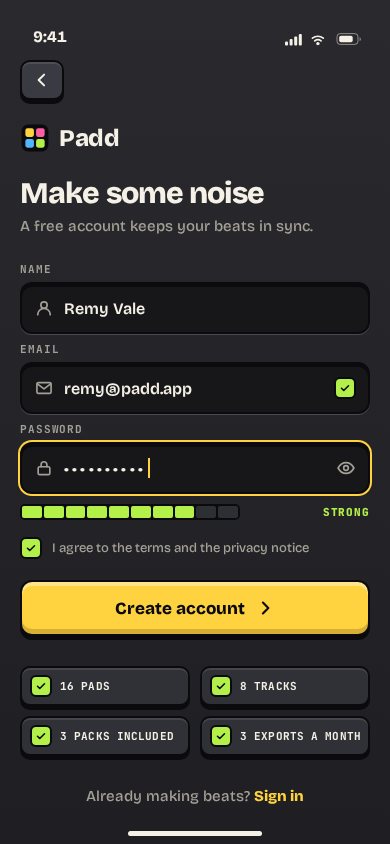 Padd Create account: Beat maker, Neubrutalism, dark
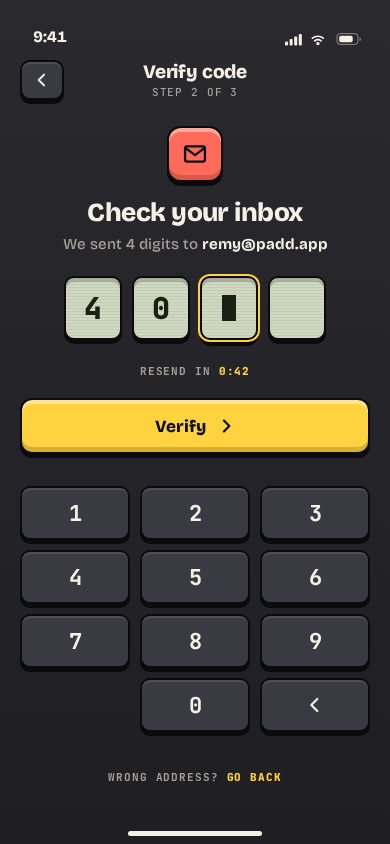 Padd Verify code: Beat maker, Neubrutalism, dark
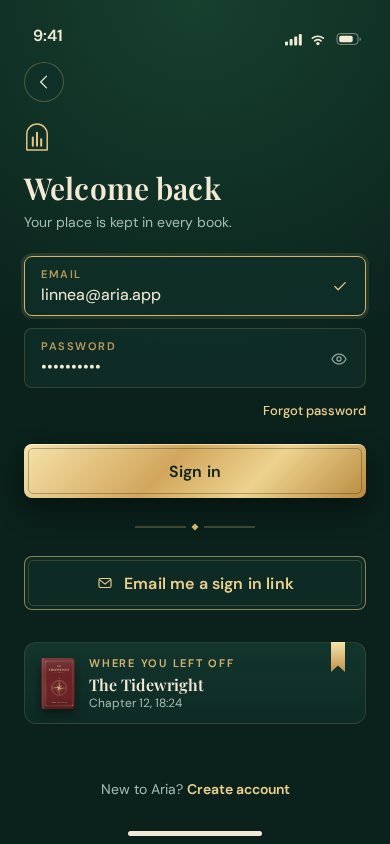 Aria Sign in: Audiobook library, Luxury, dark
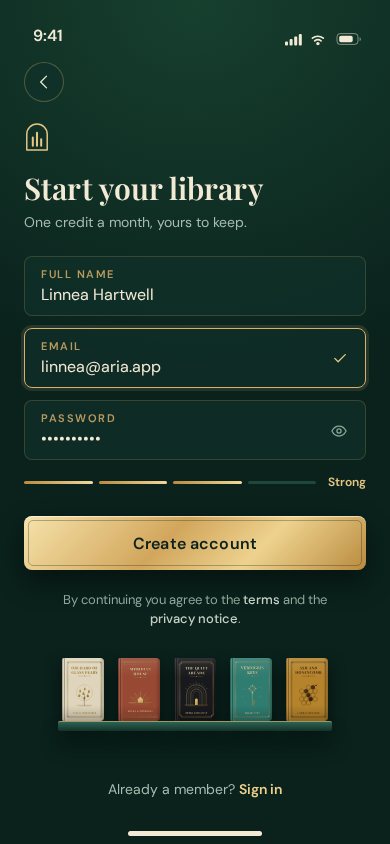 Aria Create account: Audiobook library, Luxury, dark
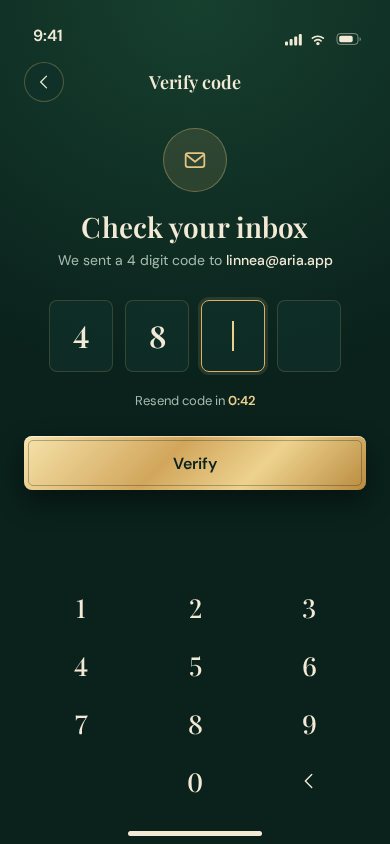 Aria Verify code: Audiobook library, Luxury, dark
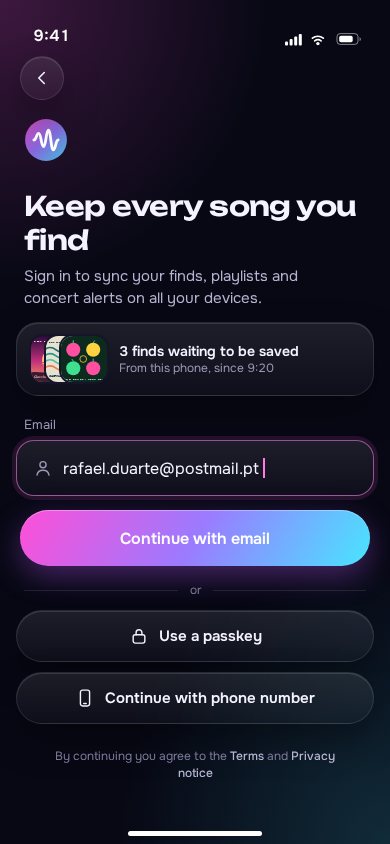 Hum Sign in: Song recognition, Glass, dark
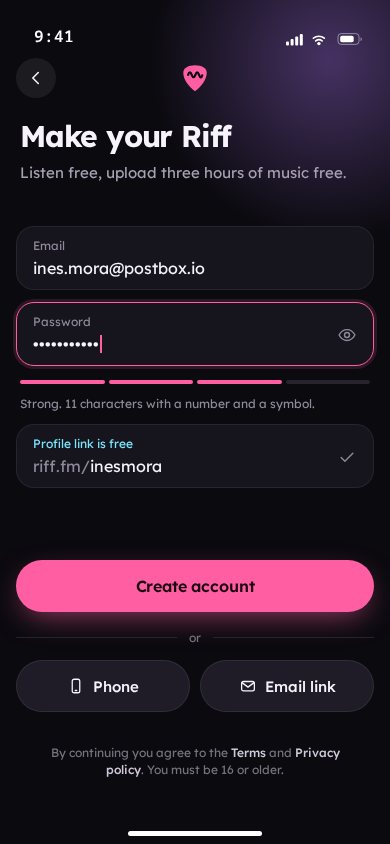 Riff Sign up: Upload and discover new tracks, Dark-first, dark
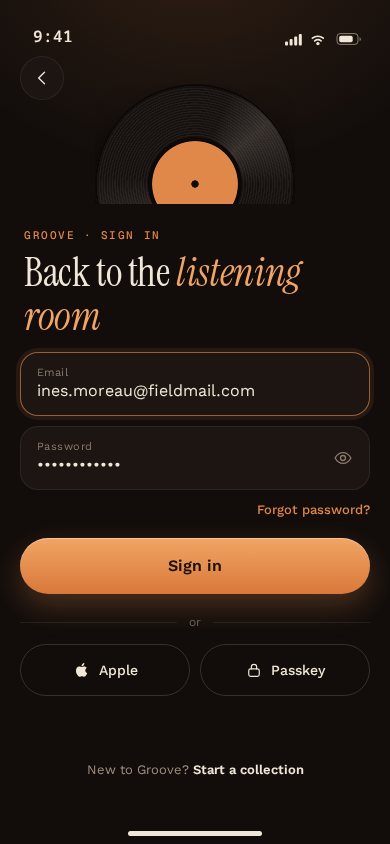 Groove Sign in: Vinyl collection and crate digging, Luxury, dark
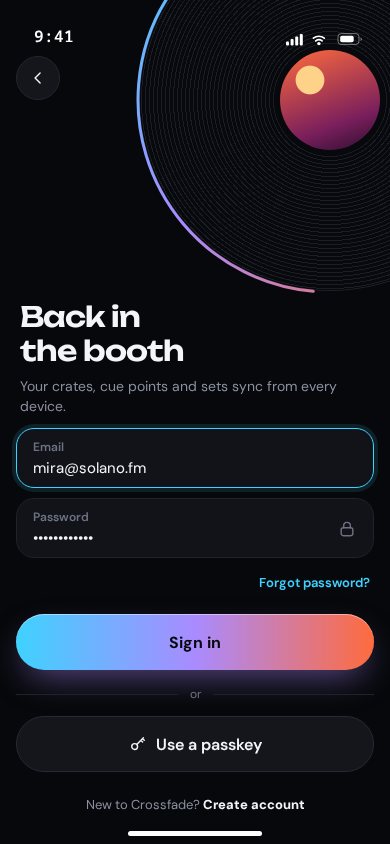 Crossfade Sign in: DJ mixing on the go, Dark-first, dark
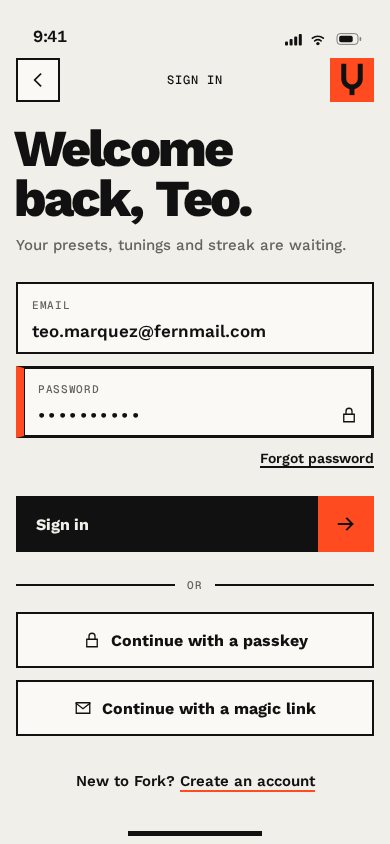 Fork Sign in: Tuner and metronome, Brutalist
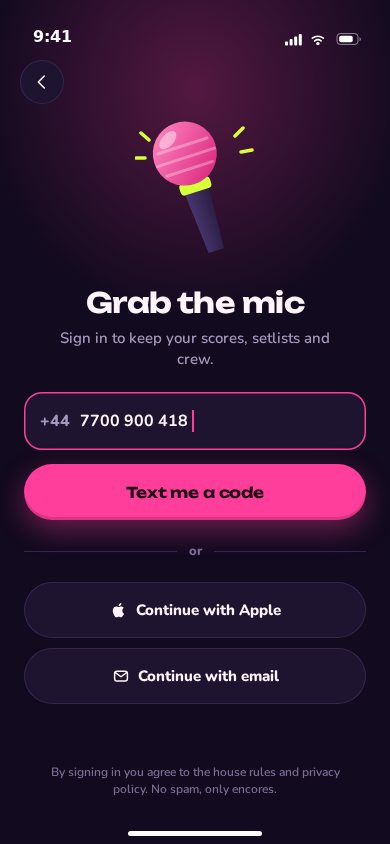 Belt Sign in: Karaoke nights, Gen Z, dark
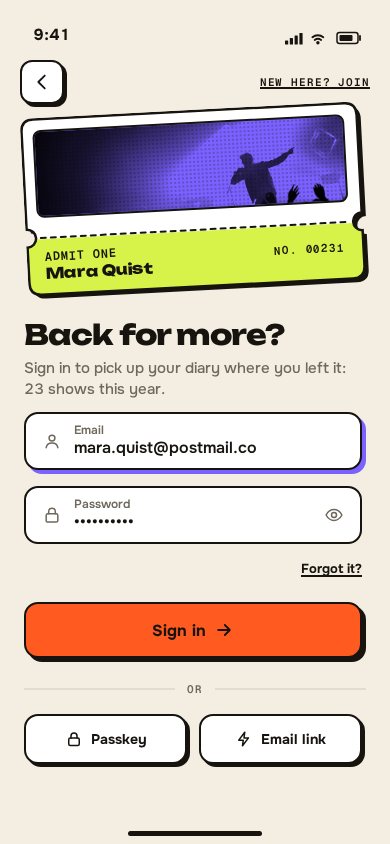 Crowd Sign in: Concert diary and setlists, Neubrutalism
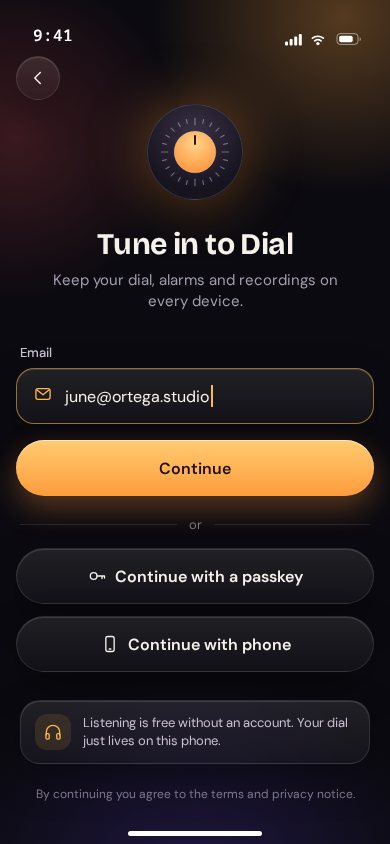 Dial Sign in: Internet radio from everywhere, Glass, dark
- Chorus Sign up: Singing lessons and pitch training, Playful
- Verse Sign in: Songwriting notebook, Minimal
- Masters Sign in: Royalties and streams for artists, Enterprise
- Sonata Sign in: Concert hall season and tickets, Clinical
What makes a good music app login screen
- Offer the fastest option first. Sign in with Apple, Google or a passkey takes one tap. If you support them, put them above the email form. Apple asks apps that use a third-party login like Google to also offer an equivalent privacy-focused option, such as Sign in with Apple.
- Separate sign in from sign up clearly. Use different headings and buttons, and a clear link to switch. People who already have an account should never end up creating a second one by accident.
- Use the right keyboard and autofill. Email fields should open the email keyboard and support password managers and one-time code autofill. Small details, big difference in how many people get through.
- Write errors that help. "That password doesn't match this email" is better than "Error 401". Keep what people typed so they only fix the part that was wrong.
- Make password rules visible. Show requirements while people type, not after they submit. Offer a show password toggle.
- Keep forgot password one tap away. Put it next to the password field, not at the bottom of the screen.
The full login screen guide: layouts, mistakes and questions
Sign in and sign up screens in other kinds of app
- Productivity app sign in and sign up screens (93)
- Lifestyle app sign in and sign up screens (89)
- Finance app sign in and sign up screens (71)
- Social app sign in and sign up screens (70)
- Travel app sign in and sign up screens (60)
- Fitness app sign in and sign up screens (46)
- Food app sign in and sign up screens (43)
- Education app sign in and sign up screens (40)
- Sports app sign in and sign up screens (32)
- Smart home app sign in and sign up screens (27)
Other music app screens
- Music app onboarding screens
- Music app home screens
- Music app search and explore screens
- Music app list and feed screens
- Music app detail screens
- Music app booking and checkout screens
- Music app paywall screens
- Music app success and confirmation screens
- Music app profile screens
- Music app settings screens
- Music app dashboard and stats screens
- Music app player, camera and editor screens
- Music app live tracking screens
- Music app form and input screens