Music app detail screens
61 detail screens from 19 music app templates, each in its own design language. Music apps are led by artwork: covers, waveforms and a player that stays in reach while you browse.
The examples
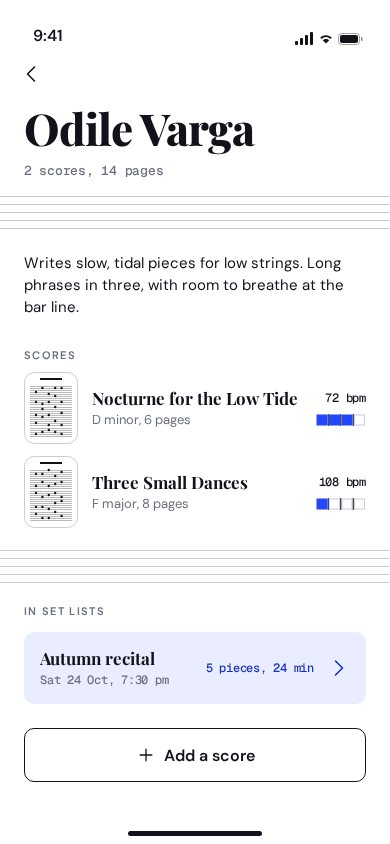 Quire Composer: Sheet music and practice, Minimal
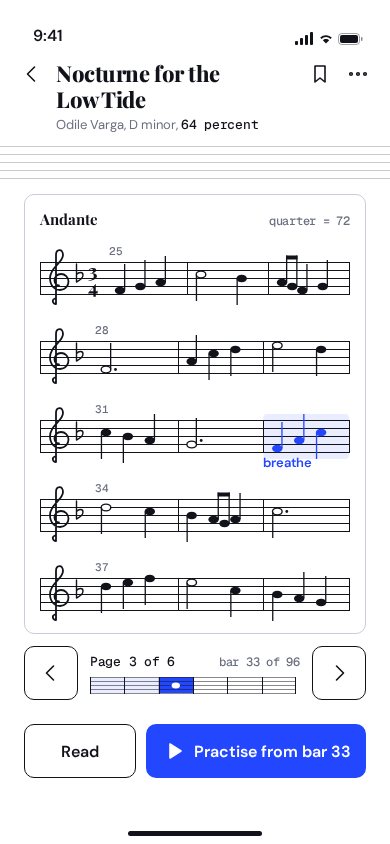 Quire Score: Sheet music and practice, Minimal
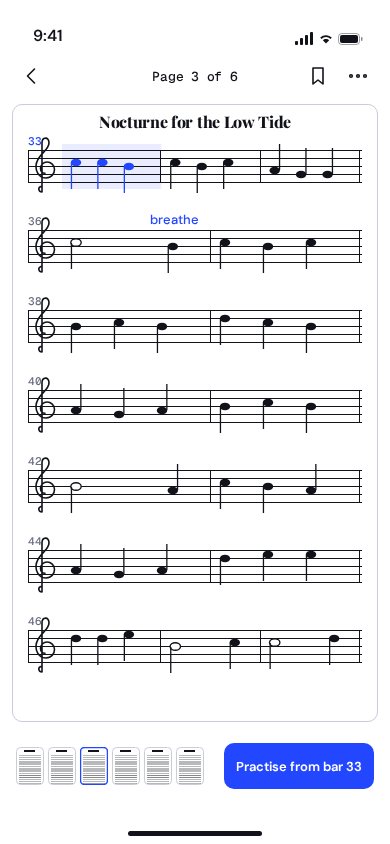 Quire Score reader: Sheet music and practice, Minimal
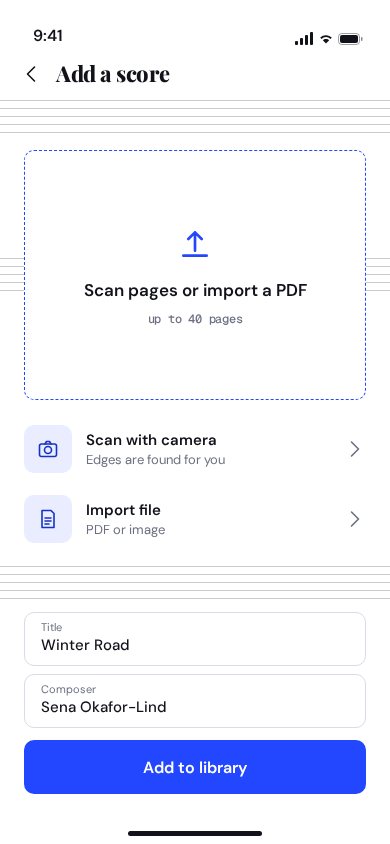 Quire Add a score: Sheet music and practice, Minimal
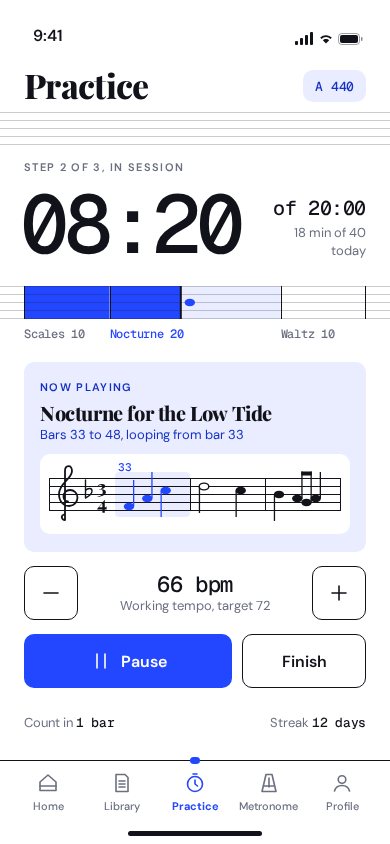 Quire Practice: Sheet music and practice, Minimal
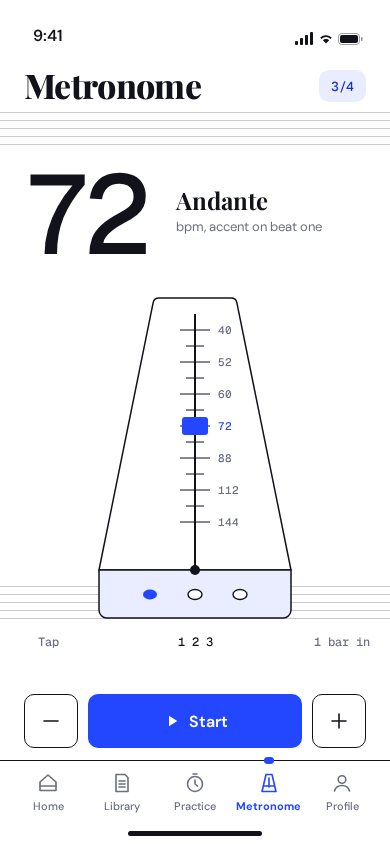 Quire Metronome: Sheet music and practice, Minimal
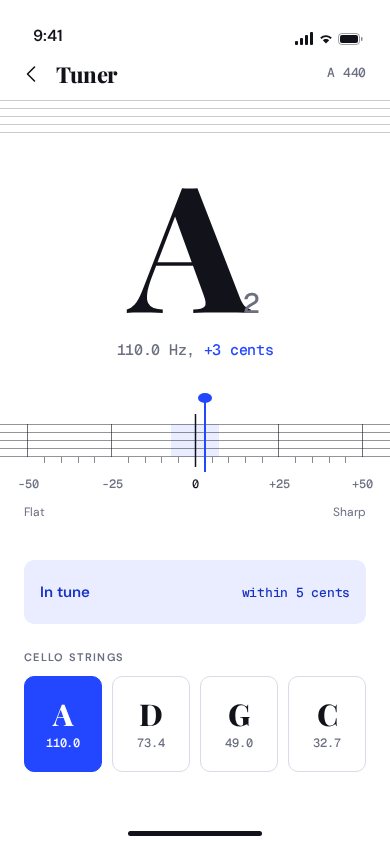 Quire Tuner: Sheet music and practice, Minimal
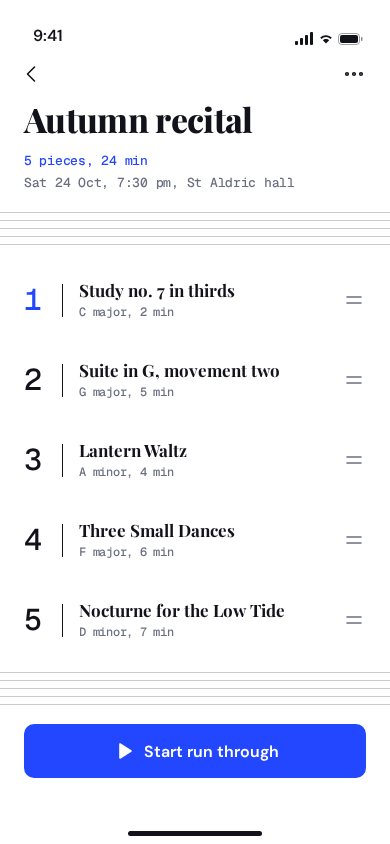 Quire Set list: Sheet music and practice, Minimal
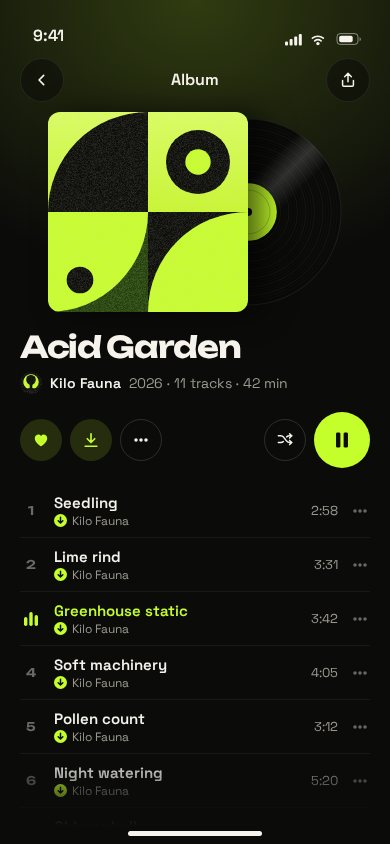 Wax Album: Music streaming, Dark-first, dark
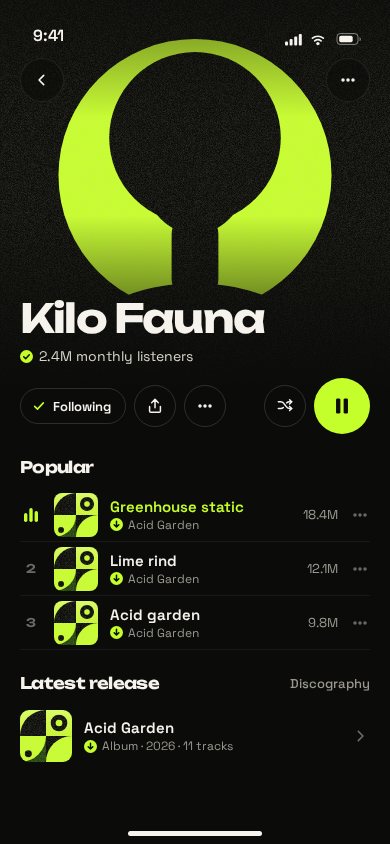 Wax Artist: Music streaming, Dark-first, dark
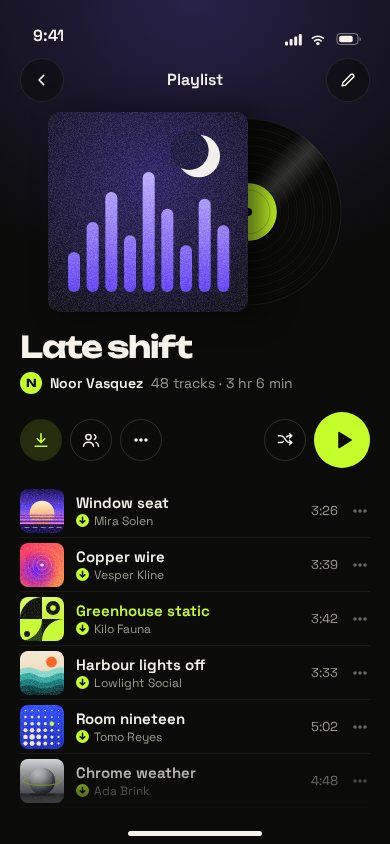 Wax Playlist: Music streaming, Dark-first, dark
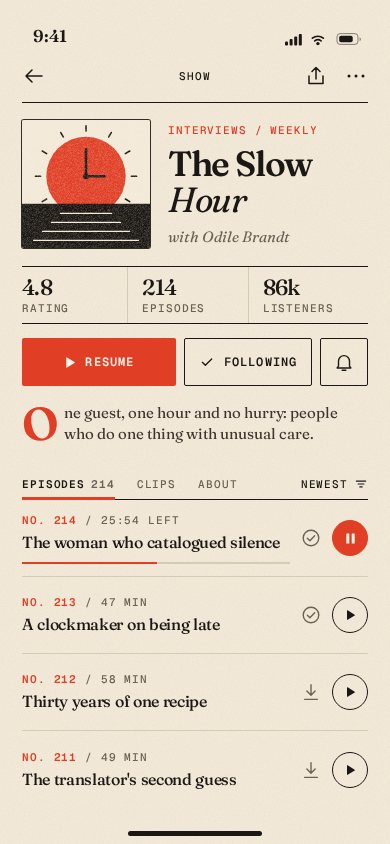 Earshot Show: Podcast player, Minimal
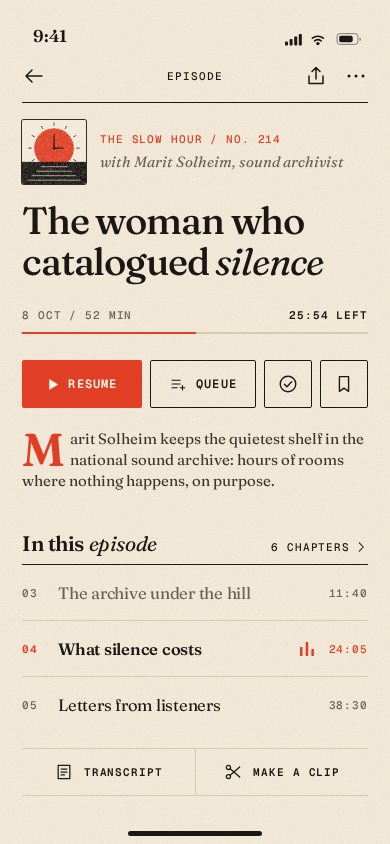 Earshot Episode: Podcast player, Minimal
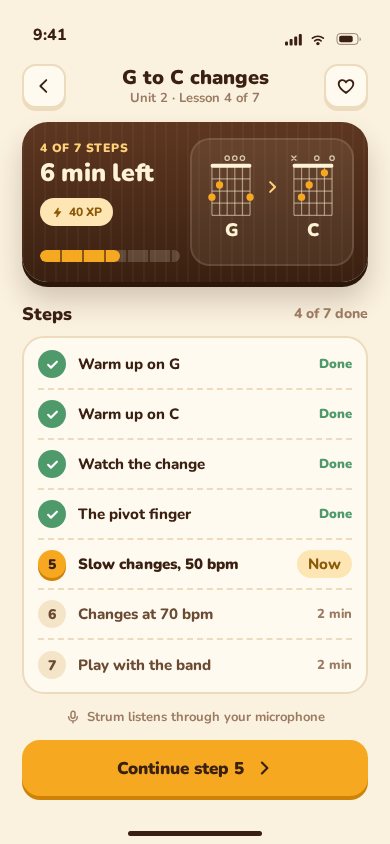 Strum Lesson: Learn guitar, one chord at a time, Playful
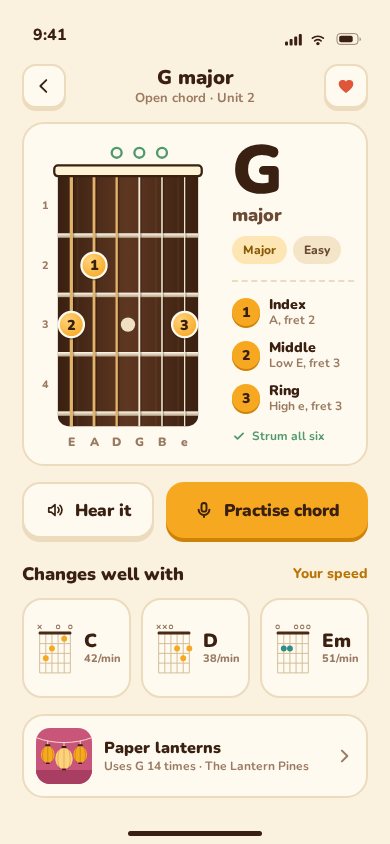 Strum Chord: Learn guitar, one chord at a time, Playful
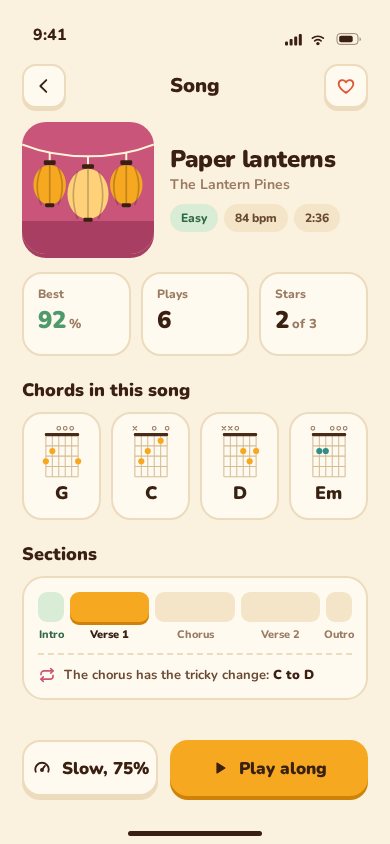 Strum Song: Learn guitar, one chord at a time, Playful
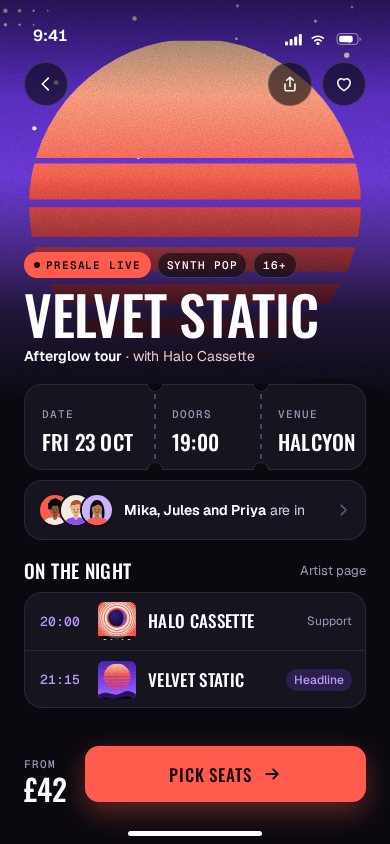 Gigly Gig: Gig and festival tickets, Gen Z, dark
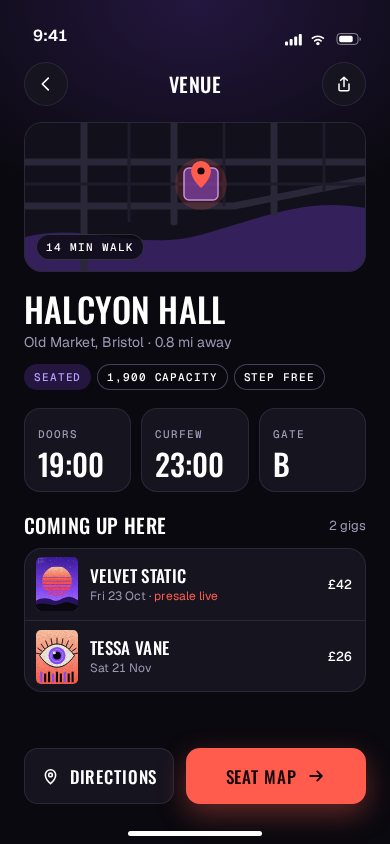 Gigly Venue: Gig and festival tickets, Gen Z, dark
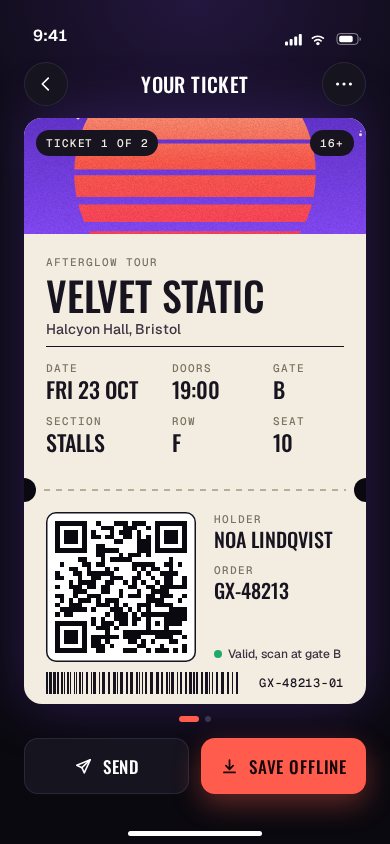 Gigly Ticket: Gig and festival tickets, Gen Z, dark
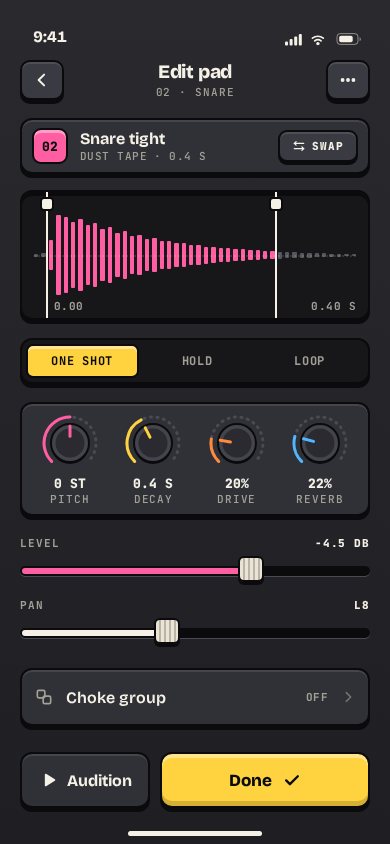 Padd Edit pad: Beat maker, Neubrutalism, dark
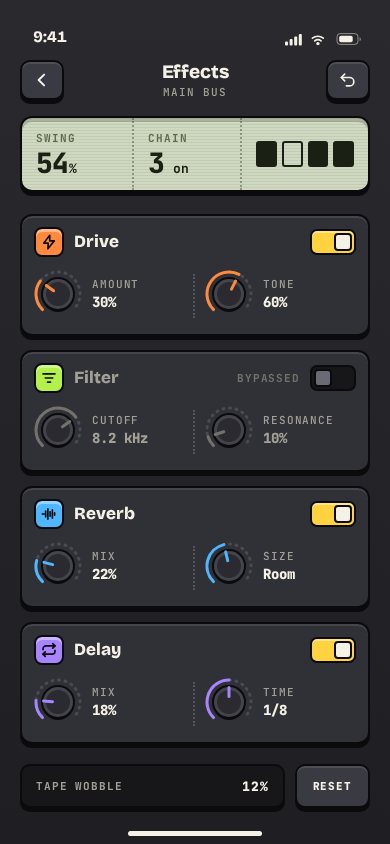 Padd Effects: Beat maker, Neubrutalism, dark
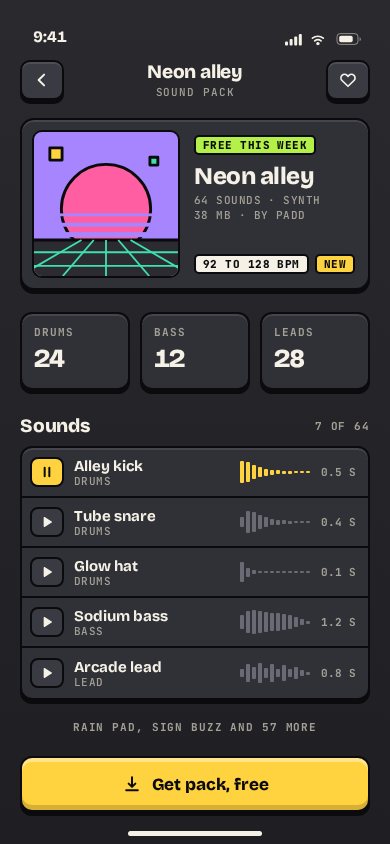 Padd Pack: Beat maker, Neubrutalism, dark
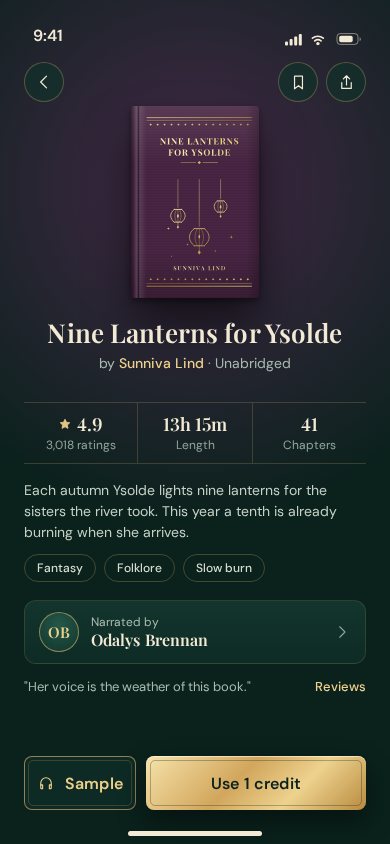 Aria Book: Audiobook library, Luxury, dark
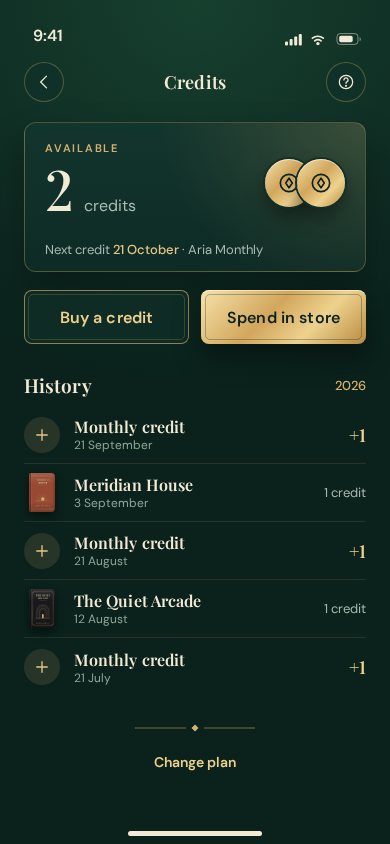 Aria Credits: Audiobook library, Luxury, dark
- Hum Match: Song recognition, Glass, dark
- Hum Album: Song recognition, Glass, dark
- Hum Concert: Song recognition, Glass, dark
- Riff Track: Upload and discover new tracks, Dark-first, dark
- Riff Playlist: Upload and discover new tracks, Dark-first, dark
- Groove Record: Vinyl collection and crate digging, Luxury, dark
- Groove Artist: Vinyl collection and crate digging, Luxury, dark
- Groove Listing: Vinyl collection and crate digging, Luxury, dark
- Groove Shop: Vinyl collection and crate digging, Luxury, dark
- Crossfade Track: DJ mixing on the go, Dark-first, dark
- Crossfade Mix: DJ mixing on the go, Dark-first, dark
- Fork Tuning: Tuner and metronome, Brutalist
- Fork Preset: Tuner and metronome, Brutalist
- Fork Session: Tuner and metronome, Brutalist
- Belt Song: Karaoke nights, Gen Z, dark
- Belt Venue: Karaoke nights, Gen Z, dark
- Crowd Show: Concert diary and setlists, Neubrutalism
- Crowd Setlist: Concert diary and setlists, Neubrutalism
- Crowd Song: Concert diary and setlists, Neubrutalism
- Crowd Artist: Concert diary and setlists, Neubrutalism
- Crowd Venue: Concert diary and setlists, Neubrutalism
- Dial Station: Internet radio from everywhere, Glass, dark
- Dial Track: Internet radio from everywhere, Glass, dark
- Dial Show: Internet radio from everywhere, Glass, dark
- Chorus Lesson: Singing lessons and pitch training, Playful
- Chorus Song: Singing lessons and pitch training, Playful
- Chorus Coach: Singing lessons and pitch training, Playful
- Verse Song: Songwriting notebook, Minimal
- Verse Structure: Songwriting notebook, Minimal
- Verse Prompt: Songwriting notebook, Minimal
- Masters Release: Royalties and streams for artists, Enterprise
- Masters Track: Royalties and streams for artists, Enterprise
- Masters Splits: Royalties and streams for artists, Enterprise
- Masters Statement: Royalties and streams for artists, Enterprise
- Sonata Concert: Concert hall season and tickets, Clinical
- Sonata Programme notes: Concert hall season and tickets, Clinical
- Sonata Ticket: Concert hall season and tickets, Clinical
What makes a good music app detail screen
- Lead with what identifies the item. A large image or title, the price or status, and the key facts at the top. People should know they are in the right place at a glance.
- Keep the main action visible. A sticky bottom button for Add to cart, Book or Play stays reachable while people scroll through details.
- Order information by importance. The facts that decide the choice come first; reviews, specifications and fine print further down.
- Use progressive disclosure. Long descriptions, specifications and policies can expand on tap rather than filling the screen.
- Make the way back obvious. A clear back button and, for media, swipe down to dismiss, so people can return to their place in the list.
The full detail screen guide: layouts, mistakes and questions
Detail screens in other kinds of app
- Lifestyle app detail screens (215)
- Productivity app detail screens (185)
- Finance app detail screens (142)
- Travel app detail screens (137)
- Social app detail screens (125)
- Fitness app detail screens (121)
- Education app detail screens (94)
- Sports app detail screens (87)
- Food app detail screens (81)
- Smart home app detail screens (66)
Other music app screens
- Music app onboarding screens
- Music app sign in and sign up screens
- Music app home screens
- Music app search and explore screens
- Music app list and feed screens
- Music app booking and checkout screens
- Music app paywall screens
- Music app success and confirmation screens
- Music app profile screens
- Music app settings screens
- Music app dashboard and stats screens
- Music app player, camera and editor screens
- Music app live tracking screens
- Music app form and input screens