Music app profile screens
27 profile screens from 19 music app templates, each in its own design language. Music apps are led by artwork: covers, waveforms and a player that stays in reach while you browse.
The examples
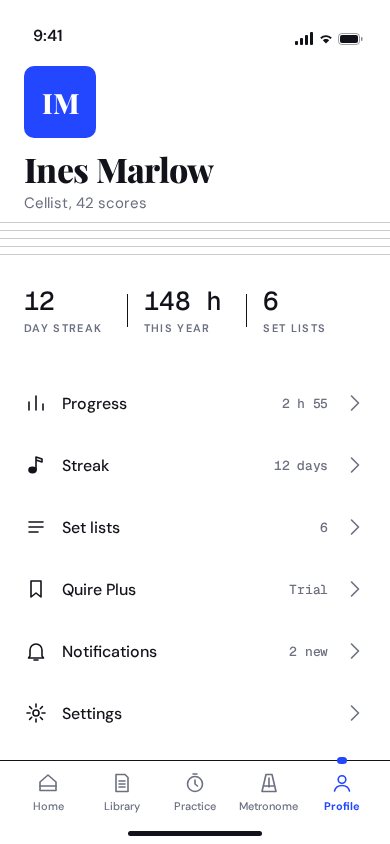 Quire Profile: Sheet music and practice, Minimal
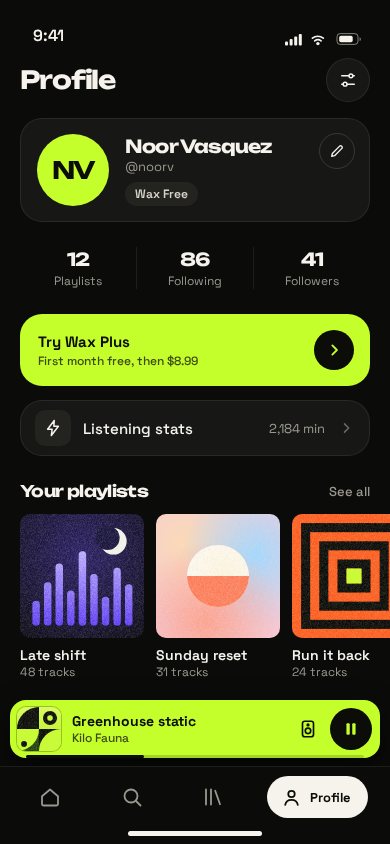 Wax Profile: Music streaming, Dark-first, dark
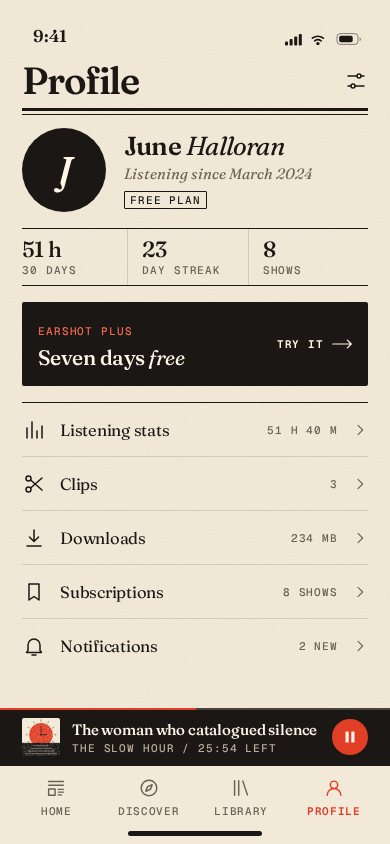 Earshot Profile: Podcast player, Minimal
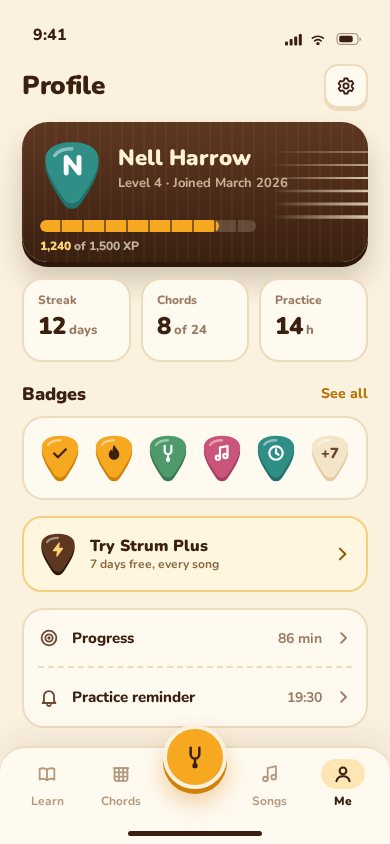 Strum Profile: Learn guitar, one chord at a time, Playful
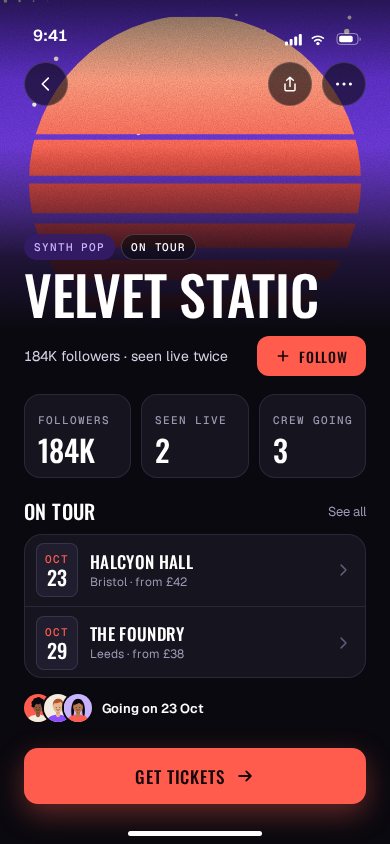 Gigly Artist: Gig and festival tickets, Gen Z, dark
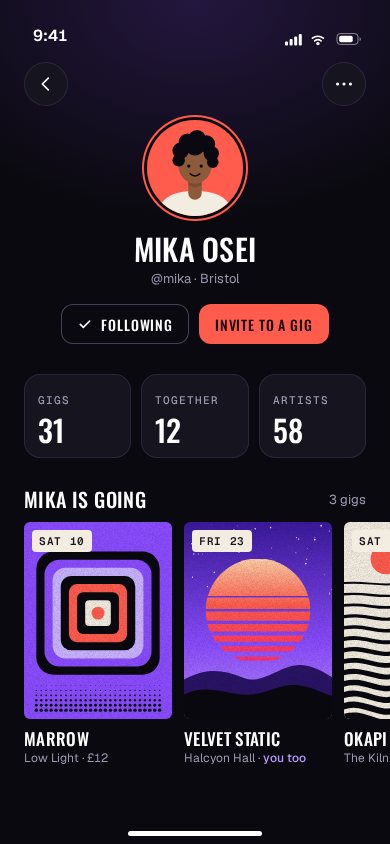 Gigly Friend: Gig and festival tickets, Gen Z, dark
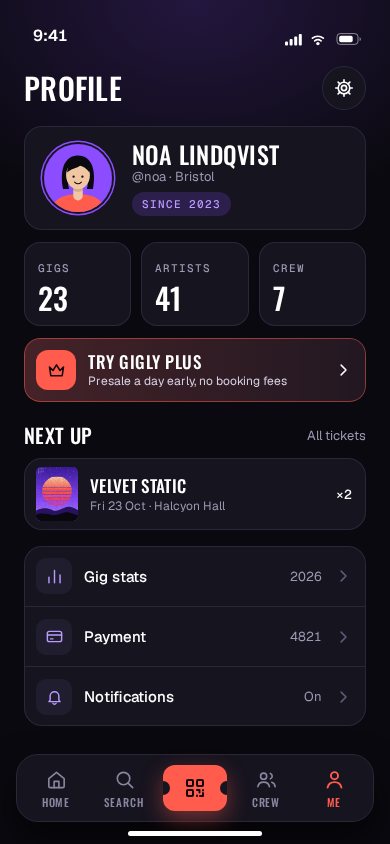 Gigly Profile: Gig and festival tickets, Gen Z, dark
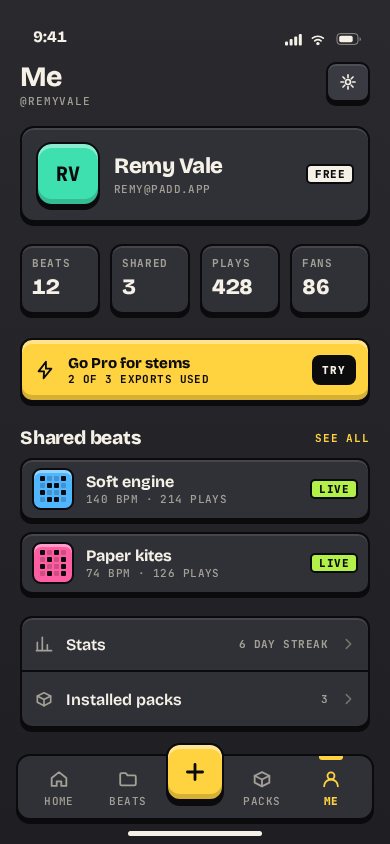 Padd Profile: Beat maker, Neubrutalism, dark
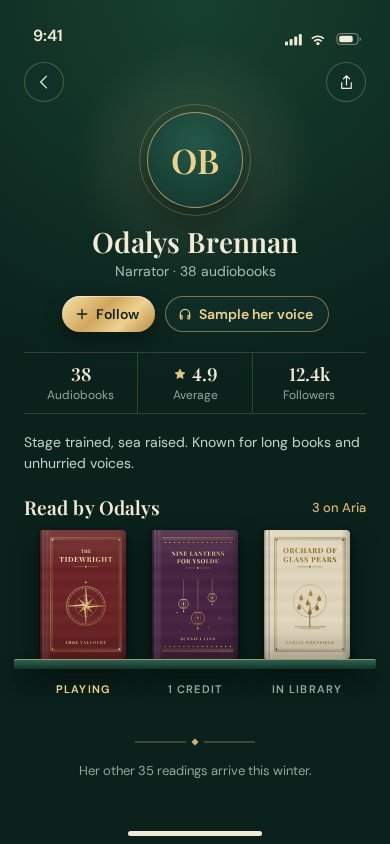 Aria Narrator: Audiobook library, Luxury, dark
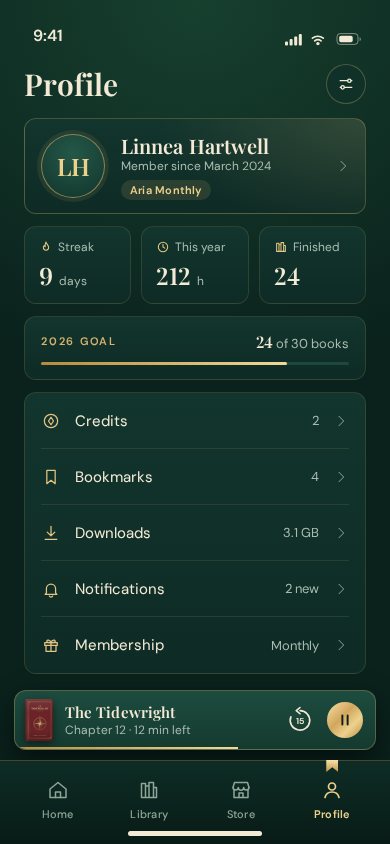 Aria Profile: Audiobook library, Luxury, dark
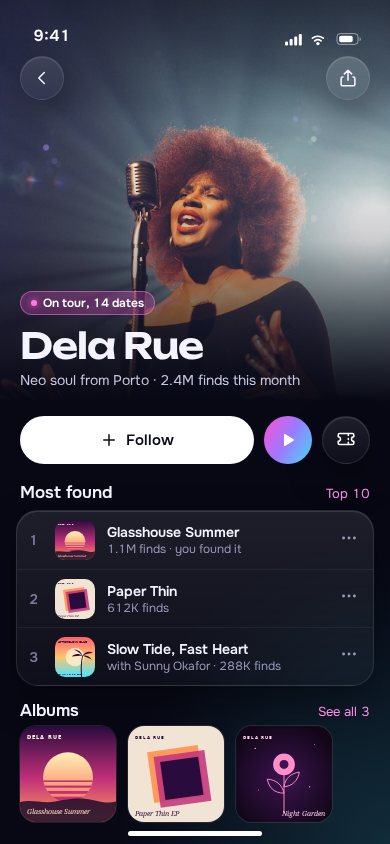 Hum Artist: Song recognition, Glass, dark
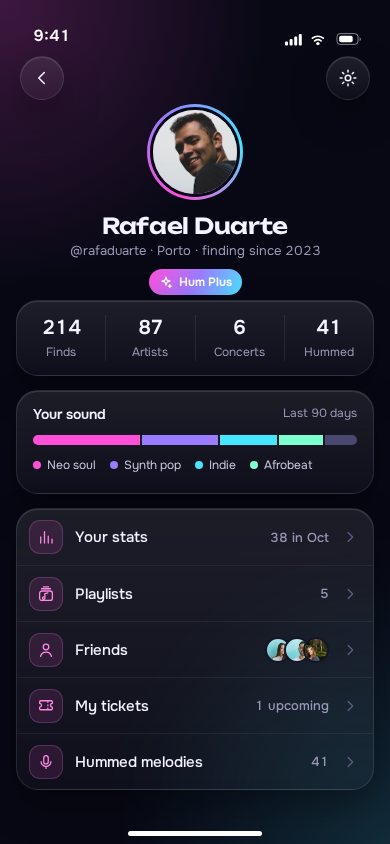 Hum Profile: Song recognition, Glass, dark
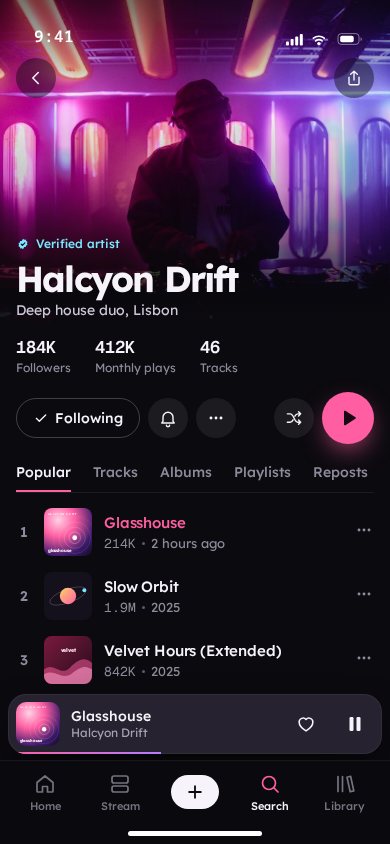 Riff Artist: Upload and discover new tracks, Dark-first, dark
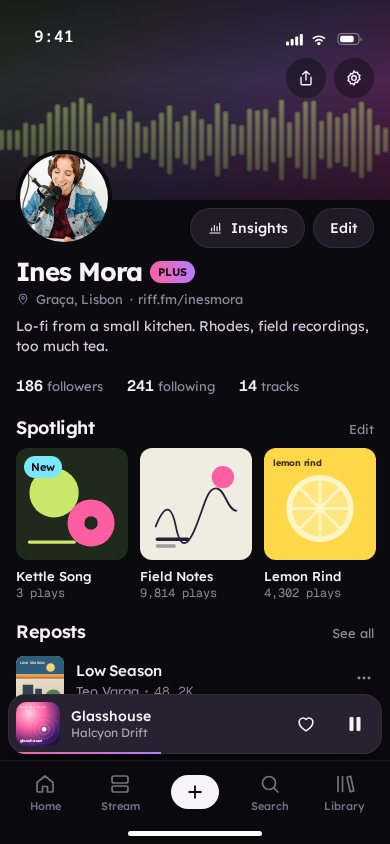 Riff Profile: Upload and discover new tracks, Dark-first, dark
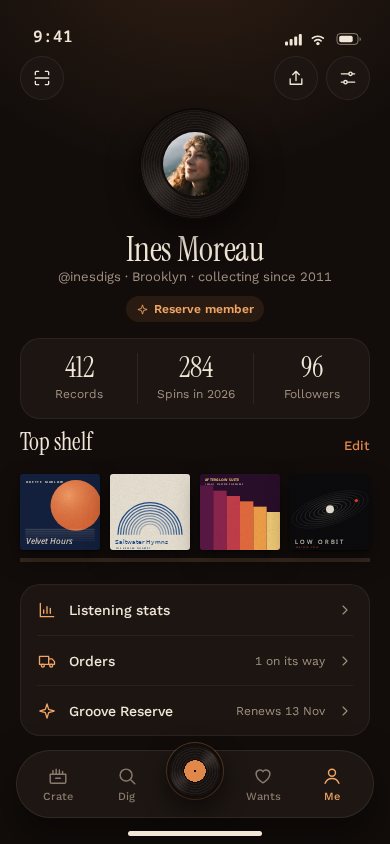 Groove Profile: Vinyl collection and crate digging, Luxury, dark
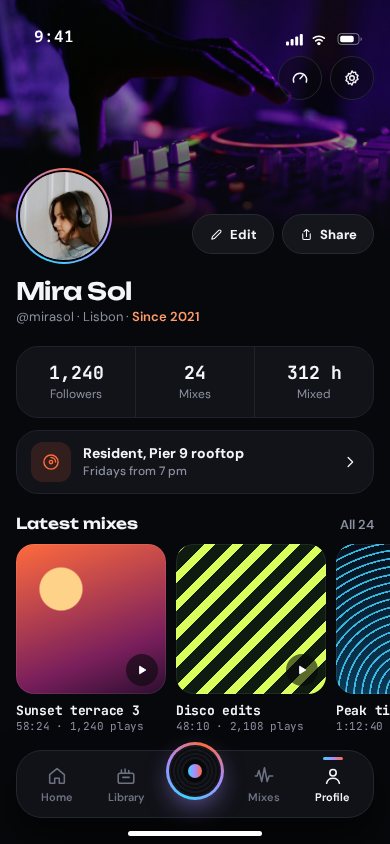 Crossfade Profile: DJ mixing on the go, Dark-first, dark
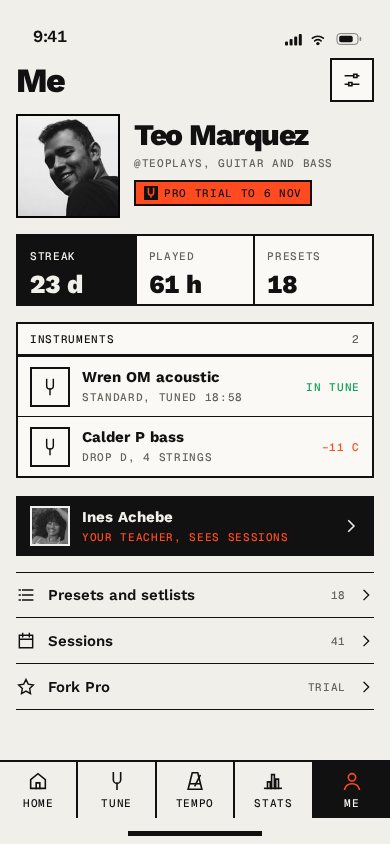 Fork Profile: Tuner and metronome, Brutalist
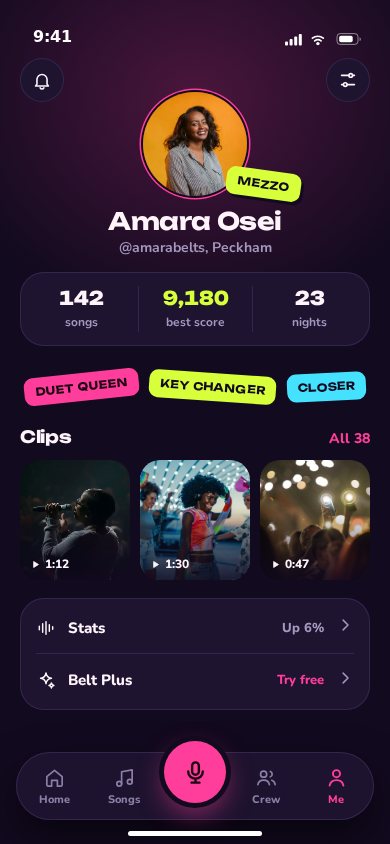 Belt Profile: Karaoke nights, Gen Z, dark
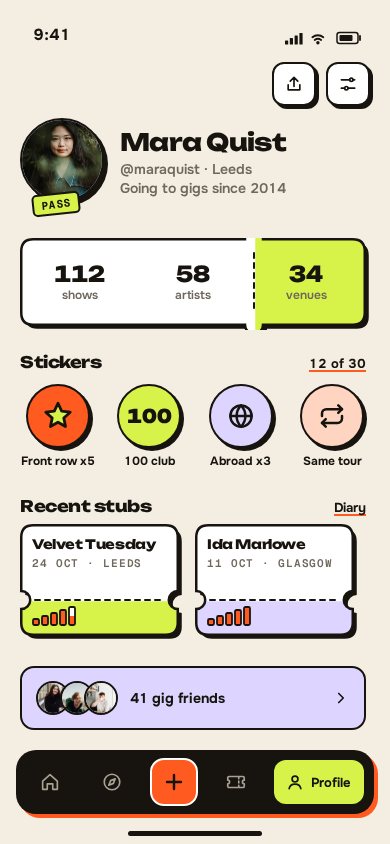 Crowd Profile: Concert diary and setlists, Neubrutalism
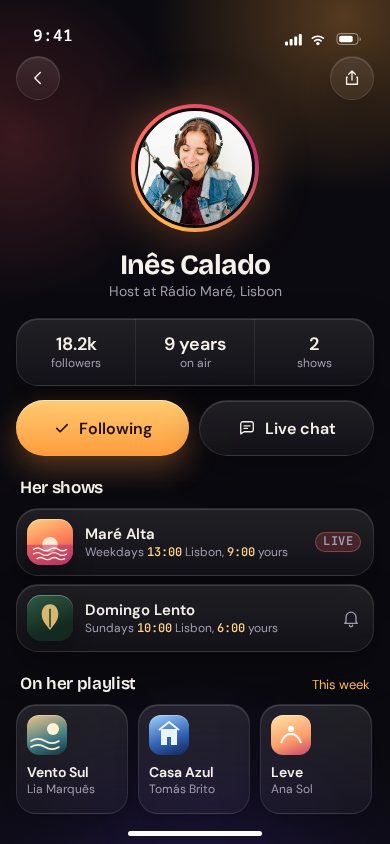 Dial Host: Internet radio from everywhere, Glass, dark
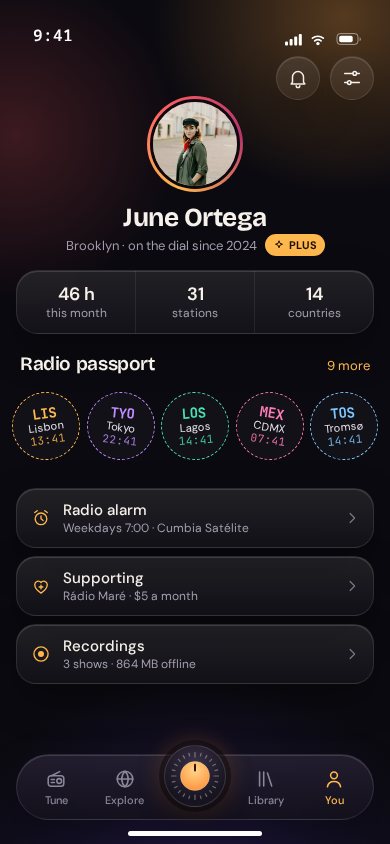 Dial Profile: Internet radio from everywhere, Glass, dark
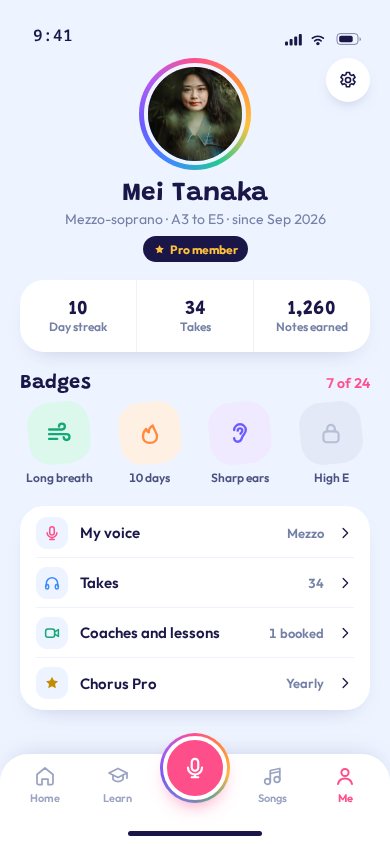 Chorus Profile: Singing lessons and pitch training, Playful
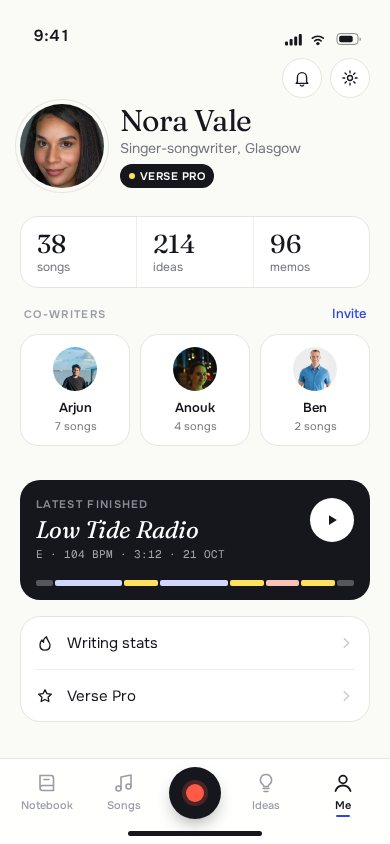 Verse Profile: Songwriting notebook, Minimal
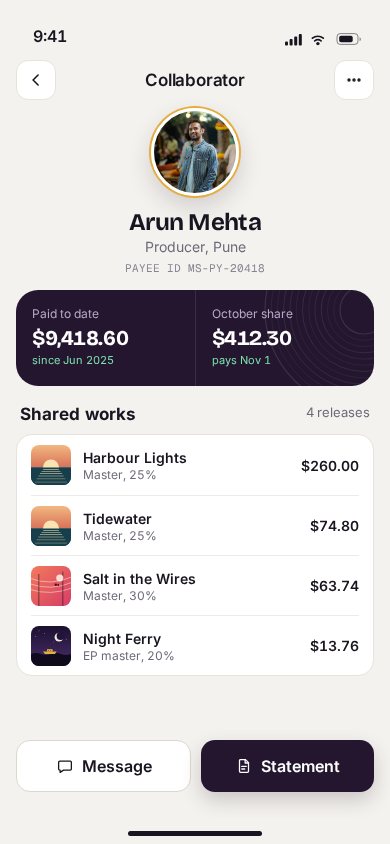 Masters Collaborator: Royalties and streams for artists, Enterprise
- Masters Profile: Royalties and streams for artists, Enterprise
- Sonata Performer: Concert hall season and tickets, Clinical
- Sonata Profile: Concert hall season and tickets, Clinical
What makes a good music app profile screen
- Lead with identity. Photo, name and one line about the person at the top. It confirms whose profile this is.
- Show meaningful stats. Two to four numbers that matter in this app, like workouts, followers, books read or streak.
- Make editing obvious for the owner. An Edit profile button near the top, shown only on your own profile.
- Organise content with tabs. Posts, activity, saved or achievements as tabs keep a long profile tidy.
- Keep settings separate. A gear icon leading to settings is clearer than mixing account options into the profile.
- Respect privacy on public profiles. Let people choose what others can see, like stats, activity or location, and make it clear on the screen which parts are public.
The full profile screen guide: layouts, mistakes and questions
Profile screens in other kinds of app
- Lifestyle app profile screens (88)
- Productivity app profile screens (67)
- Social app profile screens (64)
- Finance app profile screens (44)
- Travel app profile screens (43)
- Fitness app profile screens (40)
- Education app profile screens (36)
- Food app profile screens (32)
- Sports app profile screens (28)
- Smart home app profile screens (23)
Other music app screens
- Music app onboarding screens
- Music app sign in and sign up screens
- Music app home screens
- Music app search and explore screens
- Music app list and feed screens
- Music app detail screens
- Music app booking and checkout screens
- Music app paywall screens
- Music app success and confirmation screens
- Music app settings screens
- Music app dashboard and stats screens
- Music app player, camera and editor screens
- Music app live tracking screens
- Music app form and input screens