Templates · Booking and checkout screens
Social app booking and checkout screens
33 checkout screens from 28 social app templates, each in its own design language. Social apps are about people: faces, names and conversations first, with the tools to post or reply never far away.
The examples
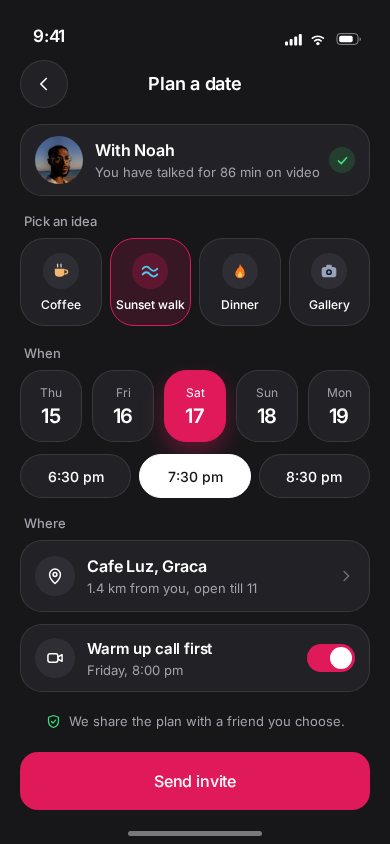 Wink Plan a date: Video first dating, Dark-first, dark
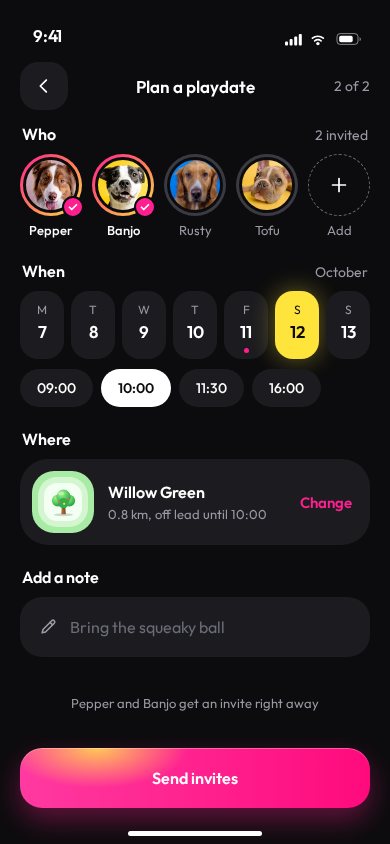 Snoot Plan a playdate: Social app for pets, Dark-first, dark
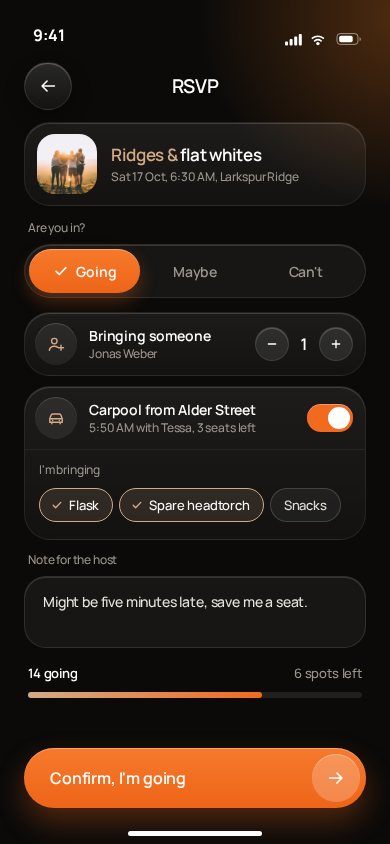 Huddle RSVP: Interest groups and meetups, Dark-first, dark
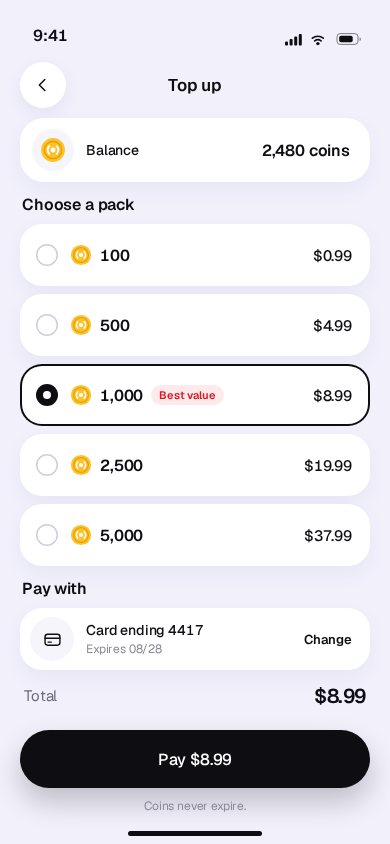 Onair Top up: Live streaming, Glass
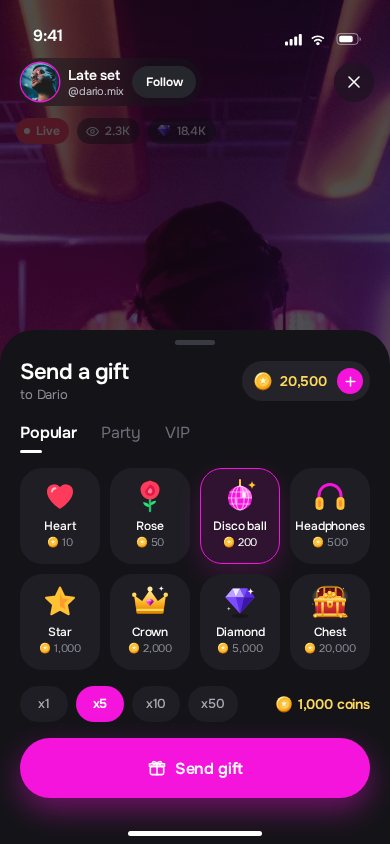 Glitz Send a gift: Party live streaming, Dark-first, dark
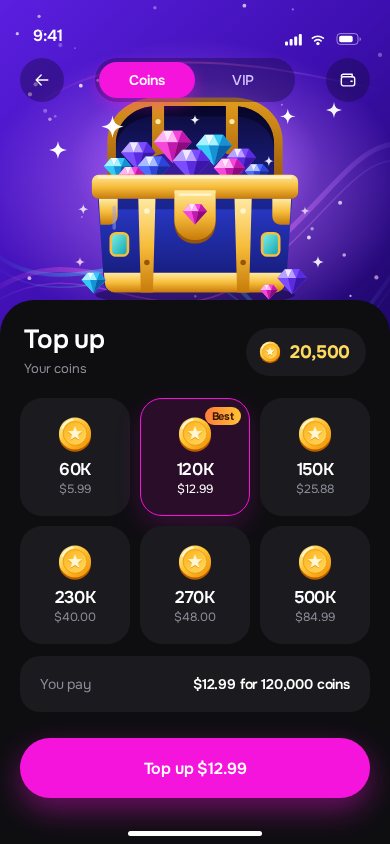 Glitz Top up: Party live streaming, Dark-first, dark
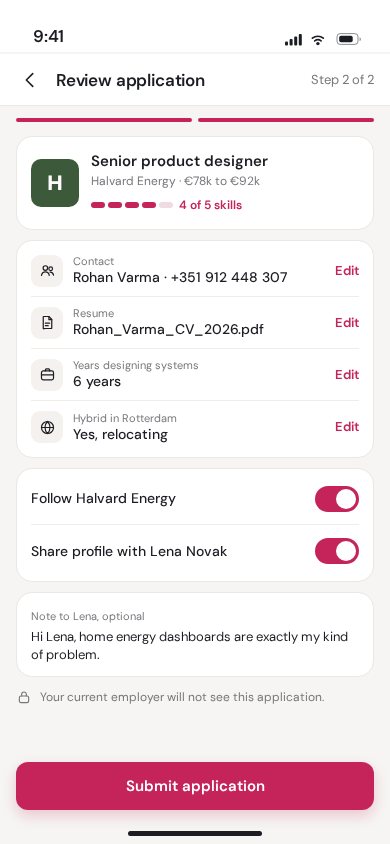 Linkup Review application: Professional network and jobs, Enterprise
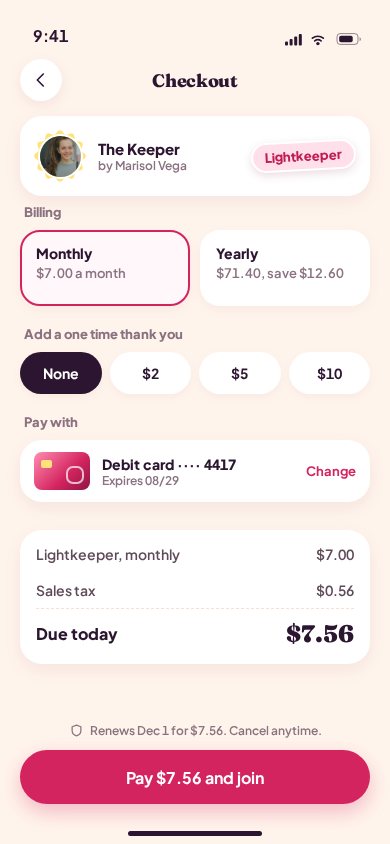 Backer Join: Support creators with memberships, Playful
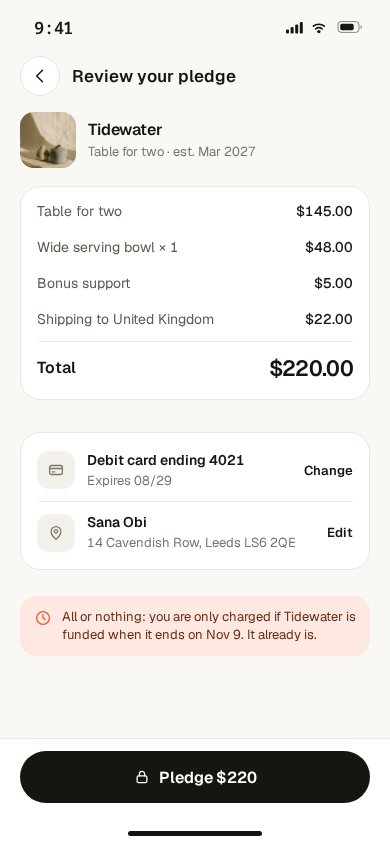 Pledge Checkout: Back creative projects, Minimal
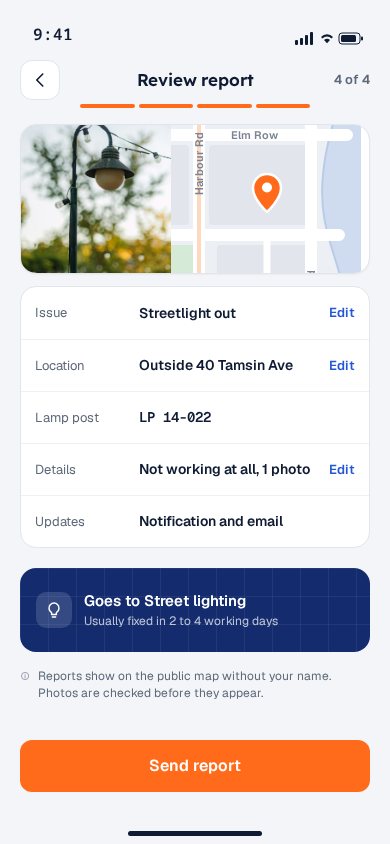 Civic Review report: Report issues and city services, Enterprise
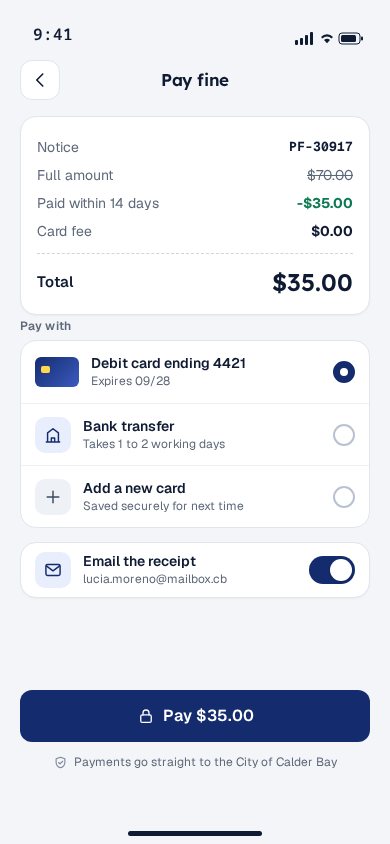 Civic Pay fine: Report issues and city services, Enterprise
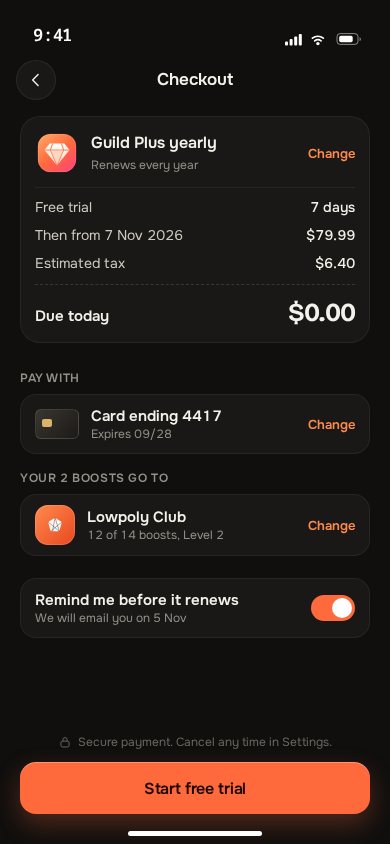 Guild Checkout: Community servers with voice and text chat, Dark-first, dark
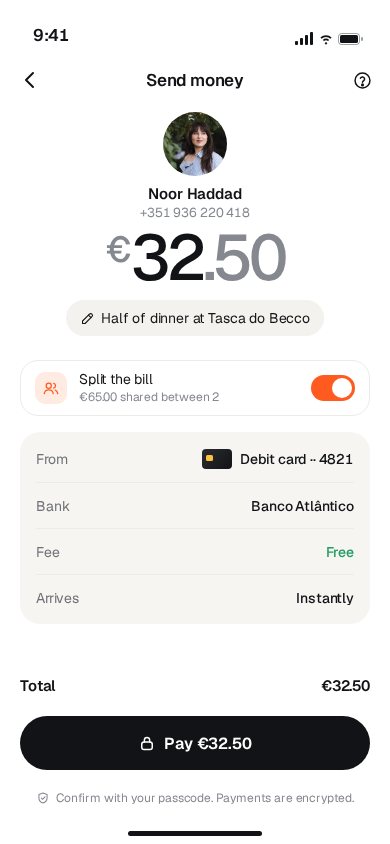 Parrot Send money: Private messaging, groups and calls, Minimal
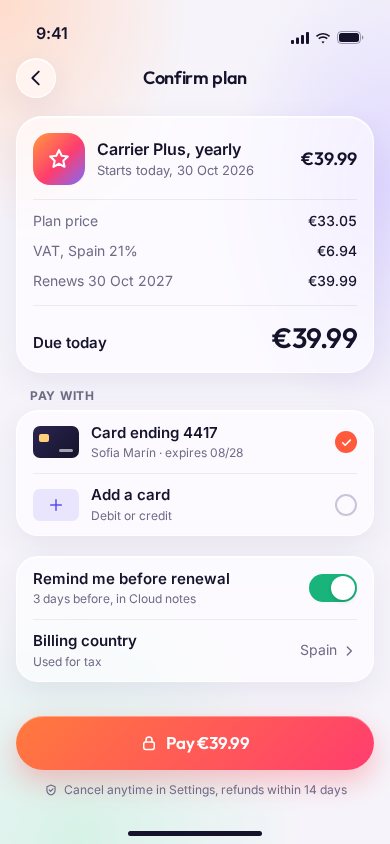 Carrier Confirm plan: Cloud messaging with channels, Glass
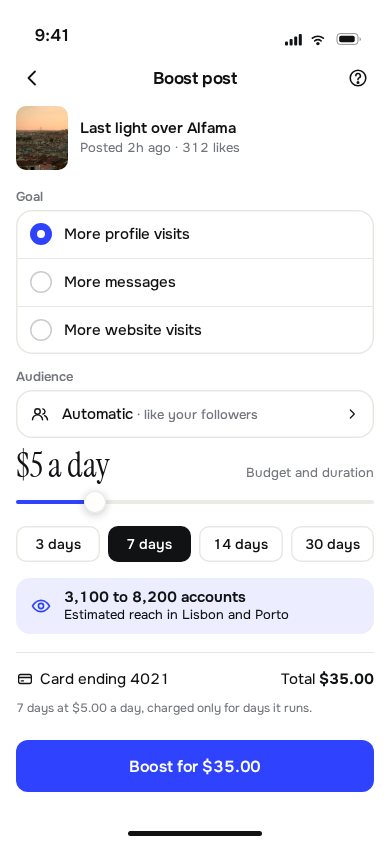 Vista Boost post: Photos, stories and reels, Minimal
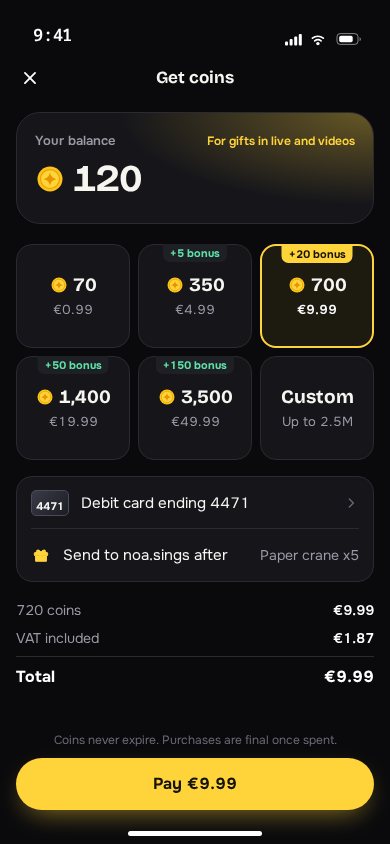 Flick Coins: Short video feed, Dark-first, dark
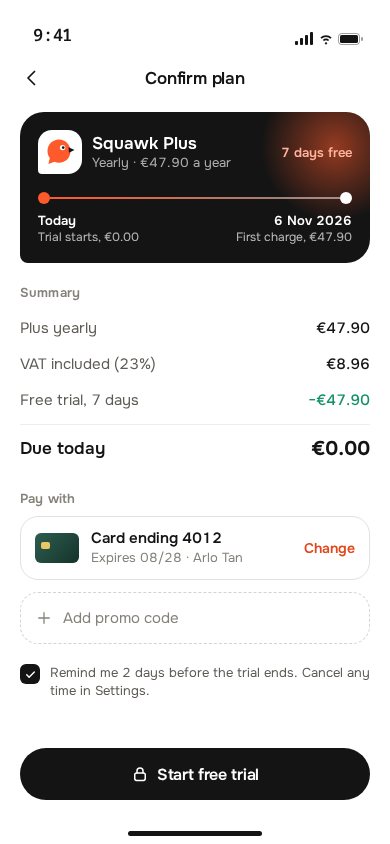 Squawk Subscribe: Short posts and live conversation, Minimal
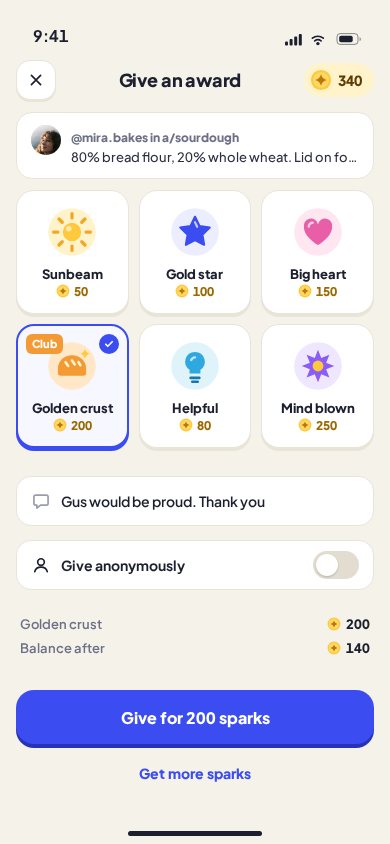 Agora Give award: Communities, threads and votes, Playful
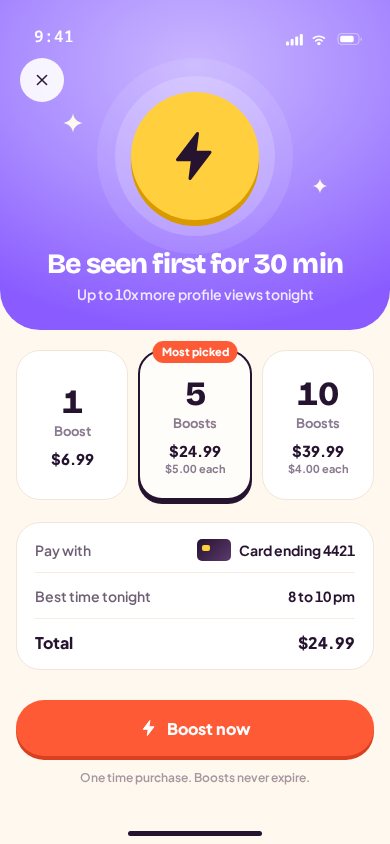 Spark Boost: Swipe dating, Playful
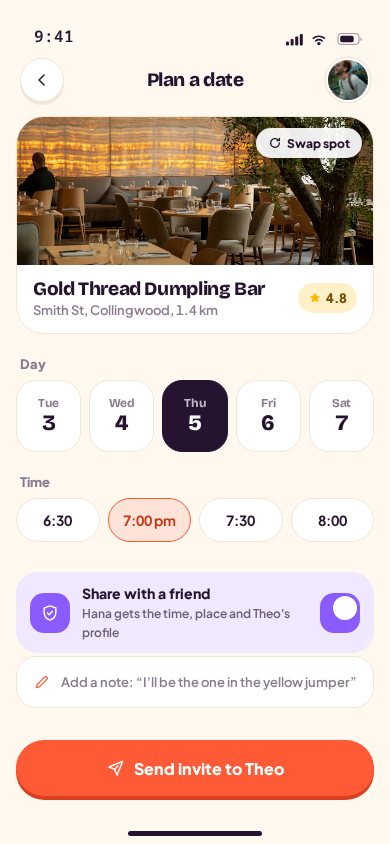 Spark Plan a date: Swipe dating, Playful
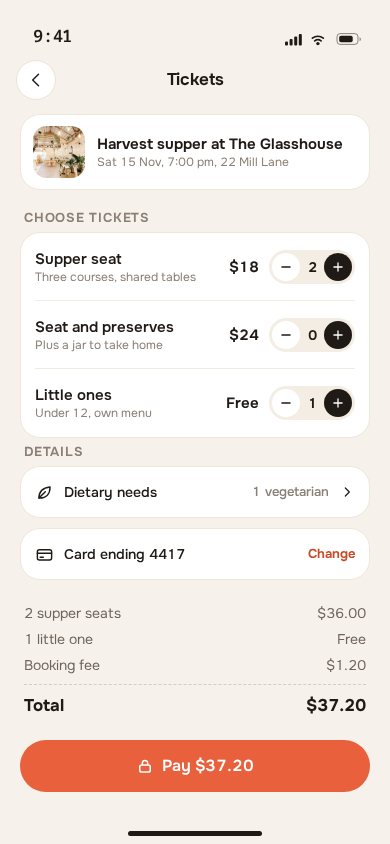 Commons Tickets: Friends, groups and events, Minimal
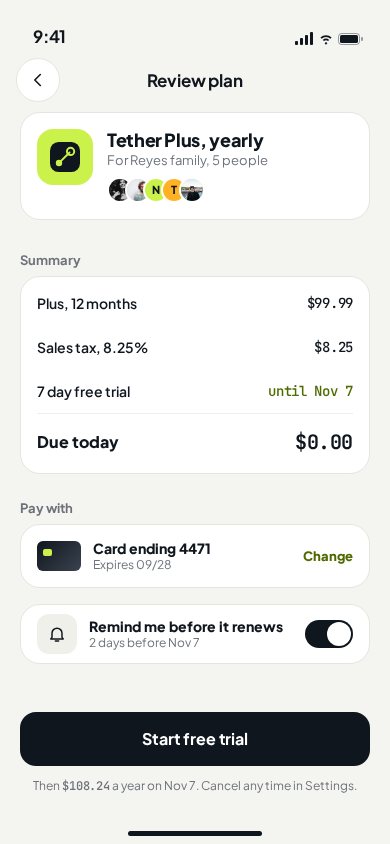 Tether Review plan: Family location and safety, Minimal
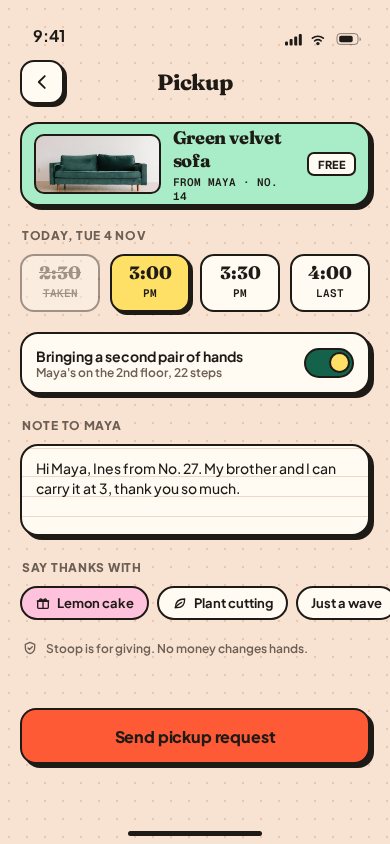 Stoop Pickup: Neighbourhood noticeboard, Neubrutalism
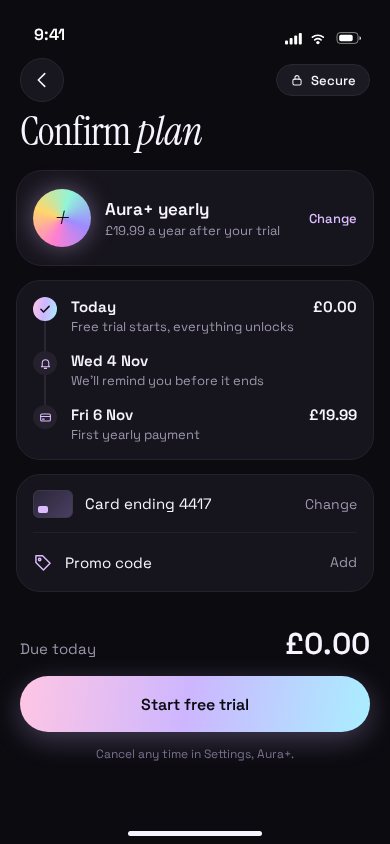 Aura Confirm plan: Moods with close friends, Gen Z, dark
- Kindly Pick a shift: Volunteering near you, Playful
- Kindly Confirm: Volunteering near you, Playful
- Cohort Book session: Alumni and mentor network, Enterprise
- Cohort Tickets: Alumni and mentor network, Enterprise
- Kin Photo book: Private family circle, Minimal
- Confetti Review and send: Party invites and RSVPs, Glass
- Ripple Send a tip: Voice notes social, Dark-first, dark
- Duo Booking: An app for two, Luxury
- Soapbox Checkout: Weekly debates and polls, Brutalist
What makes a good social app checkout screen
- Show the total early and honestly. Taxes, delivery and service fees should appear before the last step. A higher total on the final screen feels like a trick.
- Offer wallet payments. Apple Pay and Google Pay skip card typing entirely. Show them first when they are available.
- Ask for the minimum. Only the fields needed to deliver or book. Save details for next time.
- Let people review before paying. A clear summary of items, dates, address and price, with each part editable without starting over.
- Make the pay button specific. "Pay $42.80" tells people exactly what will happen; "Continue" does not.
- Allow guest checkout where you can. Forcing an account at payment loses people who just want to buy once.
The full checkout screen guide: layouts, mistakes and questions
Booking and checkout screens in other kinds of app
- Lifestyle app booking and checkout screens (99)
- Travel app booking and checkout screens (66)
- Food app booking and checkout screens (59)
- Finance app booking and checkout screens (50)
- Productivity app booking and checkout screens (47)
- Fitness app booking and checkout screens (34)
- Education app booking and checkout screens (23)
- Sports app booking and checkout screens (22)
- Music app booking and checkout screens (22)
- Smart home app booking and checkout screens (17)
Other social app screens
- Social app onboarding screens
- Social app sign in and sign up screens
- Social app home screens
- Social app search and explore screens
- Social app list and feed screens
- Social app detail screens
- Social app paywall screens
- Social app success and confirmation screens
- Social app profile screens
- Social app settings screens
- Social app dashboard and stats screens
- Social app player, camera and editor screens
- Social app live tracking screens
- Social app form and input screens