Fitness app paywall screens
33 paywall screens from 33 health and fitness app templates, each in its own design language. Health and fitness apps run on progress and motivation: rings, streaks and numbers people check daily, with goals that feel personal.
The examples
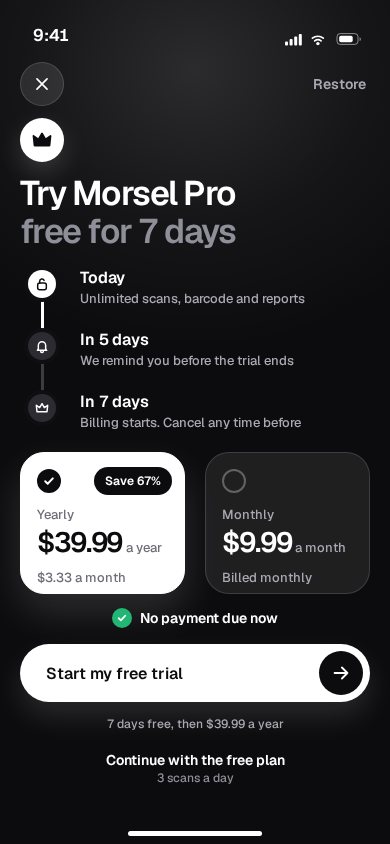 Morsel Pro: AI calorie tracker, Minimal
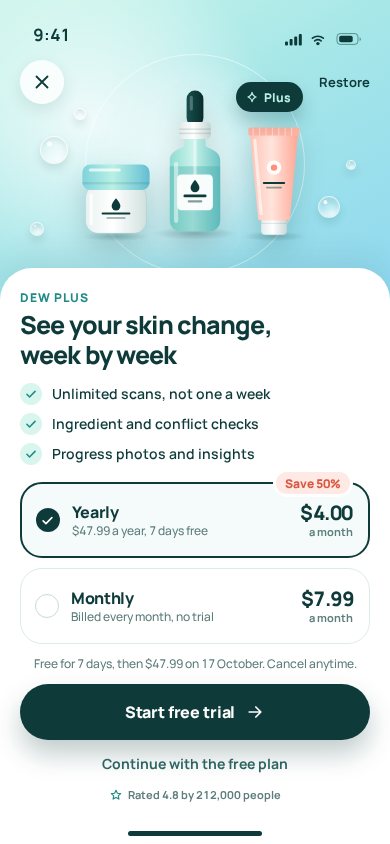 Dew Plus: AI skin scan and routine, Clinical
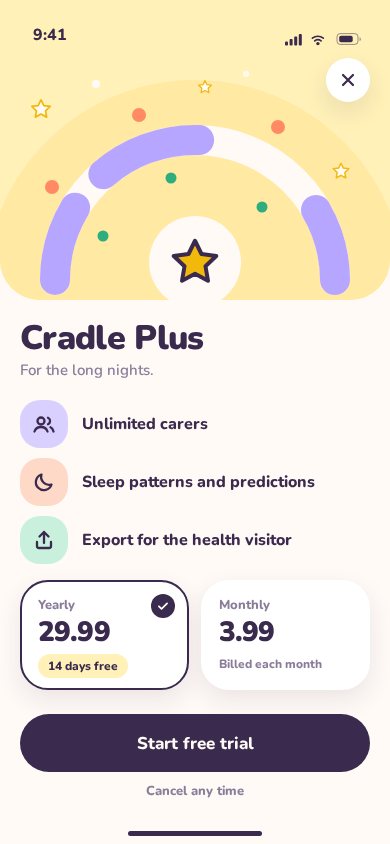 Cradle Plus: Baby tracker, Playful
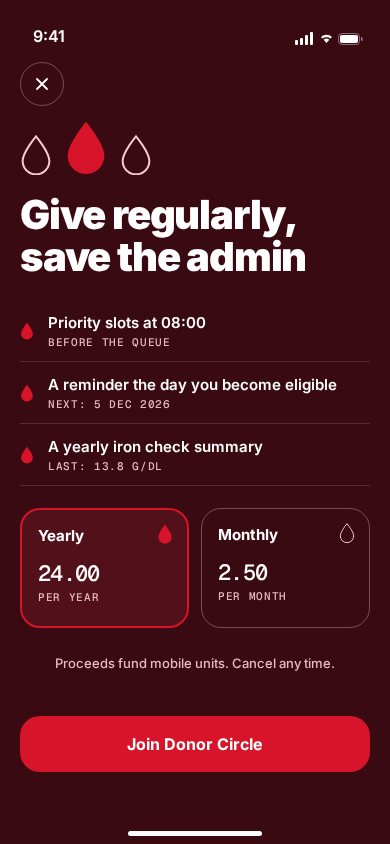 Donor Circle: Blood donation, counted drop by drop, Clinical
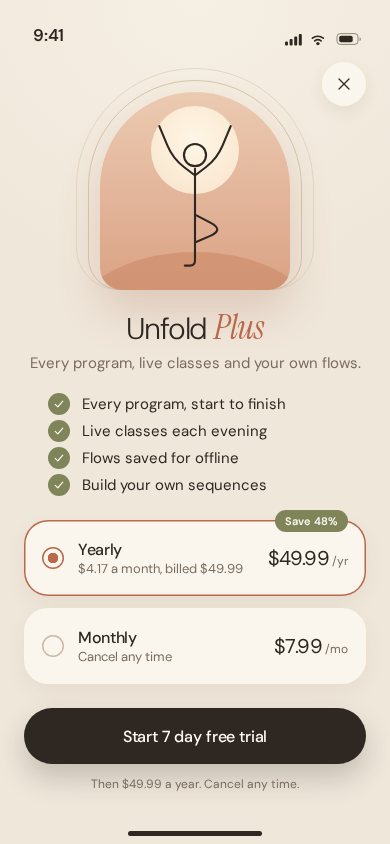 Unfold Plus: Yoga and stretching, Minimal
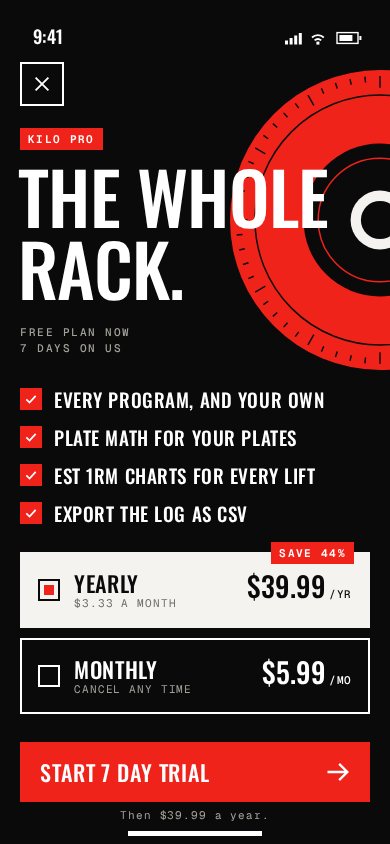 Kilo Pro: Strength training log, Brutalist
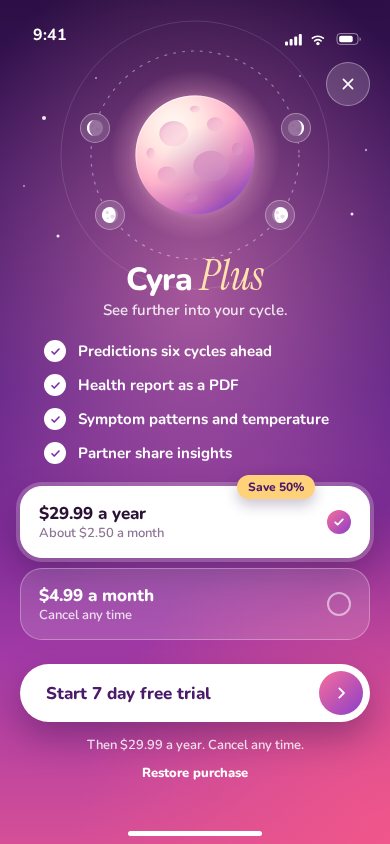 Cyra Plus: Cycle tracker, Glass
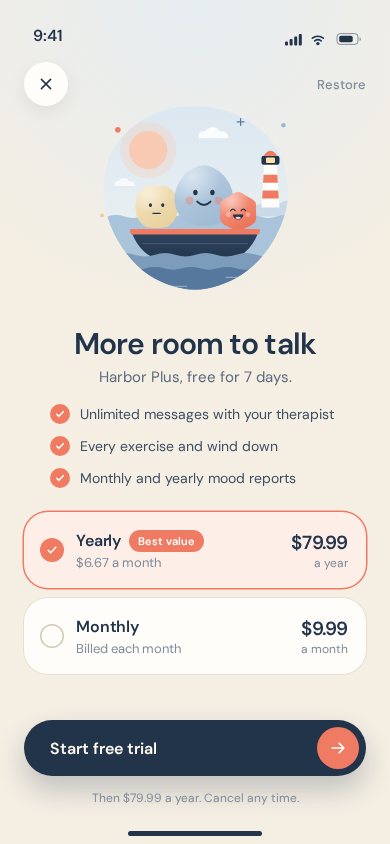 Harbor Plus: Therapy and mood, Minimal
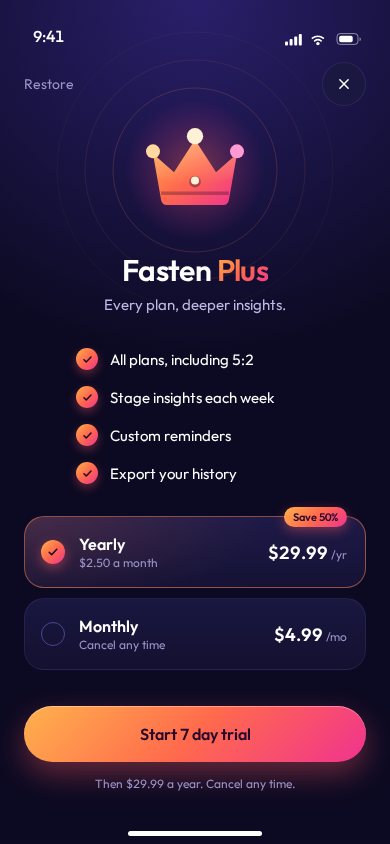 Fasten Plus: Intermittent fasting, Dark-first, dark
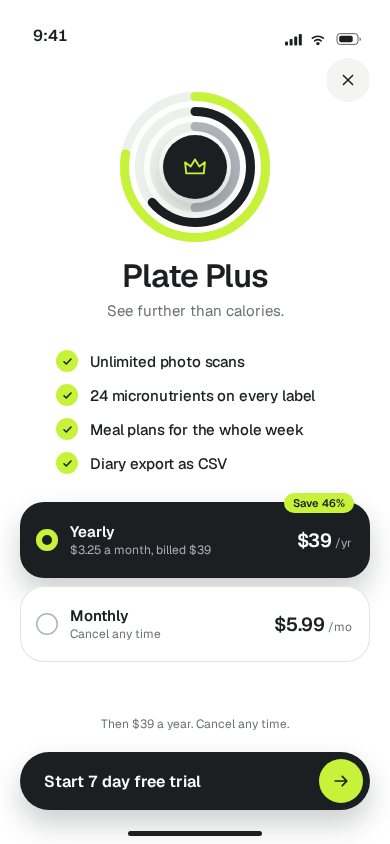 Plate Plus: Calorie and macro tracker, Clinical
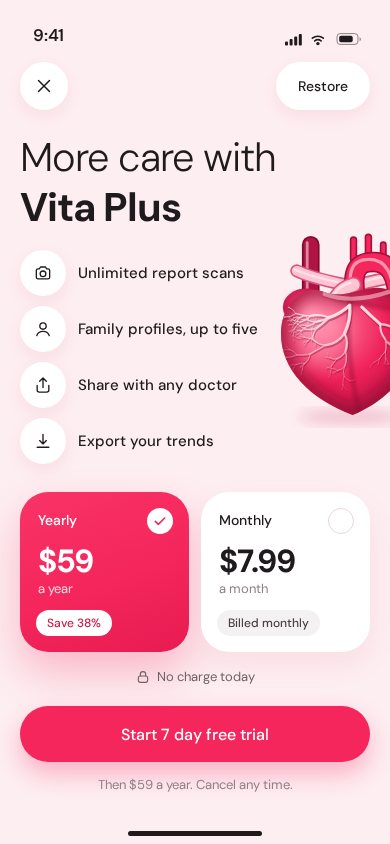 Vita Plus: Personal health record, Clinical
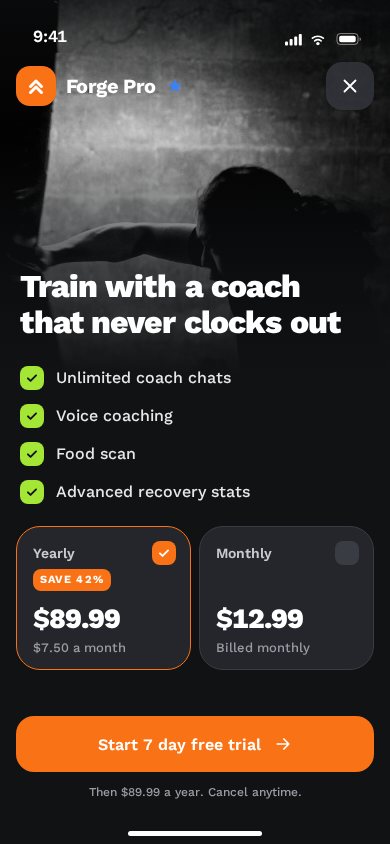 Forge Pro: AI fitness and nutrition, Dark-first, dark
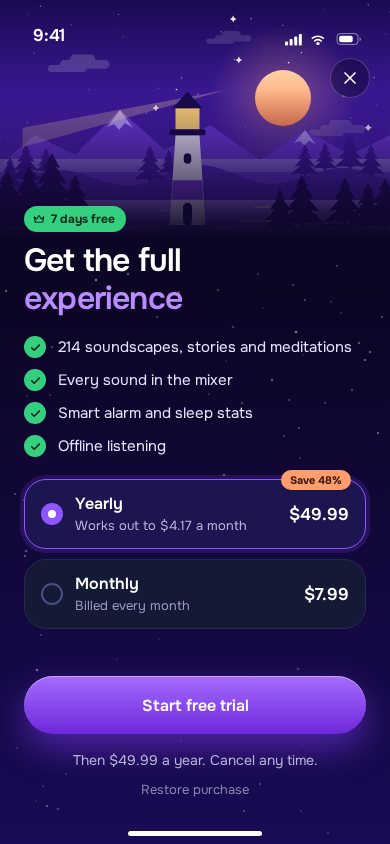 Lull Premium: Sleep sounds and meditation, Dark-first, dark
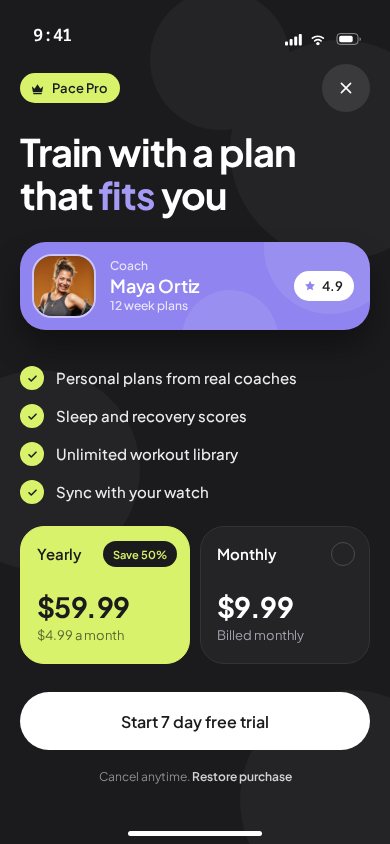 Pace Pro: Fitness tracker, Playful
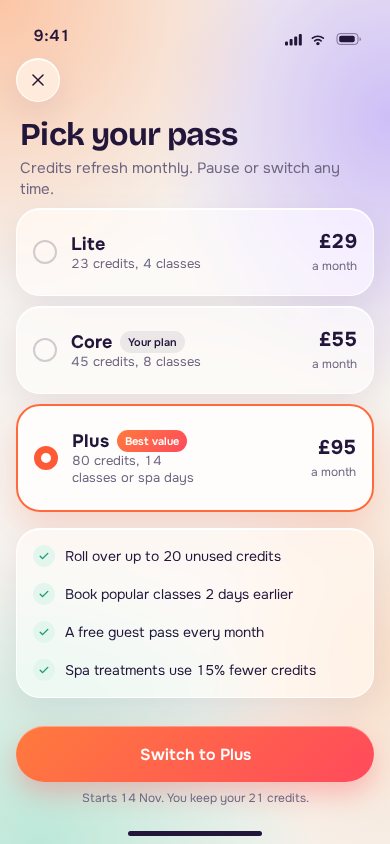 Flexpass Plans: One membership, many studios, Glass
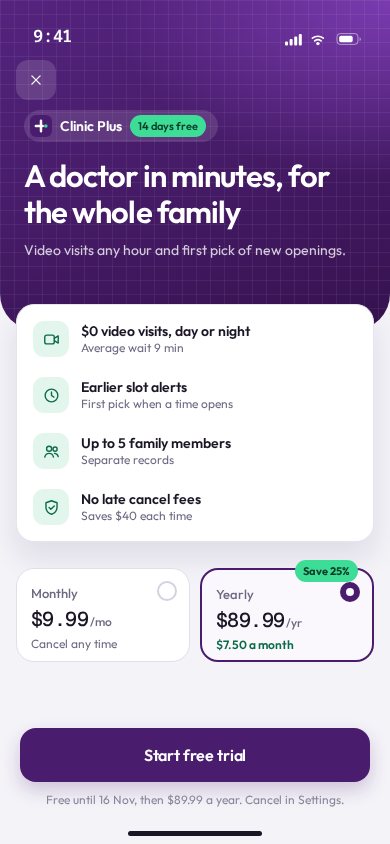 Clinic Plus: Find and book doctors, Clinical
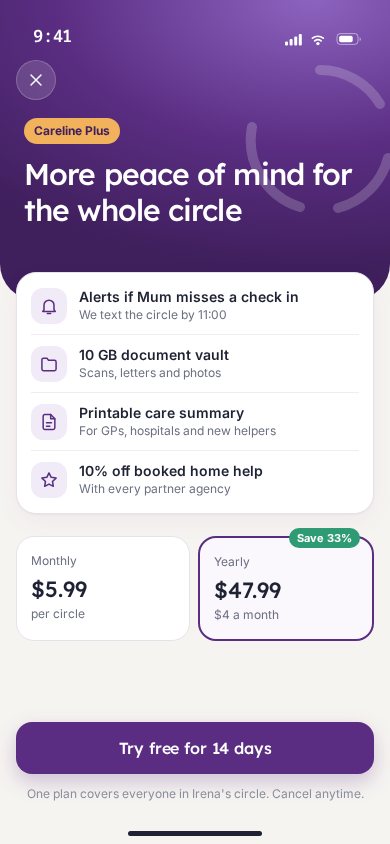 Careline Plus: Care for an ageing parent, Clinical
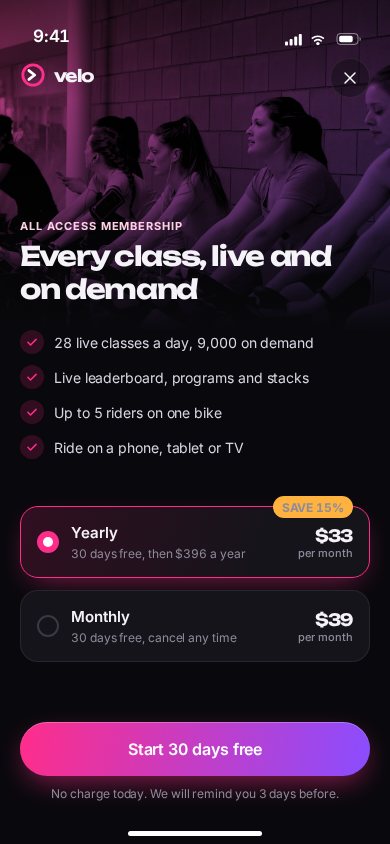 Velo Membership: Live and on-demand indoor cycling, Dark-first, dark
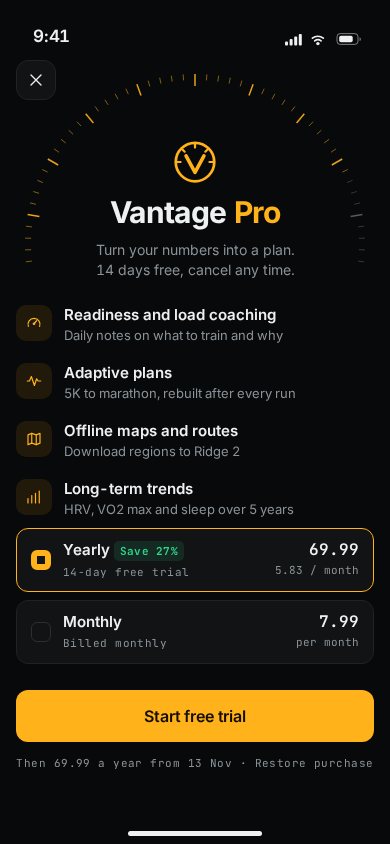 Vantage Pro: Sports watch companion, Clinical, dark
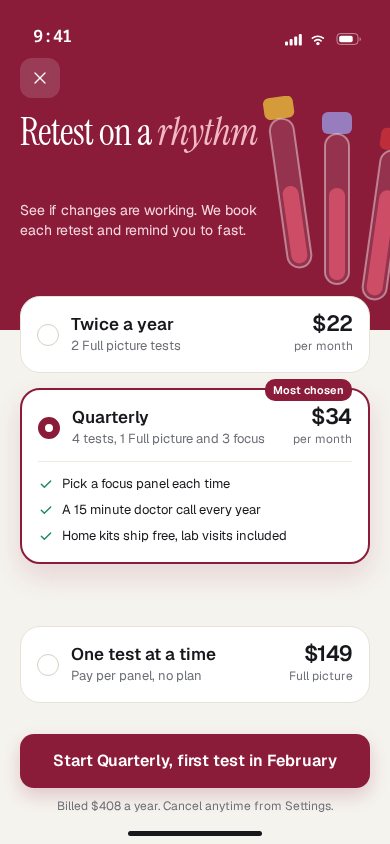 Labwork Retest plans: Book blood tests and see results, Clinical
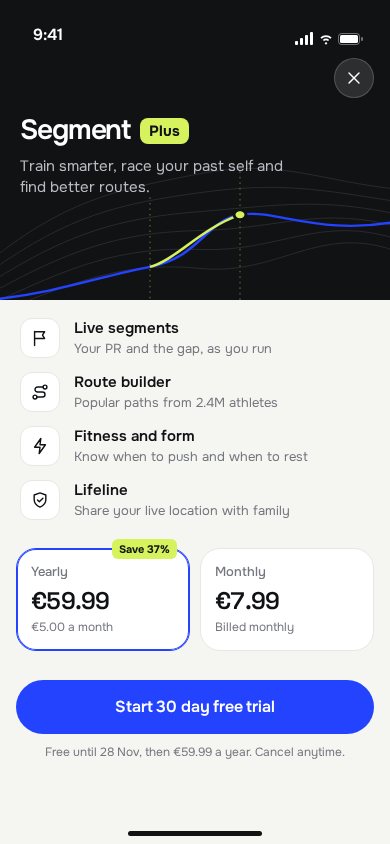 Segment Plus: Runs and rides with friends, Minimal
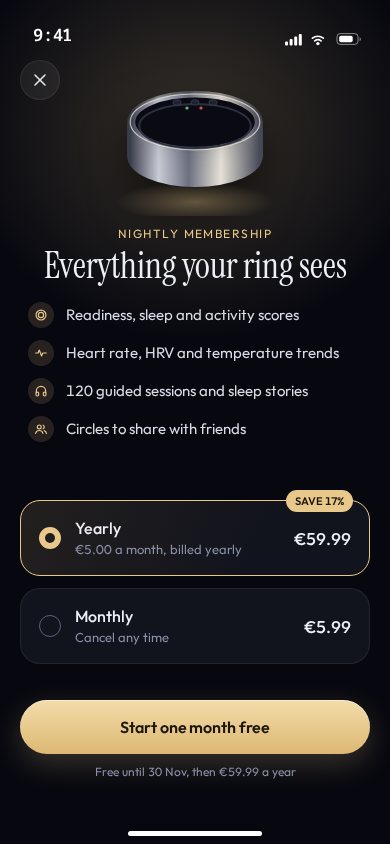 Nightly Membership: Smart ring sleep and readiness, Dark-first, dark
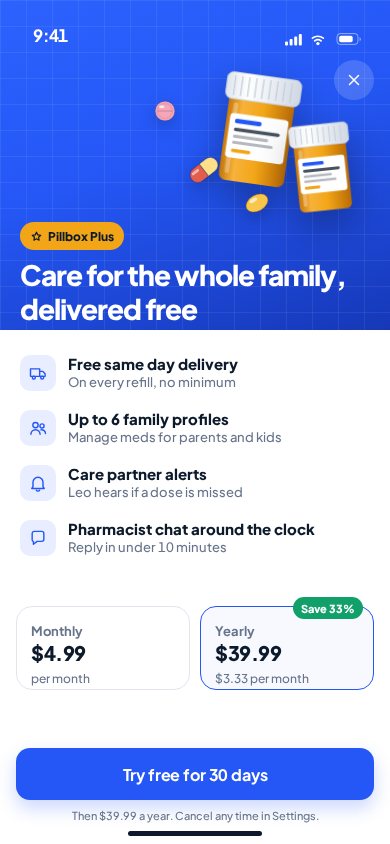 Pillbox Plus: Pharmacy refills and medicine reminders, Clinical
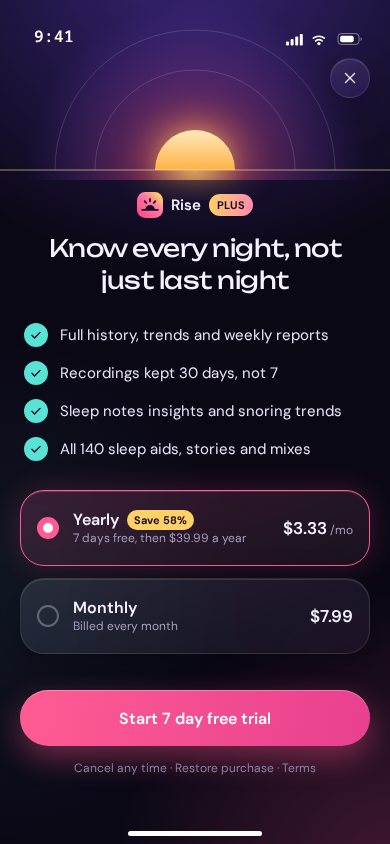 Rise Plus: Alarm clock and sleep cycles, Glass, dark
- Level Plus: Glucose monitor companion, Clinical
- Reformer Class packs: Pilates studio booking, Luxury
- Sip Plus: Water intake and hydration, Playful
- Mend Plus: Physio and rehab exercises, Minimal
- Tabata Plus: HIIT interval timer, Neubrutalism
- Jab Pro: Boxing workouts with a smart bag, Dark-first, dark
- Exhale Plus: Breathwork sessions, Glass, dark
- Bump Plus: Pregnancy week by week, Glass
- Locker Membership: Gym membership and class booking, Brutalist
What makes a good fitness app paywall screen
- Lead with the outcome, not the feature list. The headline should say what changes for the person: "Train smarter every week" beats "Unlock Premium". Three to five benefits underneath are enough; more turns into a wall of ticks nobody reads.
- Show the real price, period and trial terms. State the price, how often it renews and when a free trial turns into a charge, near the button. Apple's App Store guideline 3.1.2 asks subscription apps to make this clear before purchase, and Google Play has similar rules.
- One primary button. The main call to action should be impossible to miss and say what happens: "Start 7-day free trial" or "Subscribe for $4.99/month". A second plan choice is fine; a second competing button is not.
- Make the plans easy to compare. When you offer monthly and yearly, show both prices in the same unit (per month or per week) and mark the saving on the yearly plan in plain numbers, not just a badge.
- Give people a way out. A visible close button or "Not now" keeps trust. Hiding it, or making people wait for it, makes the screen feel like a trap and invites angry reviews.
- Restore and legal links belong on the screen. Restore purchases, terms of use and privacy policy should be reachable from the paywall itself. They are small, but people who already paid on another device look for them first.
- Match the rest of the app. A paywall that suddenly switches fonts, colours or tone looks like an ad. Keep the app's own design language so the upgrade feels like part of the product.
The full paywall screen guide: layouts, mistakes and questions
Paywall screens in other kinds of app
- Lifestyle app paywall screens (64)
- Productivity app paywall screens (59)
- Social app paywall screens (42)
- Travel app paywall screens (39)
- Finance app paywall screens (39)
- Food app paywall screens (29)
- Education app paywall screens (29)
- Sports app paywall screens (22)
- Smart home app paywall screens (20)
- Music app paywall screens (19)
Other fitness app screens
- Fitness app onboarding screens
- Fitness app sign in and sign up screens
- Fitness app home screens
- Fitness app search and explore screens
- Fitness app list and feed screens
- Fitness app detail screens
- Fitness app booking and checkout screens
- Fitness app success and confirmation screens
- Fitness app profile screens
- Fitness app settings screens
- Fitness app dashboard and stats screens
- Fitness app player, camera and editor screens
- Fitness app live tracking screens
- Fitness app form and input screens