Templates · Form and input screens · Lifestyle app · Column
Column Compose screen
A form screen from Column, a newsletters and independent writers app template in a Minimal style. Screen 21 of 25.
Column is a complete newsletter app for readers and independent writers: welcome, topics and sign in, an inbox of new posts from subscriptions, discover with rising publications, search, a publication home, a long read with highlights, comments, an audio version, a library and saved highlights, a paid plan with checkout and a confirmation, a writer profile, subscriptions, notifications, and a writer studio with subscriber and revenue stats, post stats, a composer, send settings and a published screen, plus profile and settings. Paper white and ink with an ultramarine accent and highlighter yellow.
| Detail | Value |
|---|---|
| Screen type | Form |
| App | Column: Newsletters and independent writers |
| Category | Lifestyle |
| Design language | Minimal, light |
| Type | Fraunces for headings, Onest for text |
| Colours | #fbfaf7 background, #ffffff surface, #15161a text, #6f6e69 text-muted, #3346d3 accent, #ffffff accent-contrast, #ffe680 secondary, #e9e7e0 border, #d6452f danger |
What this screen says
- DraftSaved 9:38
- Next
- N NorthboundDispatches
- Twelve hours on the Nordland line
- Snow, a dining car and the slowest way north
- Caption
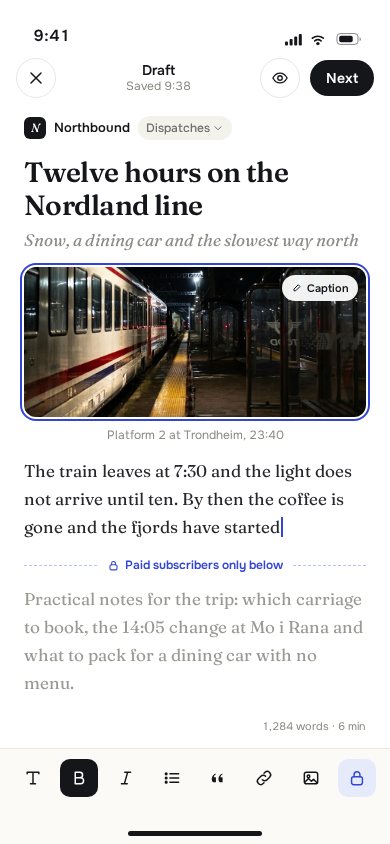
- Platform 2 at Trondheim, 23:40
- The train leaves at 7:30 and the light does not arrive until ten. By then the coffee is gone and the fjords have started
- Paid subscribers only below
- Practical notes for the trip: which carriage to book, the 14:05 change at Mo i Rana and what to pack for a dining...
- 1,284 words · 6 min
Around it in Column
More form and input screens
- Emporia Address: Everything store
- Sable Delivery: Fashion store
- Bazaar Make offer: Local buy and sell
- Kiln Filters: Handmade marketplace
- Drape Sizes and fit: AI wardrobe and daily outfits
- Mane Hair profile: AI hairstyle try-on
- Annex Room type: AI interior redesign
- Kino Rate: Film and series streaming
- Stitch Add yarn: A knitting companion drawn as one big knitting chart
- Roost Add item: Your shared house, stuck to the fridge door
- Grain Export: Camera and photo editor
- Posy Build a bouquet: Flower delivery and weekly stems
Every lifestyle app form screen
What makes a good form screen
- Ask only what you need. Every field is a reason to stop. Remove optional fields or move them to later.
- Labels above fields. Visible labels stay readable while people type; placeholder-only labels disappear.
- Use the right keyboard and input. Number pads for amounts, email keyboards for email, pickers for dates and autofill for addresses and codes.
- Validate as people go. Show problems next to the field when people leave it, in words that say how to fix them.
The full form screen guide and every example
Remix Column free: describe your own app and it is drawn in this design. Or get its files from $10: Figma, React Native, SwiftUI, Flutter and HTML.